Machine Learning in Dashboards
Experimental Feature
This is an experimental feature available to trial users. It is in active development and may be significantly changed or removed.
This set of features introduces machine learning functionality in dashboards to enhance data visualization and decision-making. This experimental feature is designed to be accessible to all users, from business executives to data scientists, offering ML insights with a single click. The one click solution allows you to generate forecasts and detect anomalies effortlessly, though it is not a substitute for comprehensive ML tools and relies on high-quality data for accurate results.
Detect Outliers
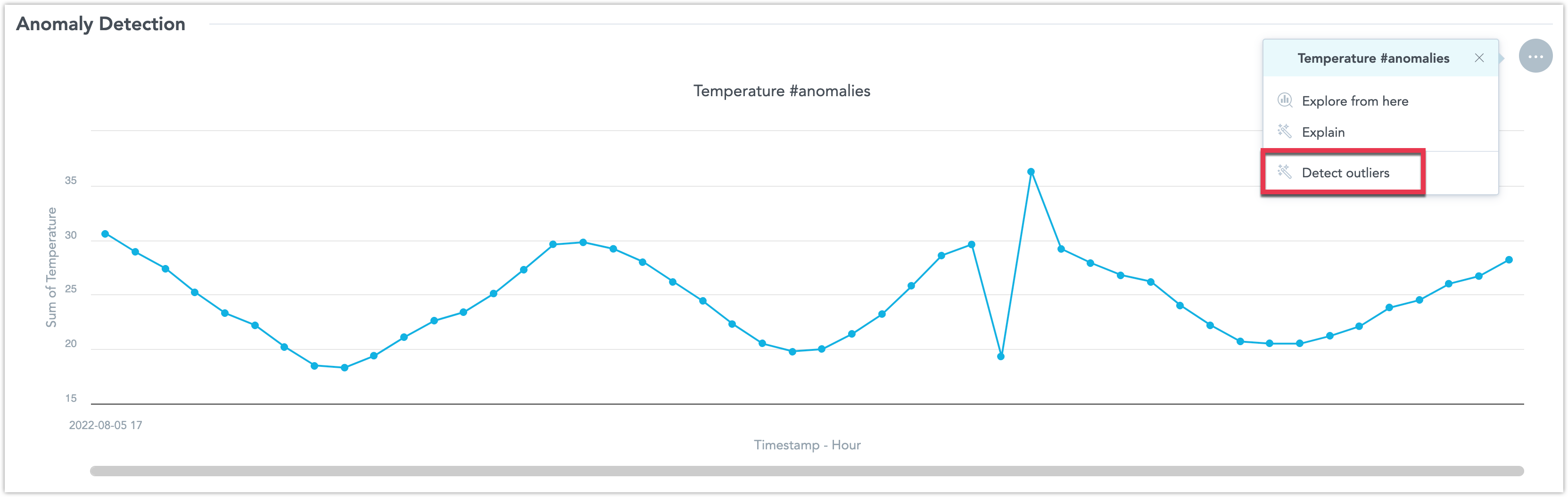
To create a visualization which detects outliers, you need to create a line chart that includes the string #anomalies in its name when you are creating it in the Analytical Designer. Only one # string per visualization is allowed. You can later rename it in the Dashboard edit view.
Steps:
Open the dashboard in Edit mode.
Open the visualization’s context menu and select Detect outliers.
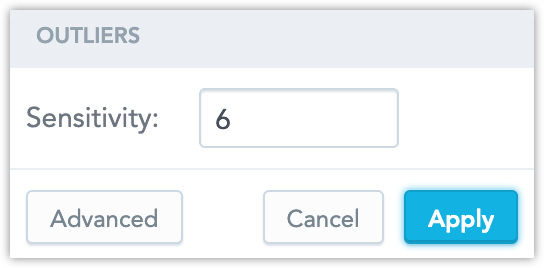
Set a sensitivity and click Apply.
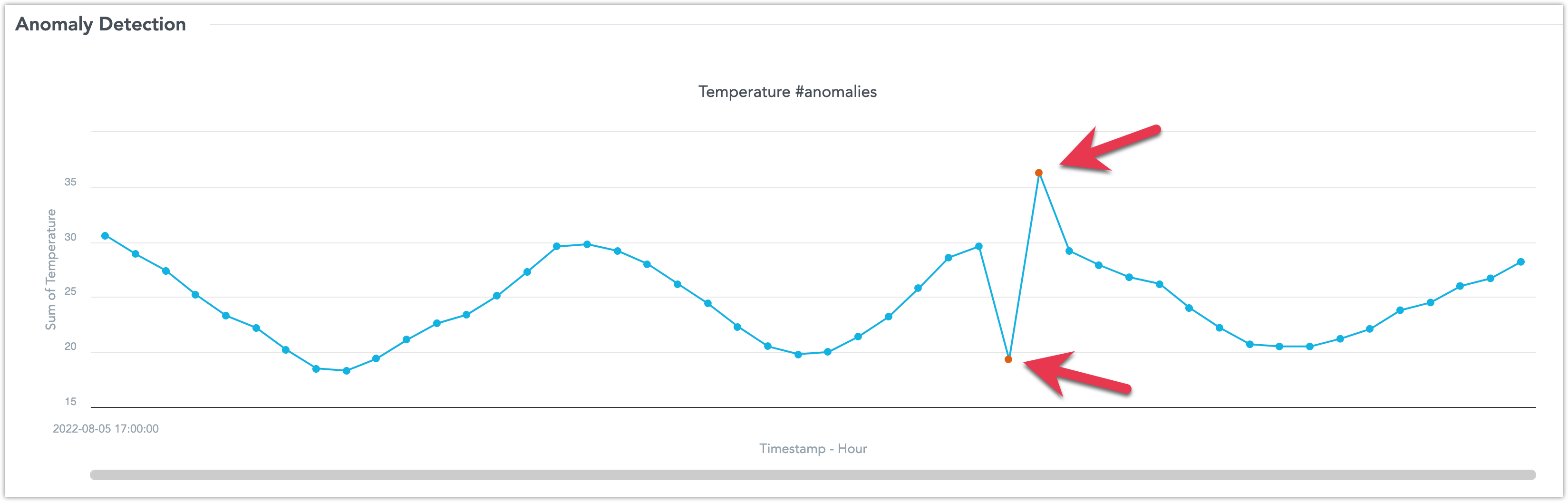
The algorithm detects and highlight data point outliers:
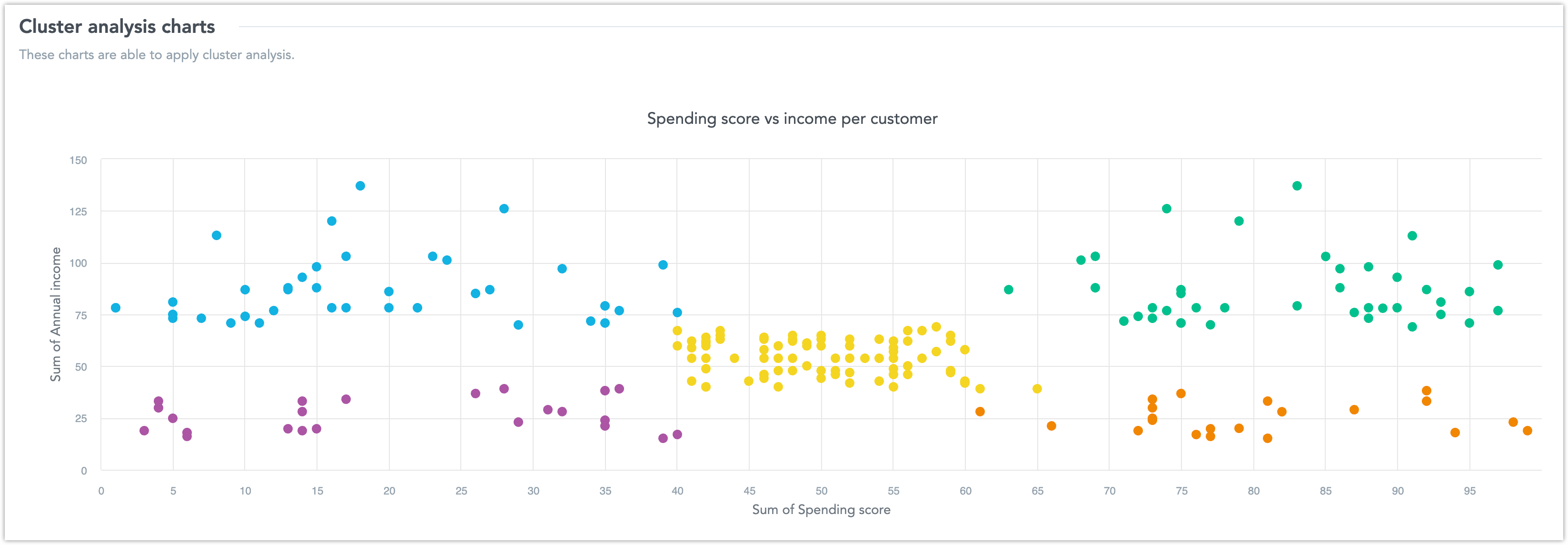
Highlight Data Clusters
To create a visualization which highlights data clusters, you need to create a scatter plot that includes the string #cluster in its name when you are creating it in the Analytical Designer. Only one # string per visualization is allowed. You can later rename it in the Dashboard edit view.
Steps:
Open the dashboard in Edit mode.
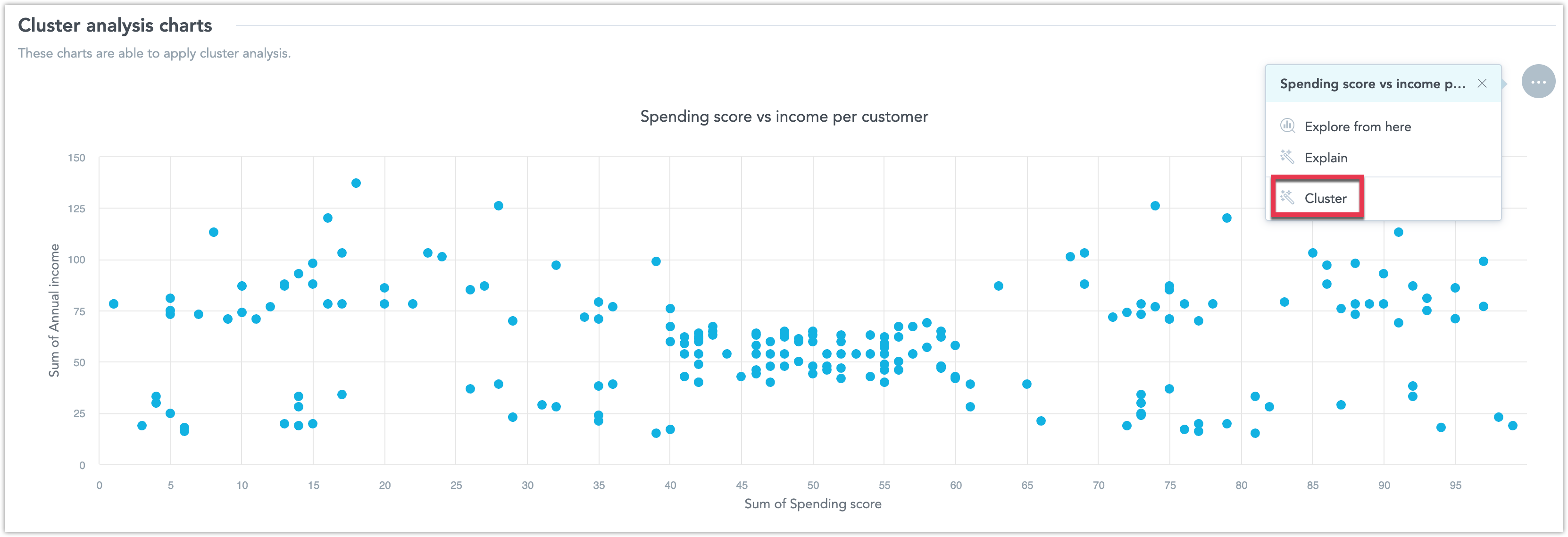
Open the visualization’s context menu and select Cluster.
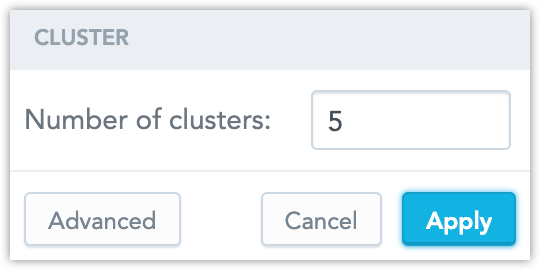
Set how many different clusters you want your data to be categorized into and click Apply.
The algorithm detects and highlights the data clusters: