What's New in GoodData Cloud Native?

Subscribe to GoodData Updates
Receive regular insights from GoodData delivered directly to your inbox.
GoodData.CN 4.15.0
Key Driver Analysis is now generally available.
Key Driver Analysis helps users understand what contributed most to a change in a selected metric. Users can run the analysis from dashboard visualizations, from visualizations created by the AI Assistant, or by asking the AI Assistant why a metric changed in a specific period.
The analysis compares selected data points, identifies the strongest drivers behind the change, and shows the results in an interactive KDA window. Users can review driver details, drill deeper into a driver, adjust filters and comparison periods, and rerun the analysis with updated inputs.
Analytics builders can control where Key Driver Analysis is available, including metric-level and visualization-level settings. They can also define which attributes should be analyzed for a metric, helping improve performance and keep results focused on relevant drivers.
See the Key Driver Analysis section for details.
Tool search is now the default behavior for the GoodData MCP Server. Generated API tools are enabled by default as well.
The initial MCP tool list now contains search_tools and call_tool instead of listing every available tool individually. All existing tools remain available and callable by name. Nothing is removed. Generated tools cover workspace-scoped metadata API GET operations and allowlisted POST create operations. Find them with search_tools, or call a tool you already know by name.
This change affects integrations that rely on reading the full tool list from tools/list to decide which tools are available. Upgrading to 4.15 applies these defaults unless your Helm values already set enableMcpToolSearch or enableMcpGeneratedTools.
Action Required
Review your MCP integration and make sure it uses one of the supported approaches:
- call
search_toolsto find the right tool, then callcall_tool - call the tools your integration needs directly by name
Off-the-shelf MCP clients with tool-search support are expected to continue working without changes.
To keep the previous behavior, set enableMcpToolSearch and enableMcpGeneratedTools to false in your Helm values.
See the MCP Server Tool Search documentation for details.
The auth-service microservice has been removed. Its responsibilities moved to other services in earlier releases: the API Gateway (api-gw) serves the OIDC sign-in flow, Dex user management, and /api/v1/schemas/auth, and metadata-api serves /api/v1/profile and /api/v1/actions/invite. No API endpoint changes in this release.
If you are upgrading from 4.13.x or older, upgrade to 4.14 first. A direct jump briefly breaks the post-login call while the API Gateway rolls out. See Version 4.15.0 in the upgrade guide.
Any authService: block left in your gdcn-values.yaml is now ignored. The chart does not validate or reject it, so a stale override fails silently. Remove the block.
One value needs to be moved rather than deleted. If you enabled invitations, rename the key:
# Before (4.14 and older)
authService:
  pulsar:
    inviteGenerator:
      enabled: true

# From 4.15
metadataApi:
  pulsar:
    inviteGenerator:
      enabled: true
The Pulsar topic and message TTL are unchanged. If the key is not moved, POST /api/v1/actions/invite responds with 403, which reads as a permission problem rather than a missing configuration value. Both keys default to false, so this affects only deployments that explicitly enabled invitations.
GoodData.CN 4.14.1
GoodData.CN 4.14.1 fixes a security issue in user-management filters.
An organization administrator could craft a filter so that a user or user-group query read metadata it should not have returned. Where several organizations share one database, that could include users, permissions, and workspace structure from another organization.
In a single-organization deployment, the impact is low, because the organization administrator already has access to that data.
GoodData identified this issue through its internal code review. It was not reported externally.
Upgrade to 4.14.1 to apply the fix. No configuration change is required.
GoodData.CN 4.14.0
We will be changing how tools are listed by the GoodData MCP Server. Starting October 1, 2026, tool search becomes the default. The initial MCP tool list will contain search_tools and call_tool instead of listing every available tool individually.
All existing tools remain available and callable by name. Nothing is removed. The change affects integrations that rely on reading the full tool list from tools/list to decide which tools are available.
Action Required
Before October 1, 2026, review your MCP integration and make sure it uses one of the supported approaches:
- call
search_toolsto find the right tool, then callcall_tool - call the tools your integration needs directly by name
Off-the-shelf MCP clients with tool-search support are expected to continue working without changes. You can test the new behavior now by enabling Extended MCP Tools in your organization’s Early Access settings.
See the MCP Server Tool Search documentation for details.
Cache Retention Policy is now generally available.
Users with data source management permissions can now define how long cached results remain valid for a data source, or configure scheduled cache invalidation to align with expected data refreshes.
This helps keep analytics results fresh without requiring custom cache invalidation logic in data pipelines. For example, you can set cached results to expire after a defined period, or invalidate the cache on a schedule after an ETL process completes.
Each data source can use either a cache validity period or scheduled invalidation. Cache policy changes are recorded in the audit log.
See the Automatic Cache Clearing section for details.
Additional date and time granularities are now generally available.
Analytical Designer now provides more options for grouping date attributes, including Minute of day and second-level values such as Second, Second of day, and Second of minute.
These granularities make it easier to analyze time-based patterns directly in GoodData Cloud, for example, activity by minute of the day or second-level event data, without creating custom computed attributes or separate time-bucket fields in the data pipeline.
The new options are available from the date attribute Group by menu under More options.
See Dates and Granularity Levels in a Date Dataset for more details.
Dashboard authors can now choose a time zone for a dashboard. The selected time zone takes priority over the time zone configured in user or workspace settings and is used for dashboard filters and time-based data where applicable.

Selecting a time zone is optional. The default is unchanged: dashboards continue to use the time zone from the existing settings, so current dashboards behave as before.
For backward compatibility, the default behavior remains driven by the existing time zone settings unless the dashboard author changes it.
See the Configure the Dashboard Time Zone section for details.
Textual What-if Parameters are now generally available.
Analytics engineers can define governed string parameters in the semantic layer and reference them in MAQL metric definitions. This lets one metric support multiple business interpretations, such as Actual, Plan, Forecast, or other scenario-based logic, without duplicating metric definitions.
Textual parameters can be used in parameterized metrics, visualizations, and dashboards. Dashboard users can change the parameter value at runtime to explore different assumptions, while the metric logic remains governed and reusable.
This release supports single-value textual parameters, including free-text input and constrained values shown as dropdown controls. Active parameter values are preserved in dashboard interactions such as saved views, share links, exports, alerts, scheduled exports, cross-filtering, and drilling.
See the Use a String Parameter section for details.
Conditional formatting in pivot tables is now generally available.
Previously an experimental feature, conditional formatting lets dashboard creators apply visual formatting rules to individual metrics and attributes in a pivot table, making patterns, exceptions, and status categories easier to spot without creating helper metrics or writing formatting syntax.
Each rule combines a condition, such as a metric threshold or an attribute value, with the formatting style to apply when the condition is met. Rules are created in Configuration > Conditional formatting for pivot tables in the Analytical Designer, are saved with the visualization, and are applied on dashboards and in embedded content.
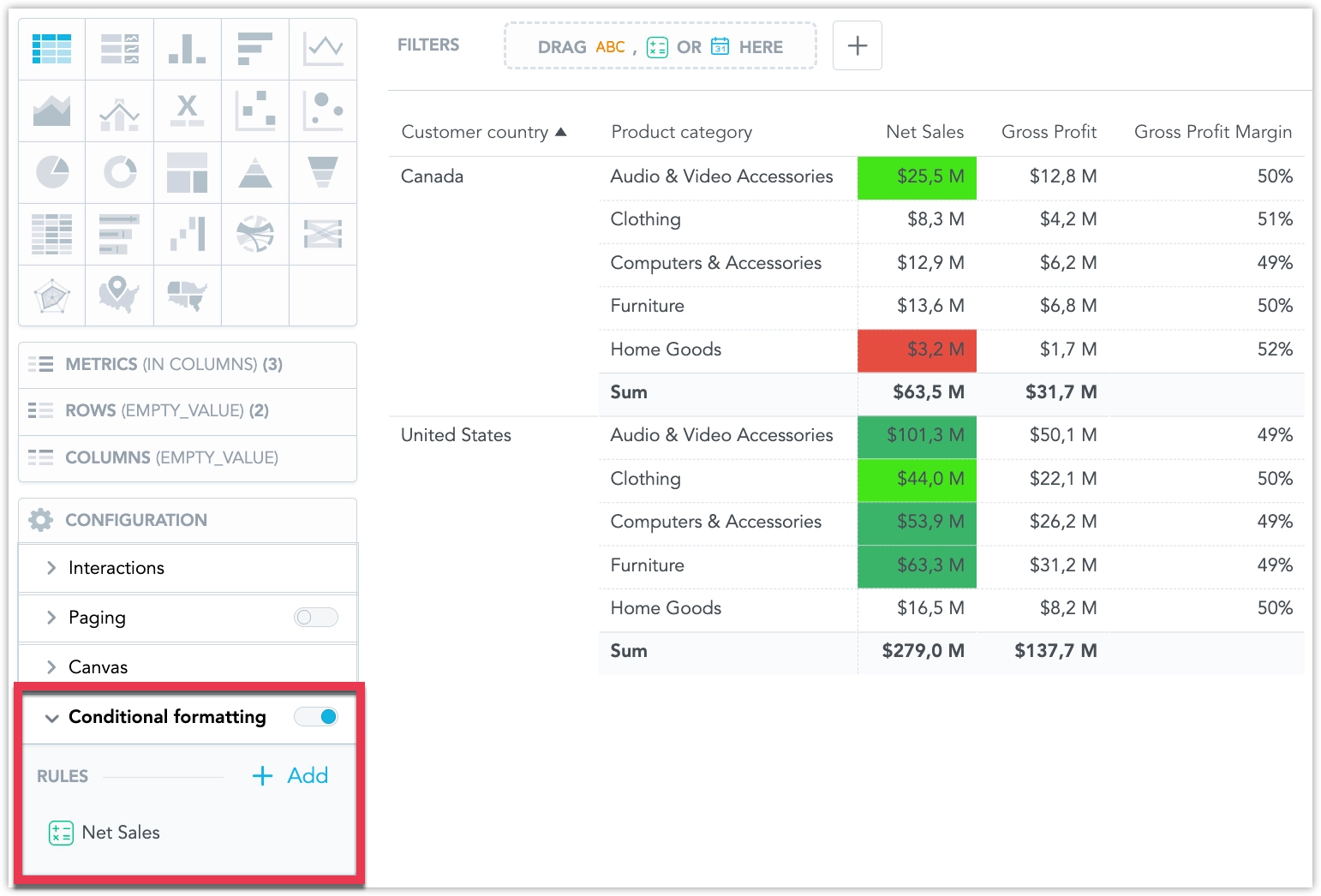
See Conditional Formatting for details.
GoodData.CN services can now scale horizontally with load. Autoscaling is built into the Helm chart using KEDA, which manages a standard Kubernetes HorizontalPodAutoscaler (HPA) for each service. Enable it with kedaAutoscaling.enabled: true.
UI and core API services scale on CPU. export-builder and gen-ai-metadata-sync can also scale on workload metrics.
See Configure Autoscaling for prerequisites, which services scale, and how to tune or disable it.
GoodData.CN 4.13.2
We improved export logging in GoodData.CN to make troubleshooting export failures easier.
Export-related logs now include the workspaceId structured field more consistently across scheduled and on-demand export processing. This applies to export-controller message handlers and export-builder processing for supported export formats.
With this update, administrators and support teams can more easily identify which workspace triggered an export failure and correlate related export logs during investigation.
GoodData.CN 4.10.5
A query optimization that factors filters into nested conditions could rewrite filters into a shape that builds much larger joins, causing visualizations that previously worked to fail against ClickHouse data sources with Query memory limit exceeded.
The optimization is now controlled by the enableNestedFilterFactoring feature flag, which is enabled by default in 4.10.5. Disable it if you encounter these errors.
GoodData.CN 4.13.1
GoodData.CN 4.13.1 adds new opt-in configuration options that help deployments align with Kubernetes security policies, including environments that use OPA Gatekeeper.
These options strengthen the Kubernetes security posture of GoodData-managed components and can be enabled through Helm configuration.
The changes are opt-in and do not affect existing deployments unless enabled.
We fixed an issue that could prevent the organization-controller from starting in some GoodData.CN 4.13.0 deployments.
In affected Kubernetes environments, stricter certificate validation could reject the Kubernetes API server certificate when the certificate did not include an Authority Key Identifier extension. This could cause organization-controller replicas to enter CrashLoopBackOff.
GoodData.CN 4.13.1 restores compatibility with these Kubernetes certificate configurations while keeping TLS verification enabled. Upgrade to GoodData.CN 4.13.1 if you are affected by this issue.
GoodData.CN 4.13.0
NULL-safe joins for dataset references are now generally available.
When enabled, relationship keys containing NULL on both sides of a join are treated as matching values. This differs from the semantics of the standard SQL equality operator, where NULL is not equal to NULL.
NULL-safe joins can prevent analytical results from containing multiple rows with empty attribute values when those rows should be grouped into a single row.
The feature is turned off by default and must be explicitly activated. Because NULL-safe joins can make queries slower, make sure that attribute-column nullability is defined accurately in the data model. This can limit the performance impact to queries that require NULL-safe joins.
See the NULL Joins section for details.
The GoodData.CN Helm chart now sets MALLOC_ARENA_MAX=2 by default for all JVM-based services, controlled by the new jvmMallocArenaMax chart value.
This caps glibc’s malloc arena allocation, which previously caused slow, unbounded native (non-heap) memory growth in long-running JVM services and could eventually lead to out-of-memory kills after several days without a restart. This is a known interaction between glibc’s malloc allocator and multi-threaded JVM processes, not a GoodData-specific issue; see JDK-8193521 and the mallopt(3) Linux manual page for background.
No action is required. The new default applies automatically when you upgrade to a chart version that includes this change, and it has no performance or latency impact. If you have a specific reason to disable the cap, set jvmMallocArenaMax: "" in your Helm values.
We fixed a high-severity vulnerability in the API Gateway that allowed an unauthenticated remote request to reach internal diagnostic endpoints and retrieve a full JVM heap dump, which can contain gateway-held secrets such as internal database credentials, cached identity provider client secrets, and session tokens.
GoodData.CN versions 3.46.0 through 4.12.1 are affected; the fix is also available in the 4.10 LTS line starting with GoodData.CN 4.10.3.
For exposure details and guidance on verifying your own environment, see Version 4.13.0 in the upgrade guide.
GoodData.CN 4.10.4
We fixed an issue that could block GoodData.CN upgrades on the 4.10.x LTS line.
Some installations could fail to upgrade when GenAI services were disabled and later re-enabled, or when the GenAI database migration state was out of sync with the actual database schema. In affected environments, the pre-upgrade migration step could fail with a DuplicateTableError, blocking the Helm upgrade.
The migration now handles databases that are already in the expected state and can complete without manual intervention.
No customer action is required after upgrading to GoodData.CN 4.10.4. No data was affected.
GoodData.CN 4.10.3
We fixed an issue in GoodData.CN that could block upgrades to the 4.10.x LTS line when the GenAI database migration job encountered an already missing database index.
In affected environments, the gen-ai-db-migrate pre-upgrade job could fail and stop the Helm upgrade from completing.
The migration is now more tolerant of existing database schema differences and can complete without requiring manual index recreation.
We fixed a security issue in the GoodData.CN API Gateway related to health and diagnostic endpoints.
The fix strengthens endpoint isolation and removes unsupported JVM heap dump and thread dump endpoints from the gateway. Standard health checks continue to work as expected on the intended probe connector.
We recommend upgrading to GoodData.CN 4.10.3 if you are using the 4.10 LTS line. For exposure details and guidance on verifying your own environment, see Version 4.13.0 in the upgrade guide.
GoodData.CN 4.12.1
GoodData.CN 4.12.1 fixes a critical issue in GoodData.CN 4.12.0 that could cause some analytical results to change unexpectedly.
GoodData.CN 4.12.0
Critical Issue
Important: GoodData.CN 4.12.0 contains a critical issue that may cause some analytical results to change unexpectedly. We recommend that customers do not upgrade to this version. A patch release addressing the issue will be published soon.
We are releasing a new unified AI experience. Highlights include:
- AI Hub and Agent Builder: Configure assistant agents (personality, skills, knowledge access, audience) and organization AI settings (providers, data sharing, query limits). Includes usage tiles. AI Hub.
- Agent Switcher and Conversations: Switch agents in the same chat; open, pin, and return to saved conversations. Agent Switcher, Manage Conversations.
- Embedded Assistant: Use the assistant in an embedded dashboard iframe; control via
postMessageandshowAssistant. AI Assistant in Iframes. - AI Knowledge: Ingest Markdown/text at organization or workspace level; search local and inherited documents with citations; inherited downward. AI Knowledge.
- AI Memory: Organization/workspace rules that guide terminology and responses without changing the semantic model. AI Memory.
- Summarization: Summarize a visualization or dashboard tab using current results, filters, and drill. No export needed. Summarize Visualizations and Dashboards.
- Alerts from Chat: Create, pause, and update metric alerts (thresholds/ranges, schedules, recipients, channels). Alert Creation Skill.
- Anomaly Detection: Detect spikes, drops, and outliers in chat; see a visualization and, when allowed, a short explanation. Anomaly Detection Skill.
- MCP Server: Connect IDE/chat agents via MCP to browse metadata, create metrics, run exports, and manage alerts with permissions enforced. GoodData MCP Server.
- Model Providers: Configure providers/models and set organization/workspace defaults. Configure LLM Providers and Models.
- Data Sharing: Opt-in control over sending results/knowledge to models; when off, related features are limited. Sharing Data With AI.
This current AI Assistant will be deprecated in upcoming GoodData.CN releases.
Numeric What-if Parameters
You can now use numeric what-if parameters to make dashboard metrics more interactive and reusable.
Analytics engineers can define governed numeric parameters in the semantic layer and reference them in metric definitions. This lets a single metric express different business assumptions at runtime, such as price changes, cost changes, growth assumptions, or target values, without creating duplicate metrics.
See the Numeric Parameters section for details.
Ranking Filter Improvements
Ranking filters now provide more control over how ranked results are selected in Analytical Designer.
You can now choose from additional ranking options:
- Top (Strict) – returns the exact number of top results, with tied values selected randomly when needed
- Bottom (Strict) – returns the exact number of bottom results, with tied values selected randomly when needed
You can also use a different metric for the ranking condition than the metrics displayed in the visualization. For example, you can show revenue by product while ranking products by quantity sold.
Ranking filters can also be evaluated at a different level of detail than the visualization. For example, you can show revenue over time while filtering the visualization to the top 10 products by revenue.
See the Use Ranking Filter section for further information.
The GoodData MCP Server now includes a new run_export tool for creating dashboard PDFs, slide decks, tabular exports, raw execution snapshots, and widget images.
The MCP Server can also expose selected workspace-scoped GoodData API operations as tools, including GET endpoints and allowlisted POST create operations from the metadata API.
To keep the expanded tool set manageable, compatible MCP clients can use tool search to discover tools on demand. Generated API tools and tool search are controlled by feature flags.
See the GoodData MCP Server section for further information.
We are preparing an update to embedded analytics URLs.
The migration is planned for August 13, 2026. If you embed GoodData dashboards or other embedded analytics content, review your application configuration before this date.
The new embedded URLs are already available in production, and you can switch to them now. The change is same-origin: the host and port stay the same, only the URL path changes.
What Changes
Dashboard embeds:
- Old URL:
https://<host>/dashboards/embedded/#/workspace/<workspaceId>/... - New URL:
https://<host>/embedded/workspace/<workspaceId>/dashboards/#/...
Analytical Designer and insight embeds:
- Old URL:
https://<host>/analyze/embedded/#/<workspaceId>/... - New URL:
https://<host>/embedded/workspace/<workspaceId>/analyze/#/...
Action Required
Before August 13, 2026, either:
- update your embed integrations to use the new URLs, or
- make sure your embedding environment allows the automatic redirect from the old URLs to the new URLs.
This is important if your application restricts which URLs an iframe may load. Review any configuration that limits embedded URLs by path, including:
Content-Security-Policyheadersframe-srcorchild-srcdirectives- reverse proxy, CDN, firewall, or network allowlists
- application-level allowlists for iframe URLs
If your configuration allows GoodData by origin only, for example https://<host>, and does not restrict specific paths, no security configuration change is needed.
On August 13, 2026, we will enable an automatic redirect from the old embedded URLs to the new ones. Until then, the old URLs continue to work unchanged.
GoodData.CN 4.10.2
We fixed an issue that could cause data loss when processing large bulk update operations.
This release triggers a metadata synchronization to ensure that metadata consumers receive the latest metadata.
GoodData.CN 4.10.1
We fixed an issue with CSV Raw Exports in which an export could return a cached file that did not reflect a recently updated User Data Filter.
The issue affected only exports requested by the same user. There was no cross-user data exposure.
GoodData.CN 4.11.0
In addition to the updates listed below, this release also includes minor bug fixes and security updates that improve the overall stability and security of GoodData.CN.
We are preparing an update to embedded analytics URLs.
The migration is planned for August 13, 2026. If you embed GoodData dashboards or other embedded analytics content, review your application configuration before this date.
The new embedded URLs are already available in production, and you can switch to them now. The change is same-origin: the host and port stay the same, only the URL path changes.
What Changes
Dashboard embeds:
- Old URL:
https://<host>/dashboards/embedded/#/workspace/<workspaceId>/... - New URL:
https://<host>/embedded/workspace/<workspaceId>/dashboards/#/...
Analytical Designer and insight embeds:
- Old URL:
https://<host>/analyze/embedded/#/<workspaceId>/... - New URL:
https://<host>/embedded/workspace/<workspaceId>/analyze/#/...
Action Required
Before August 13, 2026, either:
- update your embed integrations to use the new URLs, or
- make sure your embedding environment allows the automatic redirect from the old URLs to the new URLs.
This is important if your application restricts which URLs an iframe may load. Review any configuration that limits embedded URLs by path, including:
Content-Security-Policyheadersframe-srcorchild-srcdirectives- reverse proxy, CDN, firewall, or network allowlists
- application-level allowlists for iframe URLs
If your configuration allows GoodData by origin only, for example https://<host>, and does not restrict specific paths, no security configuration change is needed.
On August 13, 2026, we will enable an automatic redirect from the old embedded URLs to the new ones. Until then, the old URLs continue to work unchanged.
GoodData.CN 4.11 includes backend preparation for the next generation of the AI Assistant.
The required backend setup is triggered automatically after startup and does not change the current AI Assistant experience. However, it prepares the environment for the upcoming AI Assistant release. No action is required.
GoodData.CN 4.10.0 (LTS)
Long-Term Support (LTS) Version
This is an LTS release. See Releases and Version Tags for what that means and how long the line is maintained.
React SDK: Deleted Dashboard Filters Bug
Certain React UI SDK versions contained a bug that could delete dashboard filters during dashboard use.
Affected public versions: v11.35.0, v11.36.0, v11.38.0, and v11.39.0, including the minor versions.
This bug is fixed in version v11.40.0.
Action required:
- Upgrade your application to v11.40.0 or newer.
- Redeploy your application.
- Verify the exact React SDK version bundled and shipped in your deployed application.
The affected versions are now marked as deprecated on npm.
When a visualization reaches data limits, GoodData.CN can now show a subset of the data instead of displaying a blocking error. This helps users continue working with large datasets while keeping dashboards responsive.
Even when only partial data is displayed in a visualization, users can still export all data in raw CSV format when needed.
See the Partial Data Results section for more details.
IP Allowlists
Organization administrators can now create IP allowlist policies to restrict access to a GoodData organization by source IP address.
You can define allowed IPv4 or IPv6 addresses and CIDR ranges, and assign policies to selected users or user groups. This helps protect sensitive user accounts, administrator accounts, and technical accounts with API tokens by allowing access only from trusted networks.
See IP Allowlists for details.
Change to Default Helm Chart Value
The Helm chart value exportController.useNewExportFlow is now set to true by default.
GoodData.CN 4.9.0
GoodData.CN now always handles OIDC sign-in, JWT bearer authentication, and API-token validation in the API Gateway.
The temporary opt-out for gateway-side authentication has been removed. The following Helm values can no longer be used to disable this behavior:
enableGatewayOauthenableGatewayJwtenableGatewayApiTokensapiGw.oauth.enabledapiGw.jwt.enabled
If you previously set any of these values to false, remove the overrides from your Helm configuration before upgrading.
Gateway-side authentication continues to use the server-side session model introduced earlier, with GD_SESSION_ID as the primary session cookie and GD_OAUTH_FLOW as the short-lived sign-in flow cookie.
If you use a WAF, CDN, reverse proxy, or any other component that filters cookies by name, make sure the following cookies are allowed:
GD_SESSION_IDGD_OAUTH_FLOW
See the Upgrade to GoodData.CN 4.0 section for further details.
Grouped Dashboard Filters are now generally available.
Dashboard filters can now be organized into named, collapsible sections in the filter bar. This makes dashboards with many filters easier to read and use.
See the Grouped Dashboard Filters section for more information.
Numeric Filtering on Dashboards is now generally available.
Dashboard authors can add numeric filters based on metrics and apply them across compatible visualizations. This lets dashboard users filter aggregated results by metric values, for example revenue above a threshold or customers within a specific range.
Authors can configure the condition, default value, filter title, and where the filter applies. Viewers can adjust the filter and save it in dashboard views.
See the Numeric Filters on Dashboards section for detailed information.
You can now configure custom data point tooltips in Analytical Designer and use them in dashboard widgets.
Custom tooltips let you add rich text content before or after the default tooltip content, or replace it entirely. They support formatted text, links, images, metric values, and single-value attribute and metric references evaluated for the hovered data point. You can also reference metrics and labels that are not included in the visualization itself.
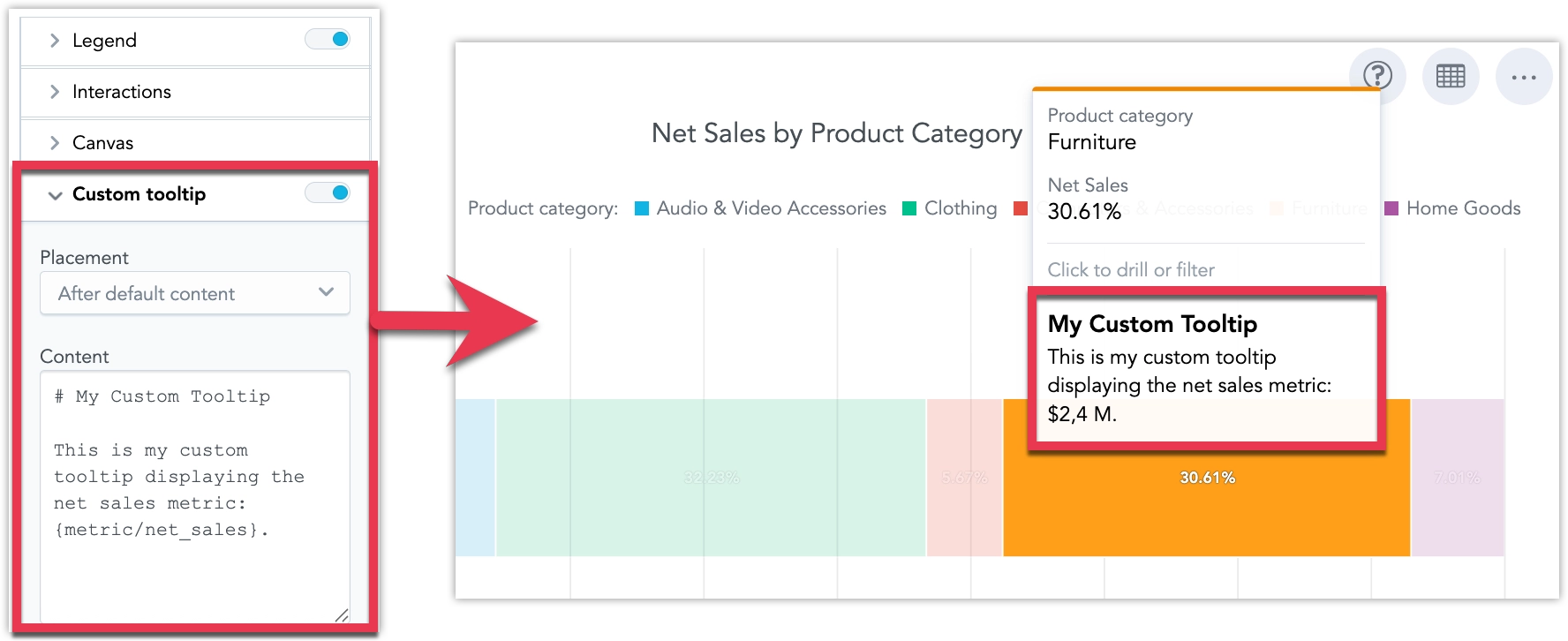
See Custom Tooltips for details.
You can now select export templates directly in the export UI.
Export templates let you customize the layout and appearance of slide deck exports. Templates have already been available through the API, and you can now choose an existing template when exporting from the UI.
Template management remains API-only. You can create and manage export templates through the API, then make them available for users to select during export.
See the Export Templates documentation for details.
We fixed an issue in GoodData.CN that could prevent the GenAI database migration job from completing when the PostgreSQL password contained special characters.
The issue could affect upgrades when the gooddata-cn-gen-ai-db-migrate job processed a database password with characters such as %, #, &, or @.
GoodData.CN now handles GenAI database connection settings safely during migration, so passwords with special characters no longer block the upgrade.
GoodData.CN 4.8.0
Organization administrators can now mark selected user accounts as System users. System users keep their workspace access and permissions, but they are hidden from end-user-facing user selection lists. This helps embedded analytics deployments keep admin and service accounts out of places where end users select people.
System users are excluded from:
- dashboard sharing user lists
- alert and scheduled export recipient lists
- AI Assistant automation creation flows
This makes sharing and automation setup cleaner and helps users select only the relevant end-user accounts.
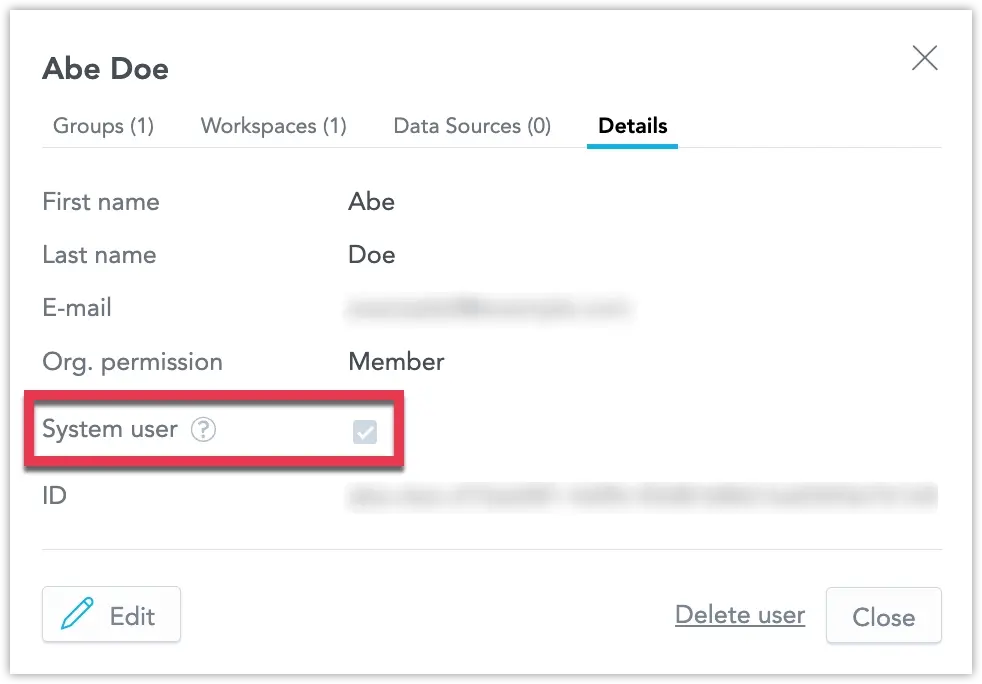
See Manage Users for details.
GoodData.CN 4.7.0
We have upgraded the internal nginx component to address the CVE-2026-9256 vulnerability.
Based on publicly available information, the vulnerability is expected to be exploitable only in environments where Address Space Layout Randomization (ASLR) is disabled. Standard environments typically use ASLR by default. Even so, we recommend upgrading to this GoodData.CN version without undue delay.
Upcoming Change: AI Assistant Will Move to the Agentic Experience (Reminder)
In the coming weeks, we will retire the current AI Assistant and move customers to the new agentic AI Assistant experience.
The new experience keeps the main current capabilities, while introducing a new interaction model and updated UI. It also brings important improvements, including:
- better reasoning about answers
- clarification questions when the Assistant needs more context
- support for new skills and future AI capabilities
- support for multiple agent configurations
- support for AI Knowledge
- support for the A2A protocol
What you should do
- Make sure your configured LLM Provider uses ChatGPT 5.2 and newer. The new experience does not support older models.
- If you use the AI Assistant in embedded mode through the React SDK, update to version 11.32.0 or newer. The switch will happen automatically once the new experience is enabled.
- If you use AI Assistant APIs, you will need to switch to the new API endpoint.
We recommend trying the new Agentic AI Assistant now while it is available as an experimental feature in the platform.
GoodData.CN 4.6.0
GoodData CN 4.6 delivers a set of bug fixes and quality improvements focused on stability, reliability, and smoother day-to-day operation.
While this release does not add new features, it strengthens the overall platform experience and helps ensure a more dependable foundation for future updates.
GoodData.CN 4.5.0
GoodData.CN now handles OIDC sign-in, JWT bearer authentication, and API-token validation in the API Gateway by default.
This change is designed to be seamless. Users who are already signed in remain signed in after the upgrade. No identity provider reconfiguration, client_id change, or user re-authentication is required.
What Changes
Authentication now uses a new server-side session model:
- New primary cookie:
GD_SESSION_ID - Short-lived sign-in flow cookie:
GD_OAUTH_FLOW - Legacy cookies are still accepted during the migration window:
SPRING_SEC_SECURITY_CONTEXTSPRING_SEC_OAUTH2_AUTHZ_CLIENT
On the first request after the upgrade, legacy cookies are automatically exchanged for GD_SESSION_ID and cleared.
Action Required
If you use a WAF, CDN, reverse proxy, or any other component that filters cookies by name, add the following cookies to your allow-list:
GD_SESSION_IDGD_OAUTH_FLOW
After you confirm that no users rely on old sessions, you can remove allow-list rules for the legacy SPRING_SEC_* cookies.
Helm Configuration
Gateway-side authentication is now enabled by default through the following Helm values:
enableGatewayOauthenableGatewayJwtenableGatewayApiTokensapiGw.oauth.enabledapiGw.jwt.enabled
If you need more time to migrate, you can temporarily opt out by setting these values to false. This opt-out option will be removed in a future release.
See the Upgrade to GoodData.CN 4.0 section for further details.
GoodData.CN 4.4.0
GoodData CN 4.4 delivers a set of bug fixes and quality improvements focused on stability, reliability, and smoother day-to-day operation.
While this release does not add new features, it strengthens the overall platform experience and helps ensure a more dependable foundation for future updates.
GoodData.CN 4.3.0
You can now invalidate the result cache at the workspace level through the API.
Previously, cache invalidation was available only at the data source level. With this update, you can now:
- invalidate cache for a specific workspace
- invalidate cache for a specific workspace and data source combination
- continue using data-source-wide invalidation when needed
This gives analytics and data engineering teams more precise control over data freshness, especially in multi-tenant environments where data is updated on different schedules across workspaces.
See the Cache Invalidation section for details.
GoodData.CN 4.2.0
Attribute Filter Improvements
You can use new ways to work with attribute filters in the Analytical Designer and dashboards:
Contains filters
In addition to exact match filtering, you can filter text attributes using operators such ascontains,starts with, andends with, including negative variants. This makes it easier to find matching values without selecting them one by one from a list.Manual value entry
You can type or paste attribute values directly into a filter, even if those values are not currently loaded in the list of available values. This is useful when working with known IDs, codes, names, or copied lists from external systems.
These capabilities make attribute filters more flexible, especially for large datasets and text fields with many distinct values. See the Filter Text Attributes and Filter by Text Condition sections for more details.
Starting with this version, the API Gateway uses database mode by default and reads required data from its own database storage.
The previous gRPC mode is no longer supported.
This change is designed to be seamless and does not require any action. It simplifies the API Gateway setup and improves consistency in how gateway data is resolved.
GoodData.CN 4.1.0
As part of support for AWS Bedrock and Azure Foundry, GoodData is migrating the LLM configuration from LLM Endpoint to LLM Provider.
During the upgrade, existing endpoint configurations will be migrated automatically. This change requires metadata synchronization with the gen-ai-metadata-sync service.
This is a breaking change for LLM configuration management. If you manage LLM settings through SDKs or APIs, update to the required new SDK version and use the new LLM Provider model. This change does not affect the end-user AI experience. Existing AI features continue to work after migration.
Geo charts and geo area charts now support multiple basemap styles, giving you more control over how map-based visualizations look and fit your dashboard design.
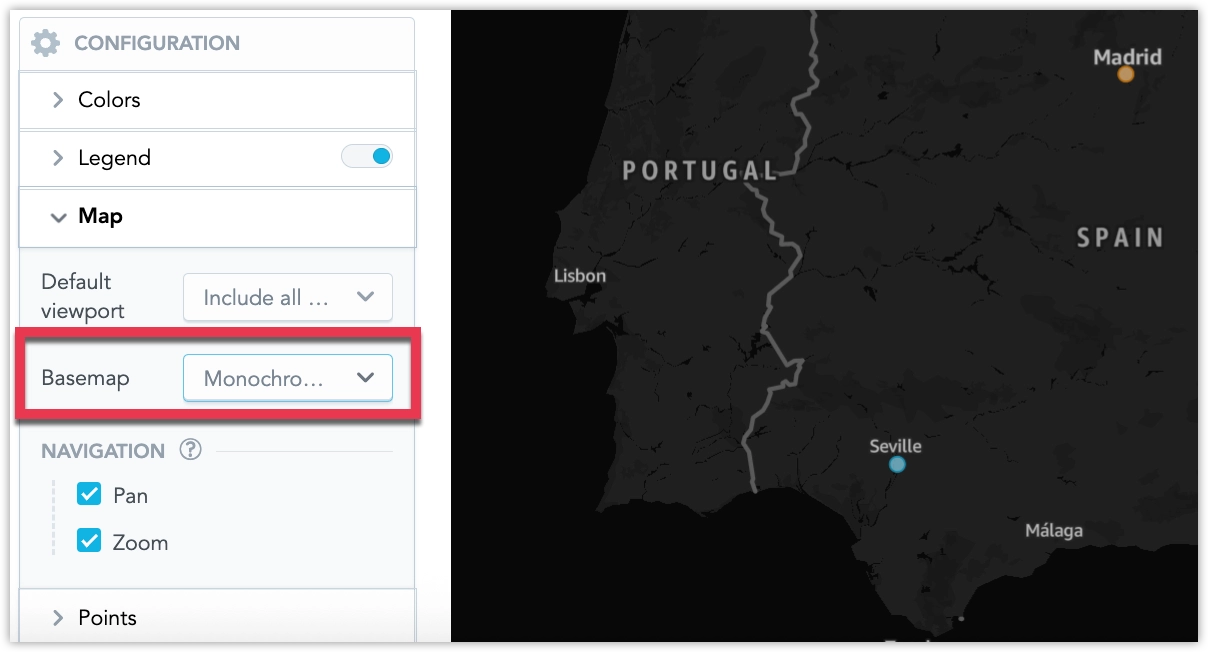
See section Basemaps for details.
Geo charts now support custom pushpin icons, making it easier to distinguish locations with different marker styles instead of color alone. You can use a single icon for all points or display icons dynamically based on your data.
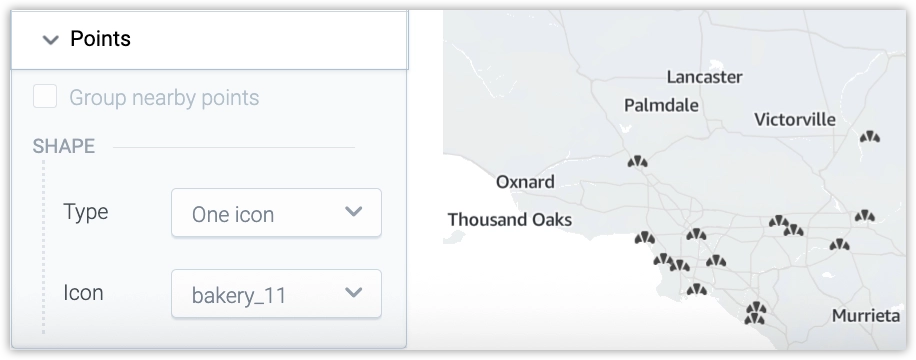
See Use Custom Icons in Geo Charts for details.
Custom CSV Delimiters
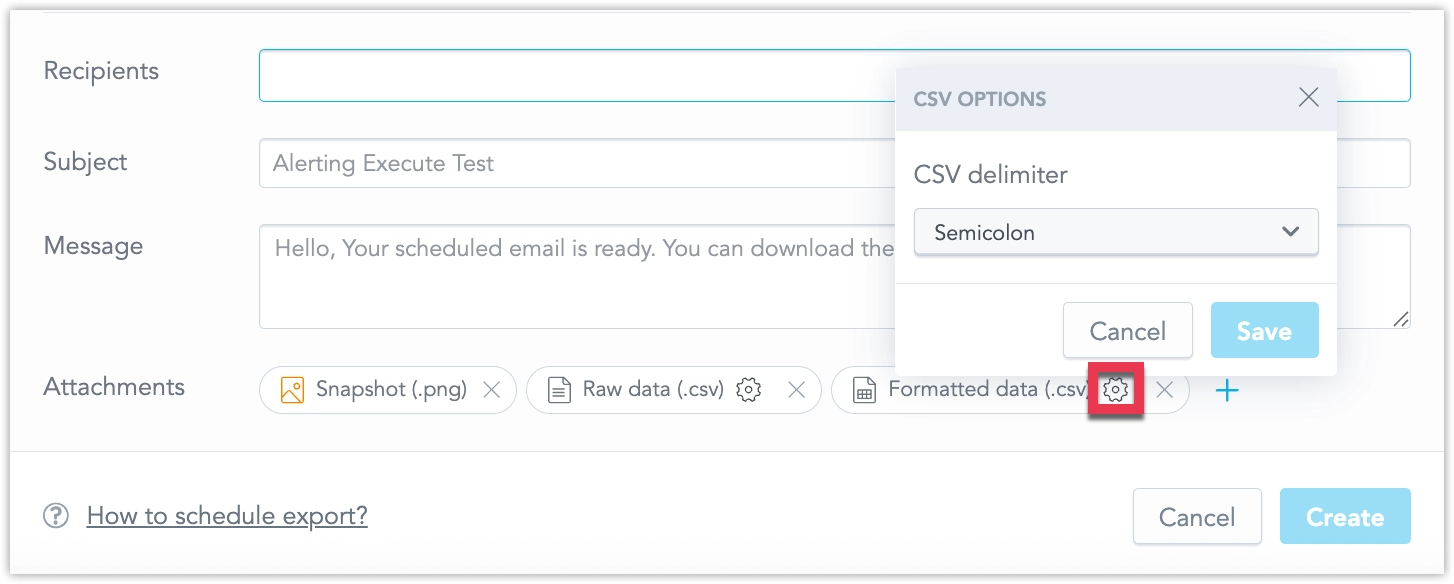
You can now choose what character to use as a column delimiter in all your CSV exports. Administrators can also change the default CSV delimiter at the organization level in Settings > Localization > CSV export delimiter. This allows you to match regional standards or integrate more easily with downstream systems that require a specific delimiter.
Smart Search in Analytical Designer is Generally Available
Smart Search in Analytical Designer is now generally available.
You can find metrics, attributes, facts, and other analytics objects by meaning, not only by exact names. For example, you can search for revenue and find an object named Sales Amount.
See the Smart Search section for more details.
LLMs: AWS Bedrock & Azure Foundry Support
This release adds support for Azure-hosted LLMs through Azure OpenAI / Azure Foundry and for AWS Bedrock, giving each tenant the ability to use its own accounts, keys, deployments, and models.
This helps customers in regulated or security-sensitive environments use AI within their existing cloud security, compliance, and observability frameworks.
Organization administrators can add a provider, test the connection, select up to 20 models per provider, and set a default provider and model for the organization, with workspace-level overrides available when needed.
See the Configure LLM Providers and Models section for details.
GoodData.CN 4.0.0
With the GoodData.CN 4.0 release, we have removed the Bitnami etcd subchart and replaced it with a GoodData-managed internal etcd deployment.
To avoid upgrade issues, GoodData CN 3.57 is the required preparation release for customers who currently use the Bitnami etcd subchart.
What You Should Do
If you use an external etcd cluster
No action is required.If you use the Bitnami etcd subchart
Before upgrading to CN 4.0, first upgrade to GoodData CN 3.57 and follow the etcd migration steps described in the 3.57 release notes.
In summary, the migration requires you to:
- disable the Bitnami etcd pre-upgrade job
- remove the existing Bitnami etcd resources
- enable the new internal etcd deployment using the new Helm values
For full details, see the etcd migration guide in the 3.57 release notes and the Upgrade to GoodData.CN 4.0 section.
As of March 27, 2026, GoodData.CN deprecates the built-in Bitnami postgresql-ha subchart. It is entirely removed from GoodData.CN 4.0 onward.
What Is Changing
The Bitnami postgresql-ha subchart, controlled by the deployPostgresHA Helm value, is now deprecated. It previously provided an embedded PostgreSQL deployment for metadata, automation configuration, and other application data.
Going forward, customers are expected to use an externally managed PostgreSQL instance.
Why This Change
- The bundled Bitnami
postgresql-hasubchart was intended mainly for evaluation and development, not production use. - Externally managed PostgreSQL gives you better control over backups, high availability, monitoring, and upgrades.
- This change aligns GoodData.CN with cloud-native best practices, where stateful services are managed separately from application deployments.
Configuration Options
The following Helm values are relevant:
deployPostgresHA- controlled whether the Bitnamipostgresql-hasubchart was deployed. This value is now removed.service.postgres.host- hostname of your external PostgreSQL instanceservice.postgres.port- port of your external PostgreSQL instance (default:5432)service.postgres.username- PostgreSQL username (default:postgres)service.postgres.password- PostgreSQL passwordservice.postgres.existingSecret- reference to an existing Kubernetes secret containing the keypostgresql-password
What You Should Do
If you already use an external PostgreSQL instance
If your current setup contains deployPostgresHA: false, or if you never enabled the built-in PostgreSQL deployment, no action is required.
If you use the built-in Bitnami postgresql-ha subchart
If you currently have deployPostgresHA: true set, start preparing for migration:
Provision an external PostgreSQL instance. Supported options include:
- CloudNativePG (CNPG)
- AWS RDS for PostgreSQL
- Azure Database for PostgreSQL
- Google Cloud SQL for PostgreSQL
- Self-managed PostgreSQL cluster
Migrate your data to the new PostgreSQL instance using the PostgreSQL Migration Guide.
Update your Helm values to point to the new PostgreSQL instance and set
deployPostgresHA: false.
For full details, see PostgreSQL Configuration Updates.
This release includes the following breaking changes in GoodData.CN configuration.
Organization CRD Update
The deprecated ingressClass and gatewayType fields have been removed from the Organization CRD specification. These fields are no longer used.
If you use a tool that updates CRDs automatically (e.g., Flux with crds: CreateReplace), remove these fields from your Organization manifests before upgrading.
If you use a plain helm upgrade, CRDs from the crds/ directory are not updated automatically. Follow these steps:
- Remove
ingressClassandgatewayTypefrom your Organization manifests - Apply the updated CRD from the chart manually
- Upgrade the chart
NetworkPolicy Helm Values Renamed
The following Helm chart values were renamed:
nginxIngressNamespaceLabelSelector→ingressControllerNamespaceLabelSelectornginxIngressPodLabelSelector→ingressControllerPodLabelSelector
If you use the old names in your Helm values, update them to the new names before upgrading.
For full details, see the Other Breaking Changes in GoodData CN 4.0 section.
In the 4.0 version, do not use extraEnvVars to configure the base map provider for geo charts. Instead, configure the base map provider through the new apiGw.locationService settings in your custom Helm values:
apiGw:
  locationService:
    plugin: "MapboxLocation"
    mapbox:
      token: "..."
This change applies to geo charts and geo area charts in GoodData.CN. For full details, see the Configure Geo Charts section.
Geo Collections and Viewport Configuration in Geo Charts
You now have greater control over how users interact with the viewport in geo charts and geo area charts. You can disable panning and zooming and set a default viewport for a specific region. Together, these options help focus users on the region and scale most relevant to your analytics.
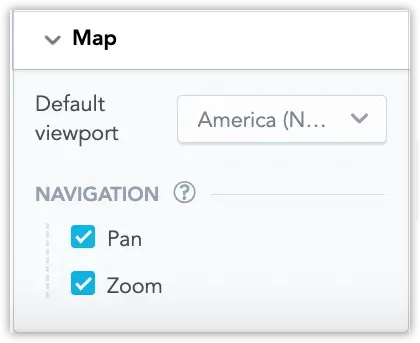
In addition, administrators can go to Settings > Appearance & behaviour > Geo collection to upload custom geo collections for use in geo area chart visualizations. Geo collections allow you to define custom geographic regions, for example, company-specific territories or other custom polygon boundaries.
See Use Custom Geo Collections in Geo Charts for details.
GoodData now adds traceable metadata to SQL queries executed by the platform. This metadata helps database and platform teams understand which user, workspace, dashboard, or visualization triggered a query.
The information is embedded directly in the SQL query (for example, as comments or database query tags where supported). Engineers can view this context in their database logs or monitoring tools, making it easier to investigate slow queries and analyze workload patterns.
This feature can currently be activated for:
Additional data sources may be supported in future releases.
Custom UI‑Only Experience: Restrict Access to Native UI
You can now restrict access to GoodData’s native UI for embed‑only deployments. Enable the RESTRICT_BASE_UI organization setting to block native apps for end users, and grant BASE_UI_ACCESS only to selected users or groups. Organization administrators always retain access.
See Restrict Access to Native UI and Manage Organization Permissions.
Automatic Map Localization for Geo Charts
Geo charts and geo area charts now automatically localize basemap labels to the effective locale (organization, workspace, then user). If the selected basemap style does not support the requested language, labels fall back to English. No additional configuration is required in visualizations.
Introducing Gateway Forge
We introduced a new core microservice, gateway-forge, replacing the previously optional gateway-md-sink service. It synchronizes metadata from the central metadata service into a local, optimized gateway database that the API Gateway uses for fast organization/workspace resolution and authentication.
The gateway-forge is now a core (non-optional) service for gateway functions. It receives metadata sync events via Pulsar, manages its own database schema with Liquibase, and exposes Prometheus metrics at /actuator/prometheus (port 9099).
See Microservices for details.
Semantic Quality Agent
The Semantic Quality Agent helps you detect and fix issues in object titles and descriptions that can reduce clarity and consistency of your semantic layer (for example, duplicate or similar titles/descriptions, or unrecognized abbreviations).
See Semantic Quality Agent for details.
We have expanded the language options for our user interface to include Thai, Vietnamese, and Bahasa Indonesian. These languages are now fully supported in the Analytics Designer, Dashboards, and Metric Editor.
See the Change Display Language section for details.
GoodData.CN 3.58.0
GoodData CN 3.58 delivers a set of bug fixes and quality improvements focused on stability, reliability, and smoother day-to-day operation.
While this release does not add new features, it strengthens the overall platform experience and helps ensure a more dependable foundation for future updates.
GoodData.CN 3.57.0
Known Issue and Required Upgrade Path
Version 3.57 has a known issue. Skip upgrading to this version. When upgrading from 3.56 or older, use 3.58 as the stepping stone before proceeding to 4.0+.
Important Notice
In the near future, we will release GoodData CN 4.0. This major version will introduce important infrastructure changes in how GoodData CN manages third-party dependencies such as PostgreSQL and etcd.
These updates follow recent changes in the Bitnami/Broadcom ecosystem. To ensure long-term reliability and support, we are transitioning away from Bitnami-maintained Helm charts and container images.
What Will Change
PostgreSQL-HA subchart removal
We will remove thepostgresql-haHelm subchart. Starting with CN 4.0, customers will need to run and manage an external PostgreSQL instance. If you currently rely on thepostgresql-hasubchart, plan to migrate your database to an external PostgreSQL instance before upgrading to CN 4.0.Updated etcd deployment model
We will remove theetcdHelm subchart and replace it with Kubernetes manifests managed directly in the GoodData CN chart. Before upgrading to CN 4.0, you must first deploy a newetcdconfiguration as instructed. See the Upgrade to GoodData.CN 4.0 section for details.Container image registry transition
We are phasing out Bitnami-based images and moving to new verified image sources for continued security updates.
Next Steps
We will share detailed upgrade instructions, migration guidance, and supporting templates closer to the CN 4.0 release.
As announced earlier, GoodData CN 4.0 will introduce infrastructure changes to how etcd is deployed and managed. In preparation for this change, new Helm chart configuration options are now available so customers can migrate their environments ahead of the major release.
What Is Changing
The Bitnami etcd subchart will be removed in CN 4.0 and replaced by a GoodData-managed internal etcd deployment defined directly in the GoodData CN Helm chart.
Configuration Options
The following Helm values are relevant for the new internal etcd deployment:
customEtcd.enabled– deploys the new internal etcd StatefulSetuseInternalGDEtcd– enables the new internal etcd for GoodData services
The existing value useInternalQuiverEtcd determines whether your deployment uses internal or external etcd. If it is set to false, your deployment is using an external etcd cluster.
What You Should Do
If you use an external etcd cluster
No action is required. Deployments using external etcd continue to work the same way in CN 3.x and CN 4.x.
If you use the Bitnami etcd subchart
You should begin preparing for migration to the new internal etcd deployment. Follow the recommended preparation steps:
- Disable the Bitnami etcd pre-upgrade job:
Values.etcd.preUpgradeJob.enabled=false
Remove the existing Bitnami etcd Kubernetes resources (StatefulSet and Service).
Update Helm values and upgrade the chart:
useInternalQuiverEtcd=false
customEtcd.enabled=true
useInternalGDEtcd=true
After applying these settings, verify that the new etcd pods and all GoodData CN services are running normally. Preparing this change in advance will help ensure a smooth upgrade to GoodData CN 4.0.
See the Upgrade to GoodData.CN 4.0 section for details.
Following the Kubernetes SIG Network announcement regarding the retirement of ingress-nginx, we are providing an update on GoodData.CN support.
Starting with GoodData.CN version 3.56, the platform is ingress-controller-agnostic and supports any Kubernetes-compatible implementation. If you are currently using ingress-nginx, your deployment will continue to function. When upgrading, you can migrate to a different ingress controller during your next maintenance window.
Migration instructions are available in our Upgrade Guide, which outlines the recommended transition process.
For new deployments, you are free to choose the ingress controller that best fits your environment and operational requirements.
We’ve expanded automation capabilities in scheduled exports with support for new export formats. You can now export dashboards as slideshow presentations in PDF or PPT, download dashboards to XLS, send raw tabular data, and export individual visualizations as PNG images.
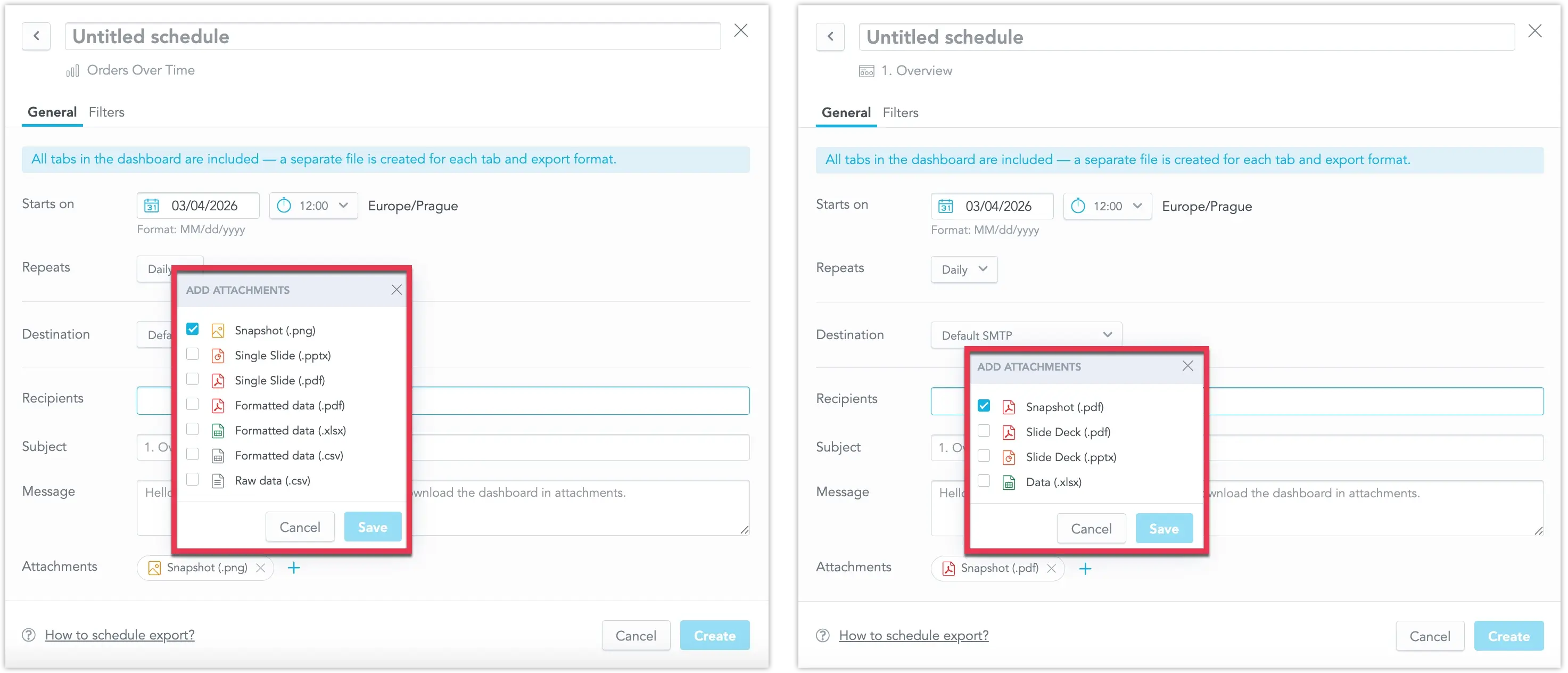
See Schedule Exports in Dashboards for details.
CrateDB Data Source is now out of beta and fully supported by default!
You can now connect directly to CrateDB and create a CrateDB data source within GoodData. This new feature expands your data connectivity options, enabling seamless analytics on real-time operational and IoT data stored in CrateDB.
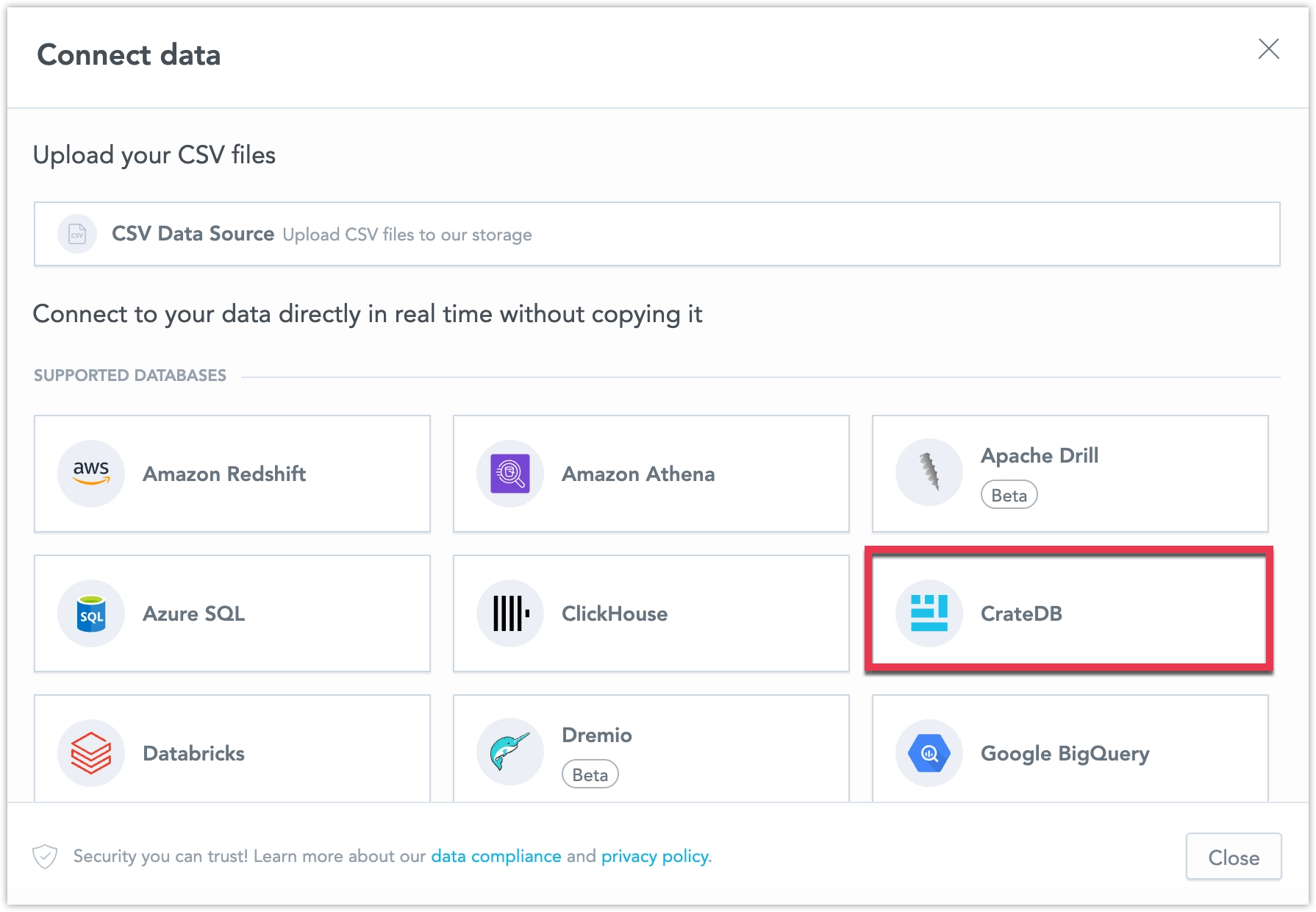
See Create CrateDB Data Source for details.
You can now control which filters are passed to drill targets when configuring the Drill into visualization interactions.
The previous Pass as filter option has been replaced with this new configuration. This allows editors to select which filters should be applied to the drill destination.
Filters are grouped by their source, including the drilled data point, dashboard filters, visualization filters, and metric filters. You can enable or disable individual filters, giving you more flexibility when designing drill interactions. This update helps reduce the need to create multiple drill target reports and makes drill behavior easier to customize for different analytical scenarios.
See the Filters in Visualization Drilling section for more information.
Dashboard date filters now support filtering records where the date value is empty or missing. This allows you to include records with no date, making it easier to identify items that are incomplete, pending, or not yet assigned.
Example Use Cases
- Support: Find tickets without a resolution date
- Sales Operations: Identify deals without a close date
- Logistics: Track shipments without an assigned delivery date
- HR: Locate employees missing a last review date
See the Empty Values section for details.
The Analytical Designer now supports multiple numeric conditions within a single metric value filter.
Conditions inside the filter are combined using OR, meaning at least one of the defined conditions must be met. For example, you can define the filter to show values between 200 and 300 OR between 500 and 600.
See the Multiple Conditions in One Metric Value Filter section for details.
GoodData.CN 3.56.0
Important Notice
In the near future, we will release GoodData CN 4.0. This major version will introduce important infrastructure changes in how GoodData CN manages third-party dependencies such as PostgreSQL and etcd.
These updates follow recent changes in the Bitnami/Broadcom ecosystem. To ensure long-term reliability and support, we are transitioning away from Bitnami-maintained Helm charts and container images.
What Will Change
PostgreSQL-HA subchart removal
We will remove thepostgresql-haHelm subchart. Starting with CN 4.0, customers will need to run and manage an external PostgreSQL instance. If you currently rely on thepostgresql-hasubchart, plan to migrate your database to an external PostgreSQL instance before upgrading to CN 4.0.Updated etcd deployment model
We will remove theetcdHelm subchart and replace it with Kubernetes manifests managed directly in the GoodData CN chart. Before upgrading to CN 4.0, you must first deploy a newetcdconfiguration as instructed. We will soon provide a migration guide with detailed steps.Container image registry transition
We are phasing out Bitnami-based images and moving to new verified image sources for continued security updates.
Next Steps
We will share detailed upgrade instructions, migration guidance, and supporting templates closer to the CN 4.0 release.
AI Memory is now available by default. It lets you teach the AI Assistant your company’s language, terminology, and rules so answers are more accurate and consistent in daily use.
With Instructions, you can guide responses for important questions. Abbreviations help the AI understand internal acronyms, and Synonyms align different terms with the same meaning. Together, these settings improve response quality, consistency, and trust across your workspace.
Example use cases:
- Define instructions for high-priority or recurring questions
- Map internal acronyms (for example, GMV → Gross Merchandise Value)
- Set synonyms for equivalent business terms (for example, refunds = returns = returned items)
See the AI Memory article for more information.
Data Source Routing lets you route analytics queries to different compute clusters that share the same storage and Logical Data Model. This enables horizontal scaling of compute without changing dashboards or user workflows. This feature can be used with all supported data sources.
What This Enables:
Better performance
Heavy queries on large, detailed datasets can run on dedicated compute, while standard dashboards stay fast and responsive.Workload isolation
Separate pre-aggregated and transactional workloads so long-running queries do not affect everyday analytics.Cost optimization
Use powerful, more expensive compute only when needed, and route lighter queries to smaller clusters.Improved concurrency By routing queries based on the datasets they use, concurrent workloads are distributed across multiple compute resources. With proper data model setup, this improves responsiveness under load.
See the Data Source Routing section for more information.
You can now use Drill to URL to turn attribute values into clickable links, even in tables shown inside drill modals.
When an attribute has a hyperlink label in the data model, GoodData can automatically apply URL drilling wherever that attribute is used in table visualizations.
You can control Drill to URL at different levels, including organization, workspace, user, visualization, widget, or through YAML (Analytics as Code).
If other interactions are available for the same attribute, Drill to URL appears as an extra option in the interaction menu. If it is the only action, clicking the value opens the link directly.
See the Drill to URL in Drill Into Visualization section for details.
We are introducing Data Localization, a new feature that allows GoodData to display business data in the user’s native language across dashboards, Analytical Designer, and AI Assistant responses.
Using secondary labels in the data model, dashboards can now show localized attribute values while keeping the same underlying analytics logic. The feature is fully backward compatible and configurable per tenant.
Key Benefits:
Simpler Support for Global Teams
Organizations can serve users in multiple languages using a single dashboard model, without maintaining separate copies. Users can consume data in their preferred language without affecting analytics behavior.Consistent Filtering Experience
Users can switch languages without losing filter selections or saved views. Pre-filtered dashboards can also be shared seamlessly across languages.Localized Reporting
Exported reports automatically reflect the user’s language preference.Enterprise Compliance
Supports localization policies in regulated industries such as finance and healthcare.Integration with AI Code Editors
Users can add translations quickly, reducing the cost of manual translation or duplicate analytics maintenance.
See the Localized Data Labels section for further details.
GoodData.CN 3.55.0
The API Gateway is now a mandatory part of the GoodData.CN infrastructure.
As part of this change, we introduced a new Gateway Metadata Sink, including a dedicated gateway metadata database. Metadata previously fetched directly from Metadata services (for example, organization and workspace settings or early access flags) is now synchronized and served through the Gateway.
What Changed:
- The API Gateway can no longer be disabled in GoodData.CN.
- Metadata required for authentication and platform behavior is now managed through the Gateway.
- Existing functionality remains unchanged for users and dashboards.
Why This Matters:
This change is a required foundation for upcoming Gateway-based authentication support. The move was announced earlier as a planned breaking change and prepares the platform for more secure and scalable authentication capabilities.
No action is required unless you previously relied on disabling the API Gateway.
Fiscal calendars are now fully released and available by default. You can now enable and configure a fiscal calendar with a custom start month, allowing you to run date-based comparisons aligned with your organization’s fiscal year instead of the standard January–December calendar.
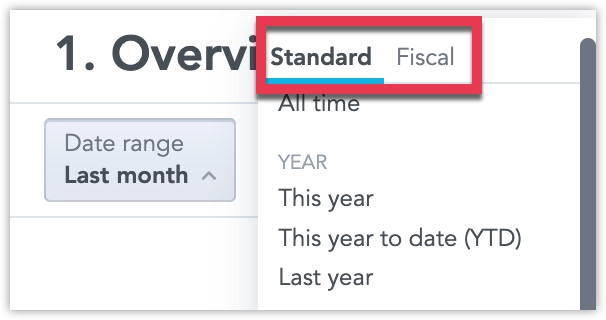
See Customize Calendars for details.
You can now connect directly to Amazon Athena and create an Amazon Athena data source within GoodData. This new feature expands your data connectivity options, enabling seamless analytics on data stored in Amazon S3 using Athena.
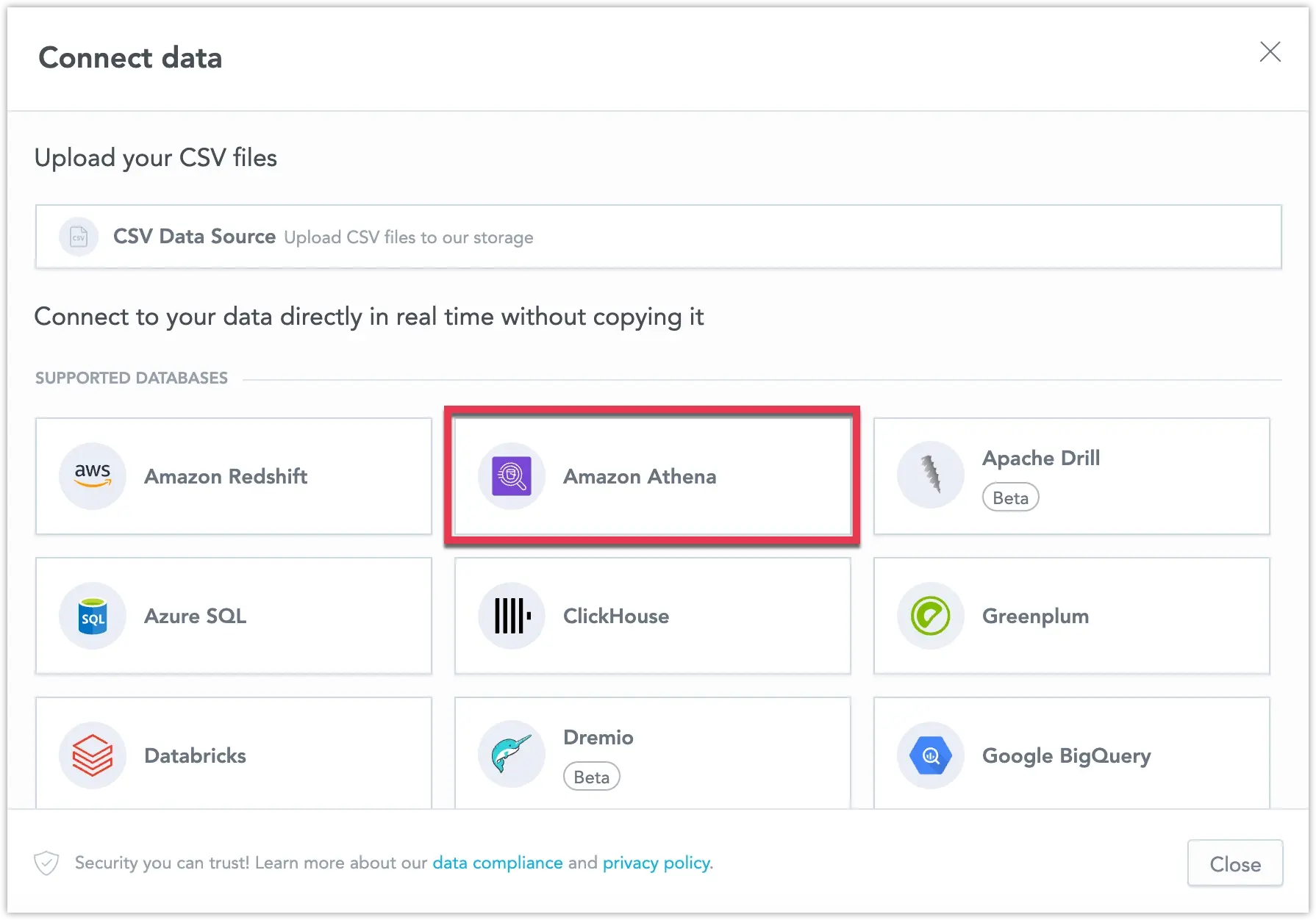
See Create Amazon Athena Data Source for details.
GoodData entity APIs now support the standard application/json media type in addition to the existing vendor-specific JSON:API format.
This improves compatibility with strict network environments and firewalls that may block non-standard media types, while keeping the same payload structure and behavior.
What’s New
- Entity APIs (
/api/v1/entities/*) accept and return both:application/vnd.gooddata.api+jsonapplication/json
- Payloads remain identical regardless of the media type used.
- A new organization-level setting, API_ENTITIES_DEFAULT_CONTENT_MEDIA_TYPE, lets administrators define the default response type when no
Acceptheader is provided.
By default, the existing vendor-specific media type remains unchanged, ensuring full backward compatibility.
We are preparing to deprecate the following data sources in GoodData:
MongoDB
We are deprecating MongoDB due to MongoDB’s decision to deprecate the MongoDB BI Connector, which GoodData relies on for connectivity. Because adoption of this connector is low, we do not plan to build an alternative native integration. In line with MongoDB’s timeline, GoodData will deprecate the MongoDB connector by the end of September 2026. For details, see the MongoDB documentation on the BI Connector deprecation.Apache Drill and Greenplum
These data sources are also deprecated and will be removed by the end of March 2026.
If you are affected by these changes, contact your Customer Success representative for guidance and support. We will share timelines before removal.
GoodData.CN 3.54.0
New Generation of Geo Charts Now Released
The new generation of geo charts is now released and available by default, as we prepare for a full release soon. This update introduces geo area charts as a standalone visualization for choropleth mapping and modernizes existing geo (pushpin) charts on a new geospatial foundation. Geo charts now support multiple layers and standard interactive features such as drilling and cross-filtering in dashboards.
Additional upgrade steps are required to ensure geo charts can be used when updating to this version, see Upgrade GoodData.CN - Version 3.54.0. As part of this transition to a new map engine, you may notice minor visual differences in map rendering.
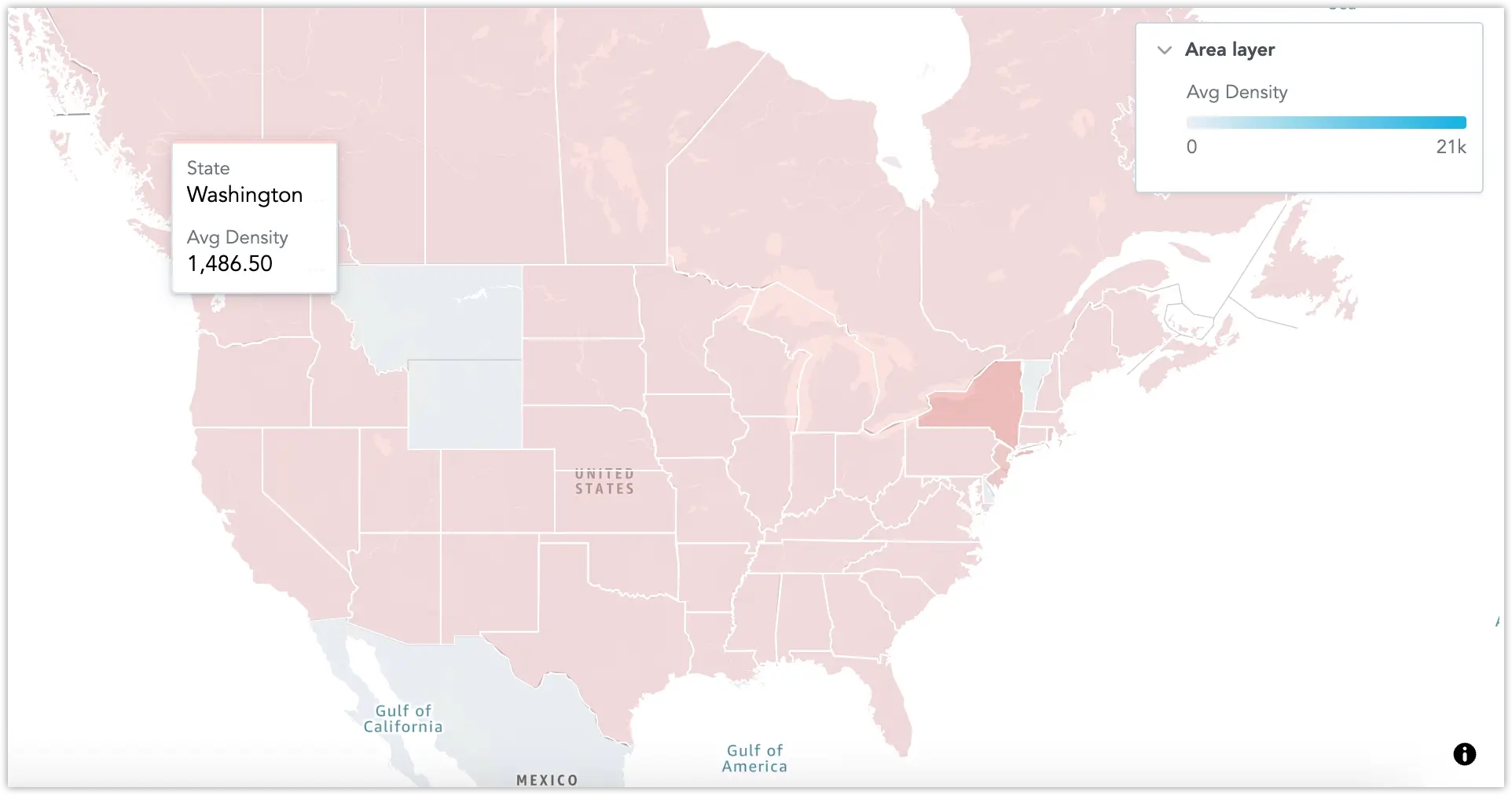
See Geo Charts (Pushpins) and Geo Area Charts for details.
The Analytics Catalog is now generally available, providing a central place to manage semantic objects in a workspace. It includes support for reviewing object details, updating metadata, and working with AI-related governance features (such as AI visibility settings and semantic quality findings)
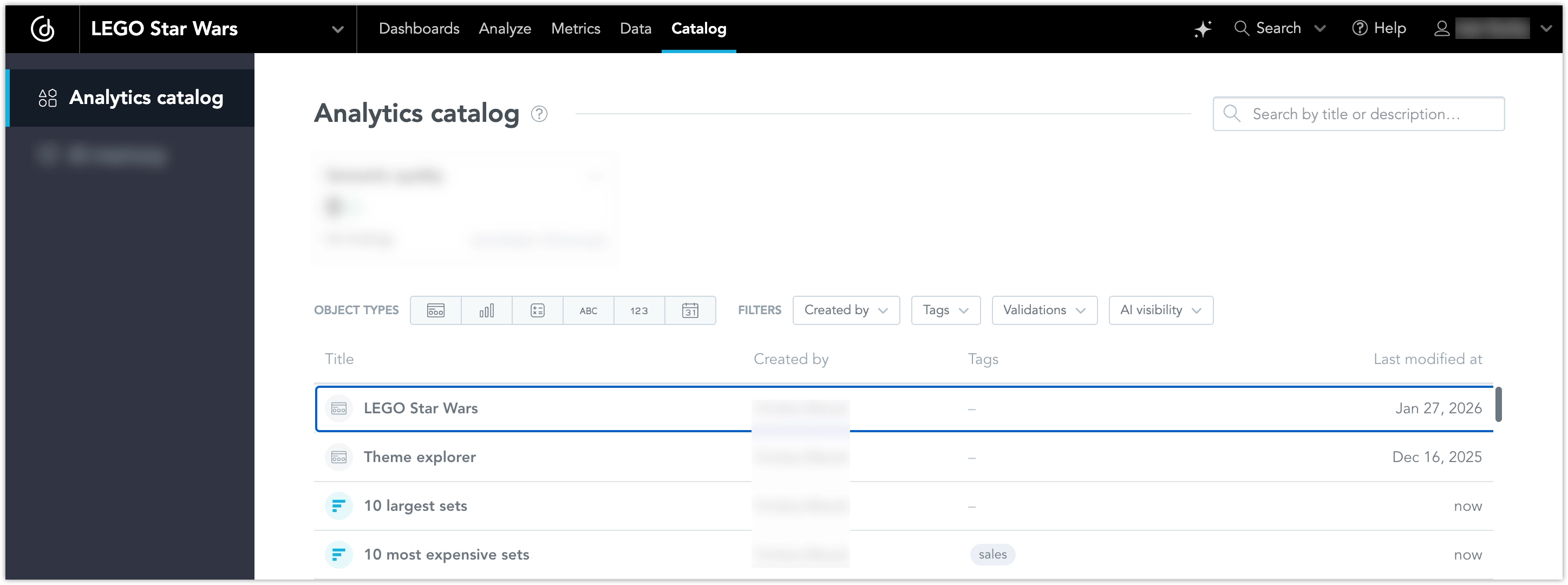
See the Analytics Catalog article for more information.
The Display Language setting now applies to more areas of the GoodData user interface.
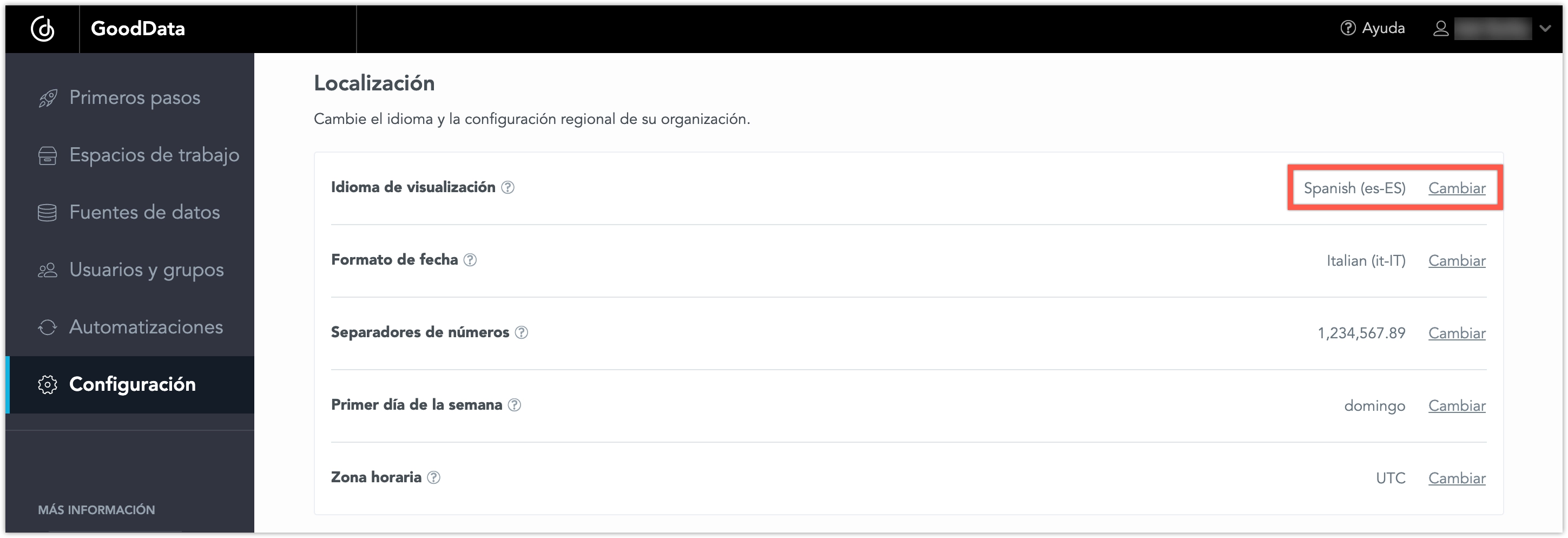
In addition to Dashboards and Analytical Designer, localization also covers the Home page and the main sections, including Getting Started, Workspaces, Data Sources, Users and Groups, Automations, and Settings.
Changing the display language updates both titles and descriptions, providing a more consistent localized experience across the application.
GoodData.CN 3.53.0
You can now display image links as actual images in your pivot tables. This makes it easier to enrich tabular data with visual context, such as product photos, icons, or status indicators, directly in your dashboards.
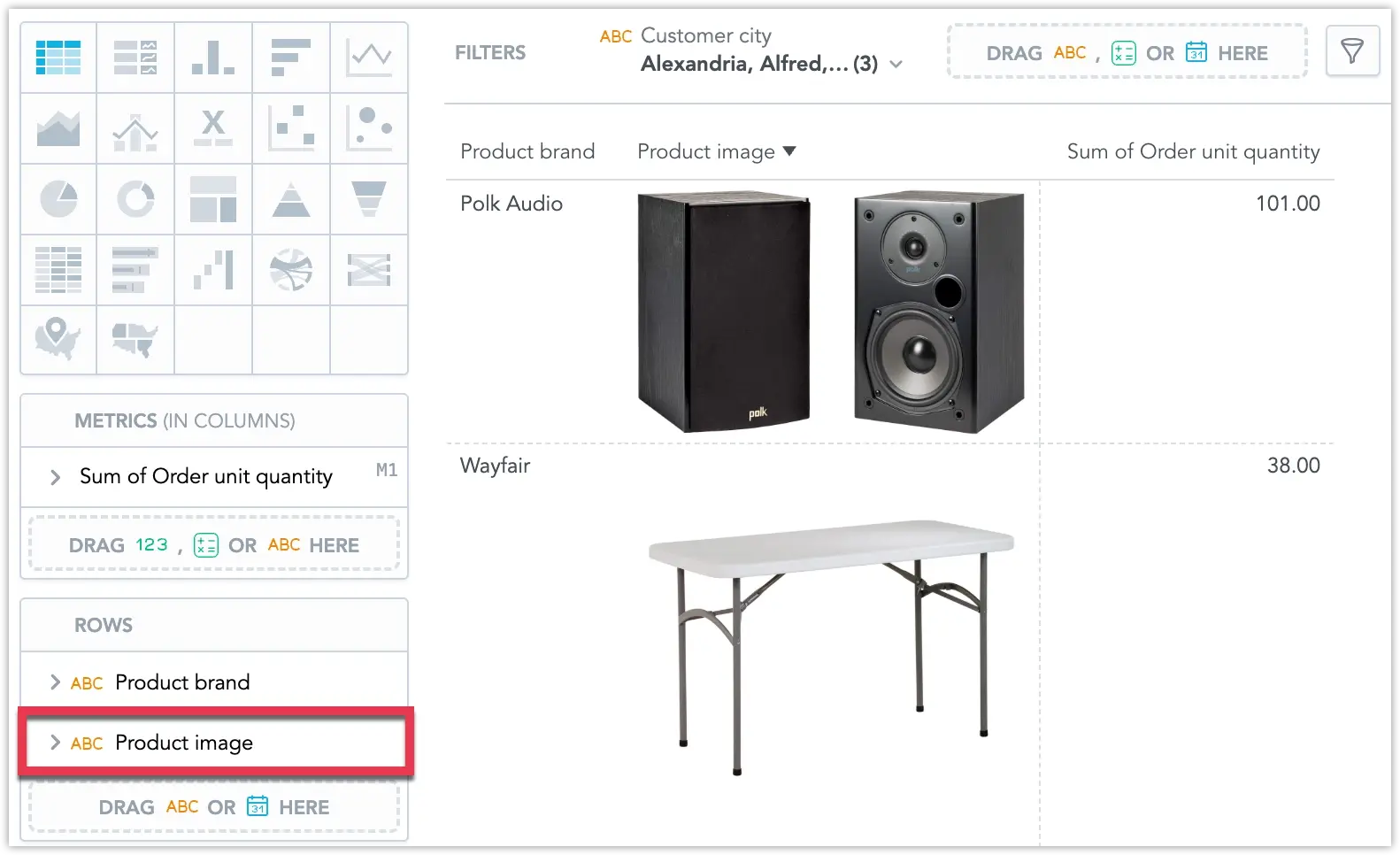
For details, see Pivot Tables.
You can now hide selected analytical objects (such as attributes, labels, facts, metrics, and visualization objects) from AI Assistant search, suggestions, and ad-hoc visualization usage. This is useful for “technical” objects that should not be exposed to business users.
This feature was previously released in beta. See the Control AI Visibility of Objects section and the previous entry.
You can now connect directly to a StarRocks database and create a StarRocks data source within GoodData. This new feature broadens your data connectivity options, enabling seamless integration with StarRocks for analytics.
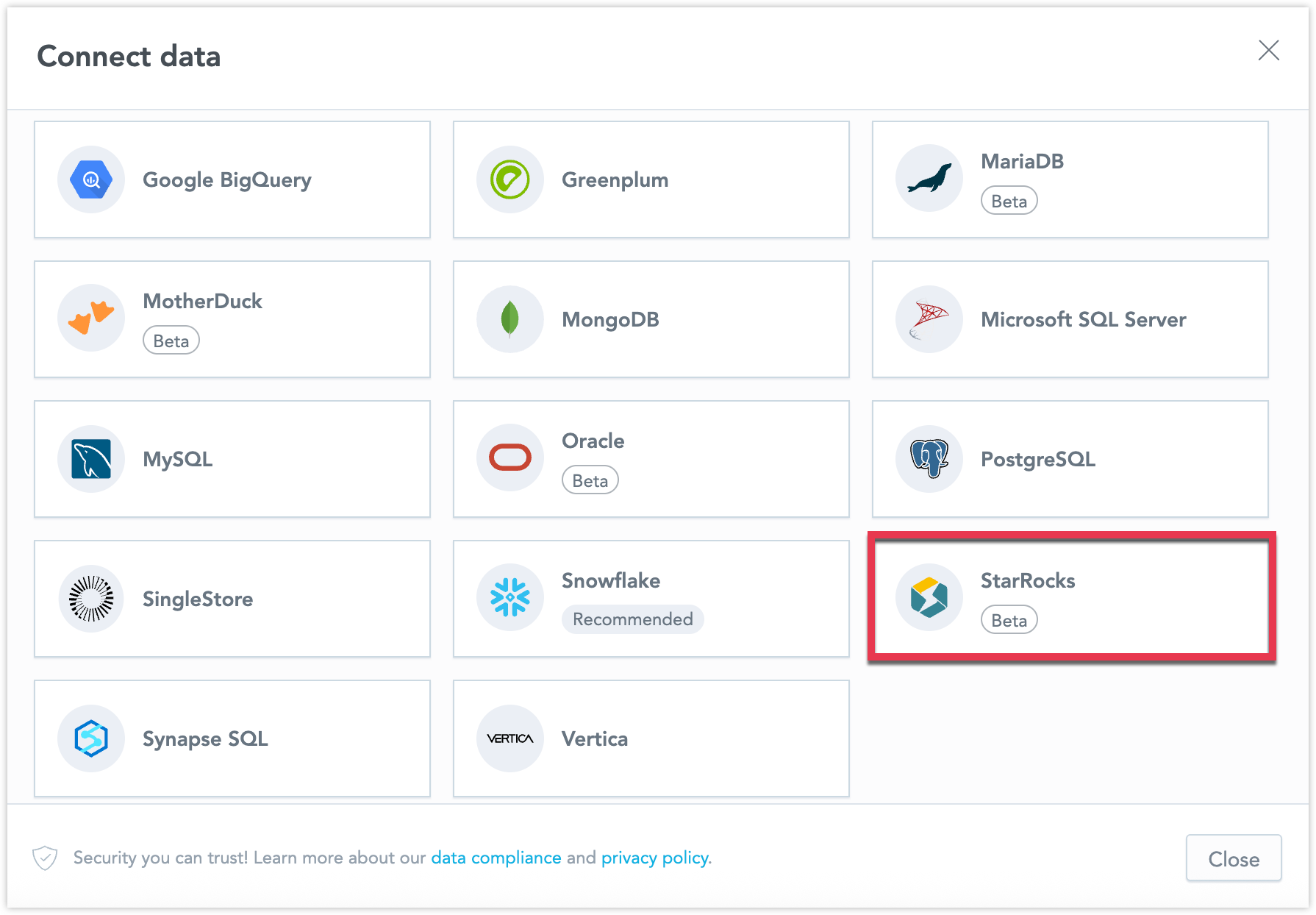
For details, see StarRocks Data Source.
The new generation of geo charts is now available as a beta feature, as we prepare for a full release soon. This update introduces geo area charts as a standalone visualization for choropleth mapping and modernizes existing geo (pushpin) charts on a new geospatial foundation. Geo charts now support multiple layers and standard interactive features such as drilling and cross-filtering in dashboards.
As part of this transition to a new map engine, you may notice minor visual differences in map rendering.
To opt-into this feature early, see Upgrade GoodData.CN - Version 3.53.0.
Date filters in Analytical Designer now support filtering empty date values. You can choose whether empty values are excluded, included, or whether to return only records without a date. If you select Only, the date range and any additional filters are disabled.
For details, see Visualization Date Filters.
Metric value filters in Analytical Designer are now more flexible:
- You can create a metric value filter using a metric that is not placed in the visualization buckets.
- Metric filters now support configuring the evaluation granularity using For each (including partial granularity and custom attribute/date selection).
- Older metric filters show an informational message explaining why they behave differently until you edit them.
For details, see Filter Insights by Values.
GoodData.CN 3.52.0
Recent releases introduced changes to the internal GenAI service deployment in GoodData.CN. To ensure the new GenAI service works correctly, you must explicitly enable metadata synchronization for GenAI before upgrading.
Set the following Helm value to true in your customized-values.yaml file:
deployGenAIMetadataSync: trueIf this value is not enabled, the system will attempt to deploy the older GenAI service, which is no longer supported. In that case, the AI Assistant and other GenAI features will not function until the flag is correctly set.
GoodData.CN 3.51.0
Dashboard Tabs
We are launching the Dashboard Tabs feature, allowing users to organize dashboards over multiple pages. This improves navigation, clarity, and overall performance by structuring content, making it easier to read, and optimizing load times by loading only one section at a time.
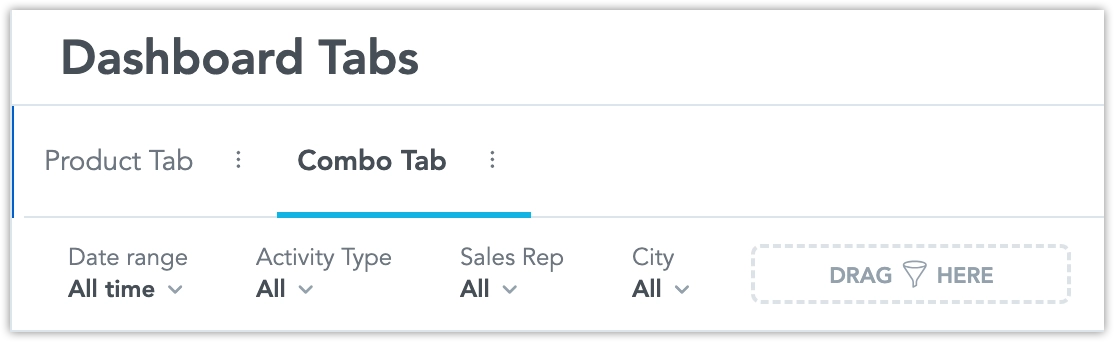
See the Dashboard Tabs section for further details.
GoodData.CN now supports deploying behind an Istio Ingress Gateway, enabling compatibility with service-mesh environments and clusters that do not use the traditional NGINX-based Ingress controller.
When Istio support is enabled through in the Helm chart, the platform automatically:
- Creates Istio Gateway and VirtualService resources for each organization
- Delegates routing to a shared VirtualService that contains all API path rules
- Replaces legacy Kubernetes Ingress objects with Istio-native routing
- Supports both shared and per-organization gateway patterns
Please note that TLS certificates must be managed by the cluster administrator, as cert-manager integration with Istio Gateways is not yet available.
This feature is hidden under the enableModernQuiverRouting feature flag for now. You can enable it to use the new functionality right away. It will become available by default in an upcoming release.
For details, see Switch to Istio Service Mesh and Gateway.
If you are using Ingress NGINX with GoodData deployments, please note the following:
Kubernetes SIG Network have announced the retirement of Ingress NGINX. Best-effort maintenance will continue until March 2026, after which no new releases, bug fixes, or security updates will be provided. Existing installations will continue to function, but the project will no longer be supported.
Because of this change, we recommend planning a migration away from Ingress NGINX. The Kubernetes community advises adopting Gateway API as the modern replacement, with other Ingress controllers also available.
We are evaluating suitable alternatives for GoodData deployments and will share recommended options ahead of the deadline. Related updates will be reflected in future release notes and documentation. Thank you for your understanding during this transition.
GoodData.CN 3.50.0
Customizable Grand Total Row Position in Tables
You can now customize where the grand total row appears in your tables and pivot tables. Choose to display it at the top or bottom, and optionally pin it so it remains visible as you scroll through the data.
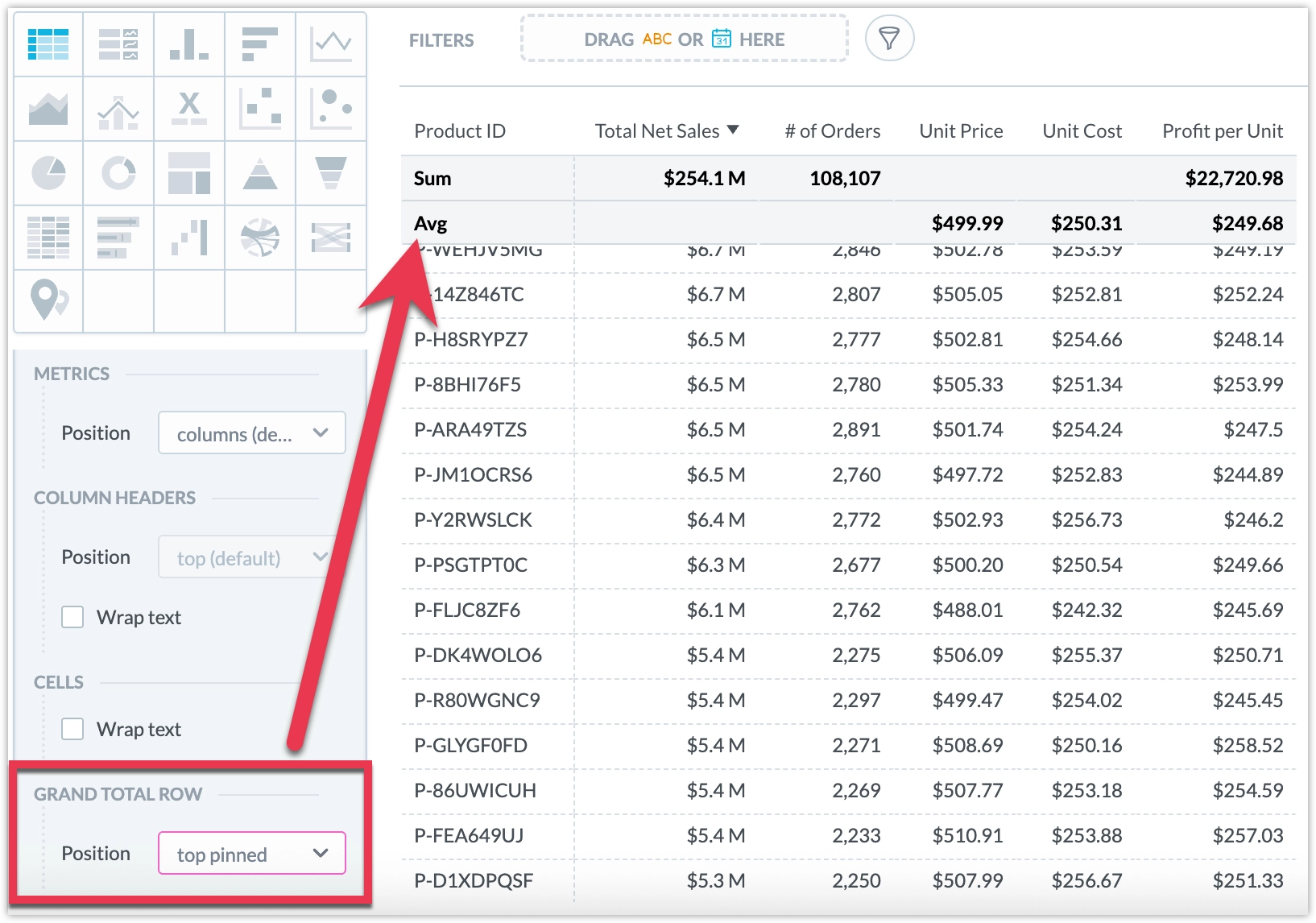
See Pivot Tables for details.
We have expanded the language options for our user interface to include Slovenian. This language is supported in the Analytics Designer, Dashboards, and Metric Editor.
See the Change Display Language section for details.
The visual-exporter-service and pdf-stapler-service microservices have been deprecated and removed. The export-builder service now handles all non-tabular exports. The change should be seamless, no action is required on your part when upgrading to this version.
GoodData.CN 3.49.0
Pivot Table Enhancements
Pivot tables now support multi-column sorting, allowing you to apply sorting to multiple columns at once, each with its own priority and direction.
Additionally, you can now enable text wrapping for header cells, regular cells, or both.
This ensures that important information remains visible even when cell text is long.
These enhancements are now available in GoodData.CN by default, no feature flag is required.
For feature details, see Pivot Tables.
Pivot Table PDF Exports
Pivot tables can now be exported directly into well-formatted, paginated PDF documents from dashboards. This makes it simple for anyone to create polished reports to share with stakeholders outside the platform. The export preserves all table formatting, including headers, row sorting, and metric styles, and works seamlessly in both native and embedded dashboards.
This feature is now fully available in GoodData.CN by default, no feature flag is required. For feature details, see Export Table.
You can now connect directly to a MongoDB database and create a MongoDB data source within GoodData. This new feature broadens your data connectivity options, enabling seamless integration with MongoDB for analytics.
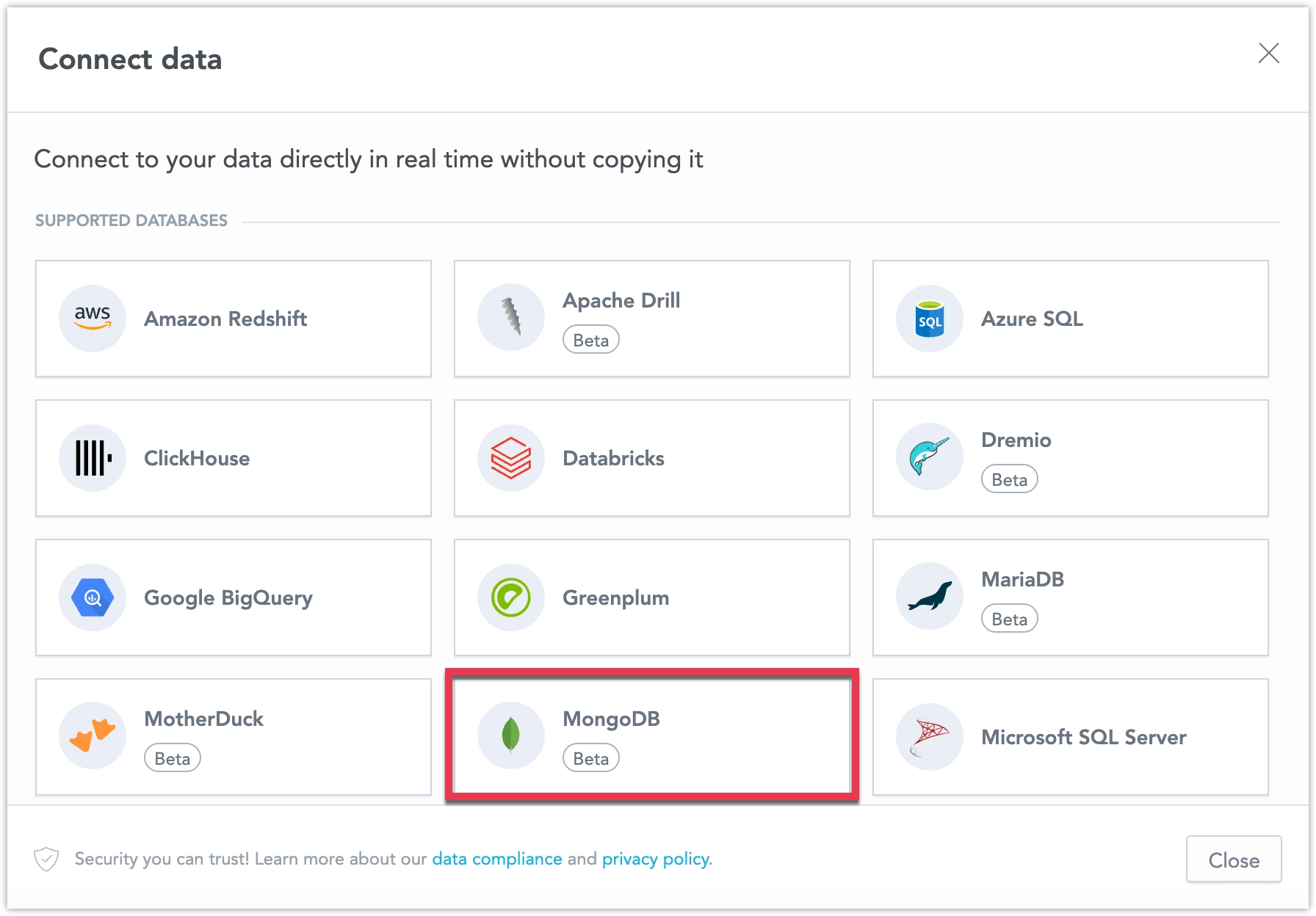
For details, see MongoDB Data Source.
Starting next year (2026), the Gateway component (api-gw) will become mandatory for all GoodData.CN deployments. Currently, it is enabled by default but can be opted out of. This opt-out option will be removed in an upcoming release as additional functionality is moved into the Gateway.
The Gateway provides enhanced rate limiting, flexible ingress management, reduced load on metadata services, and will soon centralize authorization and cost optimizations.
For configuration details, see Gateway Configuration and Gateway Metrics.
GoodData.CN 3.48.0
GoodData.CN now supports configurable API rate limits through the API Gateway microservice. This feature lets administrators define custom request limits by IP address, organization, endpoint, or backend service to protect against overload and ensure fair usage.
Rate limiting is disabled by default and can be enabled via Helm chart configuration. For setup instructions, see Configure API Rate Limits in GoodData.CN.
The Export Builder service is now the default microservice responsible for all visual exports. The default configuration variables have been updated to deployVisualExporter: false and enableExportBuilderVisualExport: true. We do not recommend reverting, as the Visual Exporter service is scheduled to be removed in the next release.
The Export Builder service is optimized for high workloads with default CPU and memory limits set for heavy export use. If needed, adjust pod count or resource limits to match your environment’s workload.
Pivot Table PDF Exports
You can now export pivot tables directly into well-formatted, paginated PDF documents from dashboards. This makes it simple for non-technical users to create polished reports to share with stakeholders outside the platform. The export preserves formatting such as headers, row sorting, and metric styles, and works seamlessly in both native and embedded dashboards.
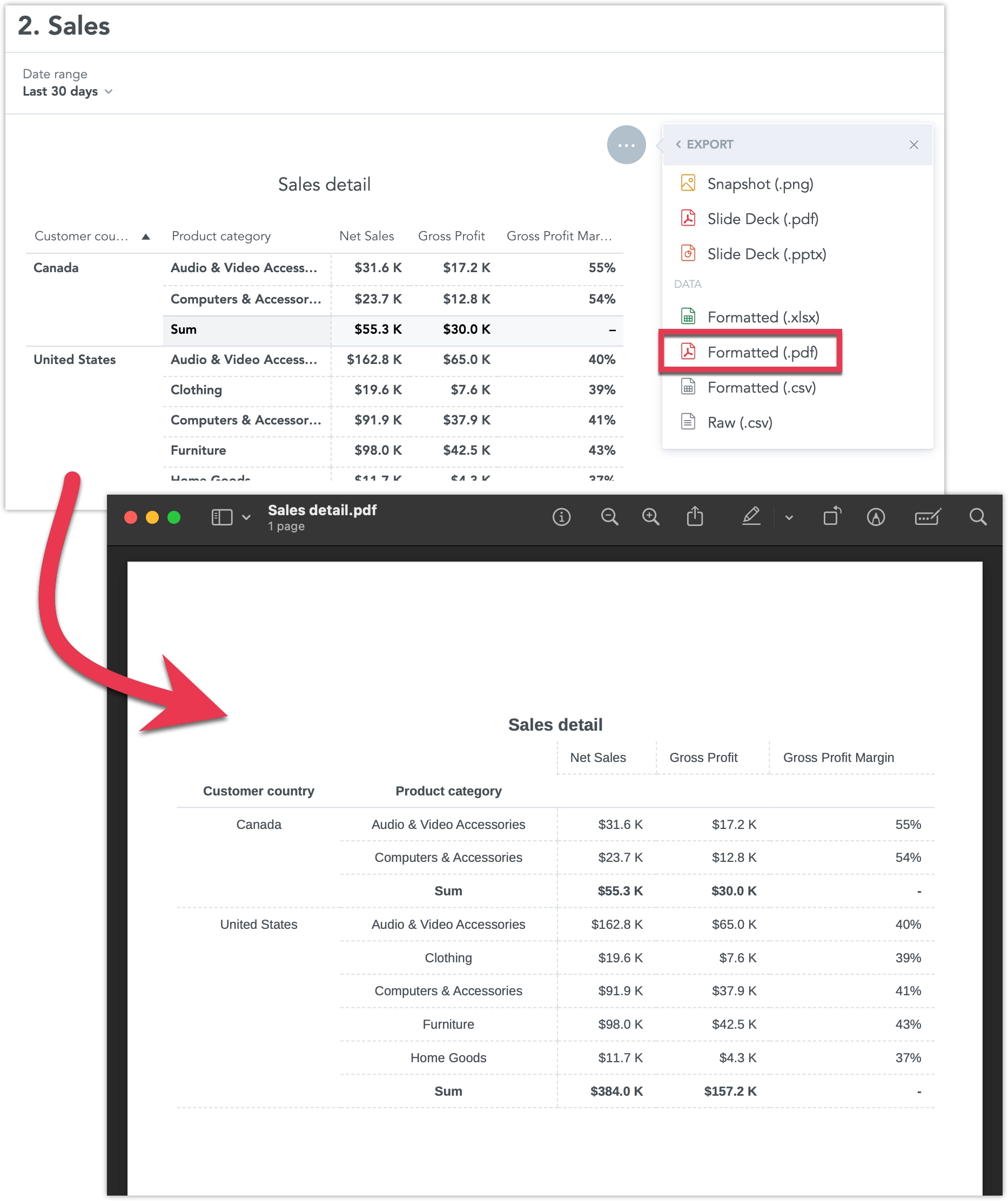
For GoodData.CN this feature is still in beta, and must be explicitly enabled using the enableNewPdfTabularExport Feature Flag. For feature details, see Export Table.
Pivot Table Enhancements
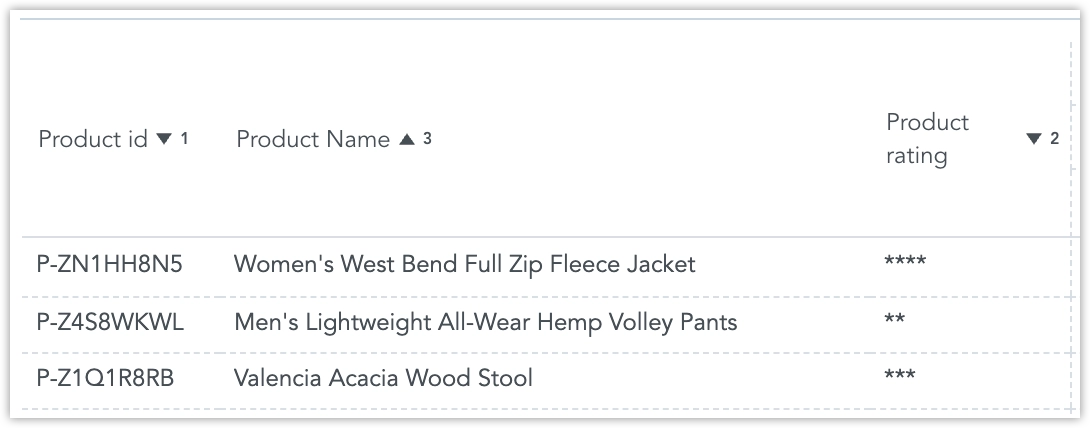
You can now sort pivot tables by multiple columns. Apply sorting to several columns at once, each with its own priority and ascending or descending order. In the Analytical Designer, you can also define a default multi-column sorting configuration for your table.
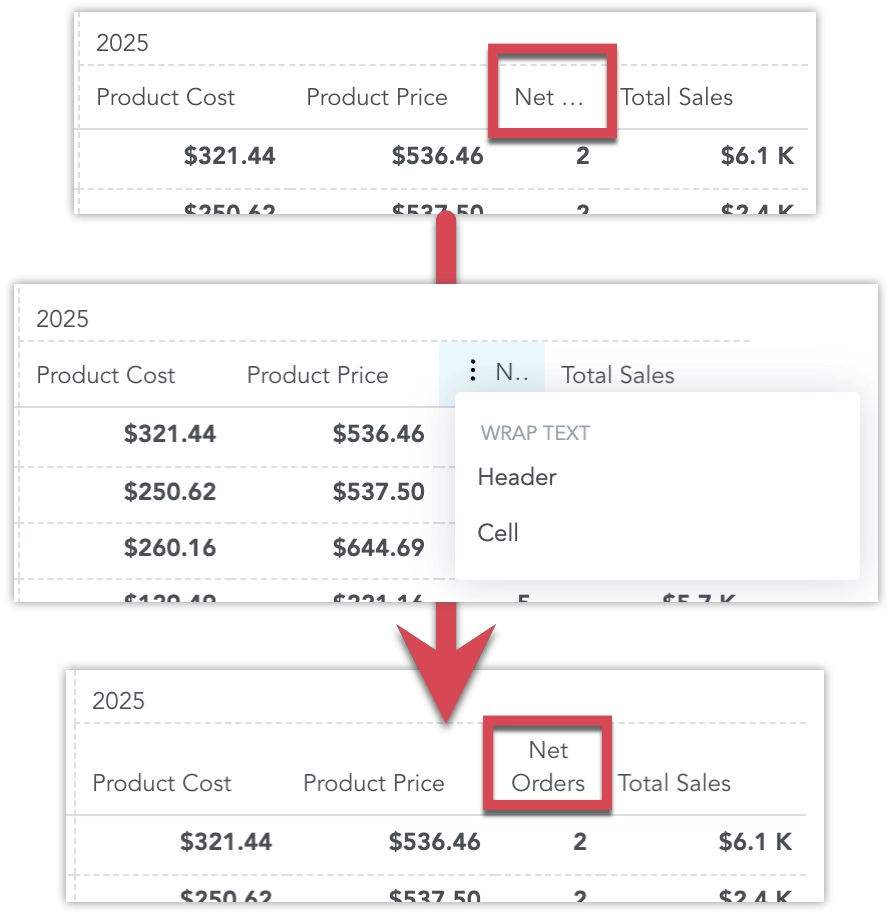
Also, you can now choose to wrap text in the table headers cells, regular cells or both. This helps prevent important information from being cut off when the text is too long.
For GoodData.CN these features are still in beta, and must be explicitly enabled using the enableNewPivotTable Feature Flag. For feature details, see Pivot Tables.
GoodData.CN 3.47.0
This feature intelligently routes queries to the optimal data granularity. By automatically selecting the most efficient dataset (aggregate or detail), it ensures faster response times, lower query costs, and a seamless experience for users working with large datasets.
Key Benefits
- Faster dashboards: Queries for monthly or daily KPIs use pre-aggregated tables, resulting in near-instant load times.
- Consistent drill-downs: Users can drill from month to day using the same metric, with the engine handling the dataset switch.
- Lower costs: Queries avoid scanning unnecessary high-granularity detail tables.
- Scalable embedded analytics: Supports high-traffic applications with real-time responsiveness.
For details about the feature, see the Aggregate Awareness section.
The Export Builder service has been updated to take over the responsibilities of the Visual Exporter service for all visual exports. We plan to fully deprecate the Visual Exporter service.
This change is currently in beta and controlled by the enableExportBuilderVisualExport feature flag. You can enable it to try out the new functionality early.
GoodData.CN 3.46.0
Centralized Automations Management
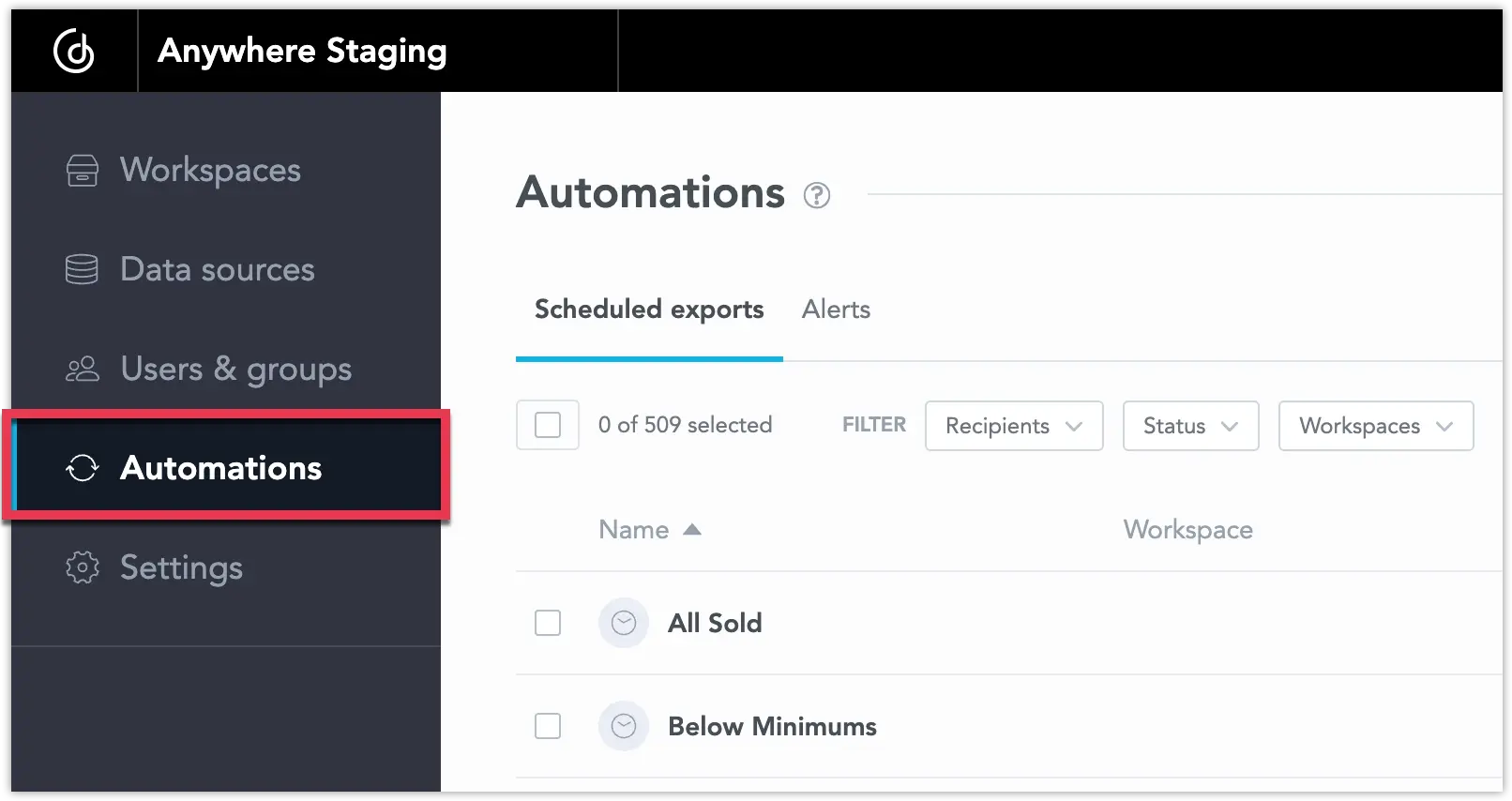
We’re excited to announce the full release of centralizing automations management. You now have a single place to view and manage all automations, scheduled exports and alerts, across your entire workspace or organization.
As an organization admin, you can access the new Automations section on the home page. From here, you can:
- Filter by recipient, workspace, or status
- Search and sort by title
- Perform single or bulk actions like delete, pause, resume, or unsubscribe
And as a dashboard user, you can manage on the workspace level:
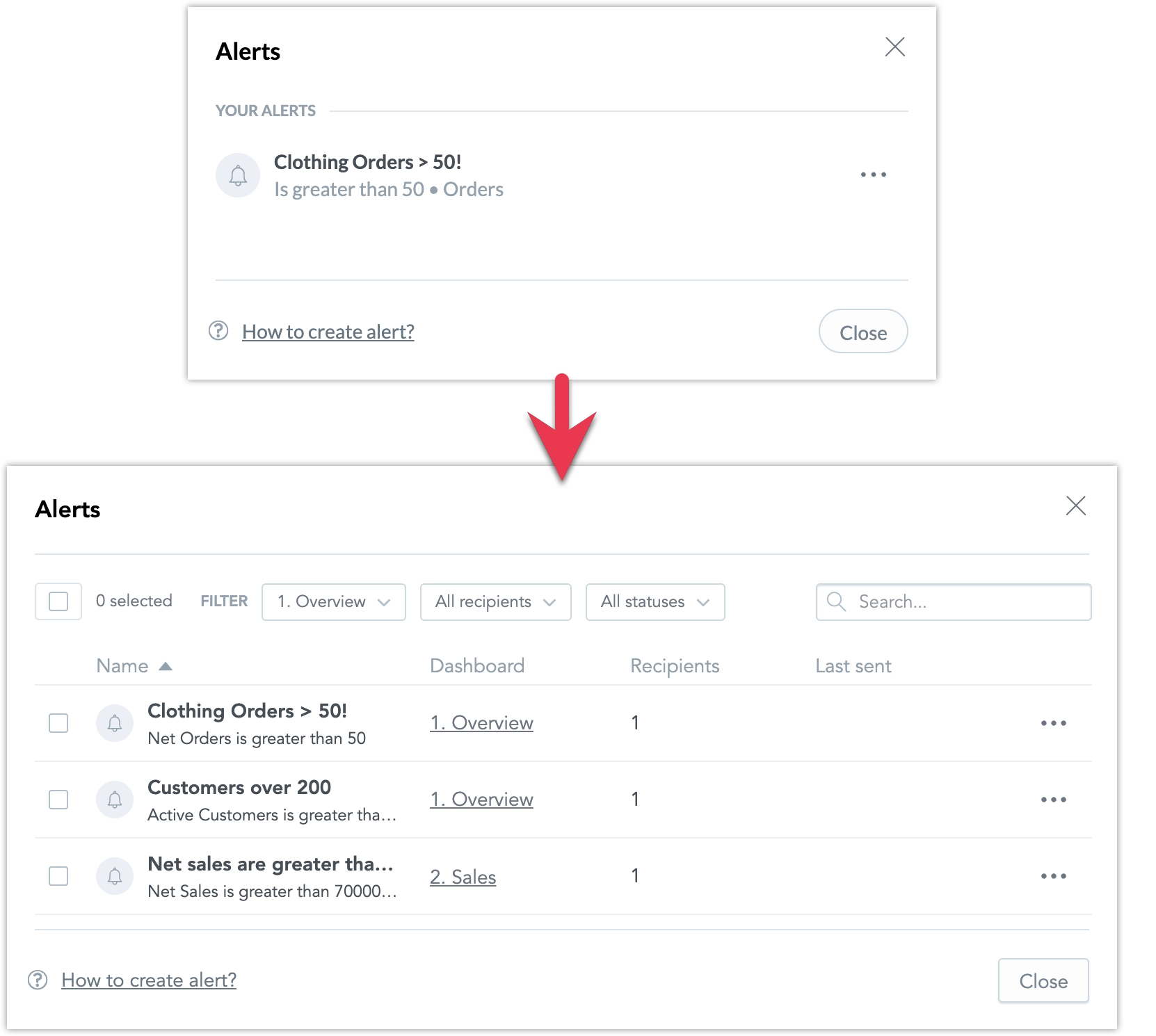
For details, see Automation in Dashboards.
We previously announced updates to how identity providers are configured in GoodData. These changes enhance flexibility and security when transitioning from the default GoodData Authentication Provider to a custom identity provider (IdP). As part of this update, several OIDC-related fields in the organization entity have been deprecated and will be removed on October 16, 2025.
Deprecated Fields:
"oauthClientId": "string",
"oauthClientSecret": "string",
"oauthCustomAuthAttributes": {
  "property1": "string",
  "property2": "string"
},
"oauthCustomScopes": [
  "string"
],
"oauthIssuerId": "myOidcProvider",
"oauthIssuerLocation": "string",
"oauthSubjectIdClaim": "oid"
For most customers, no action is required because the fields have already been migrated to the new format.
If you have actively reverted or blocked the migration and continued using the deprecated OIDC fields in the organization entity, you should:
- Move all identity provider configuration details into the identity provider object.
- Link the identity provider to the organization using the identityProvider relationship.
For implementation details, see Set Up Authentication.
GoodData.CN 3.45.0
Today we released React SDK version 11 which introduces support for React 19 and discontinues support for React 16 and 17. Our UI components have been upgraded to React 19. As of today, React SDK 10 enters a six-month support-only phase: service stability and fixes for blocking or security issues will be provided, but no new features.
After the support-only period, React SDK 10 will reach end-of-life. This means we will no longer provide fixes or guarantee continued functionality, though it will remain technically available.
What this means for you:
If you use custom dashboard plugins developed with React 16 or 17, upgrade your plugins immediately to React SDK 10 or higher and React 18 or 19. Otherwise, they may stop working, because support for React 16 and 17 has been removed.
If you embed GoodData with React SDK and your application still uses React 16 or 17, but without plugins, you do not need to upgrade right away. However, plan to migrate your application to at least React 18 and upgrade to React SDK 11 within the next six months.
If you already use React 18 for your plugins or embedding, you are fine for now. No immediate action is required. We still recommend upgrading to React 19 and React SDK 11 though, ideally within the six-month support window.
Visualization Accessibility Improvements
As part of our ongoing work to improve accessibility, we have made several updates to the readability of visualizations.
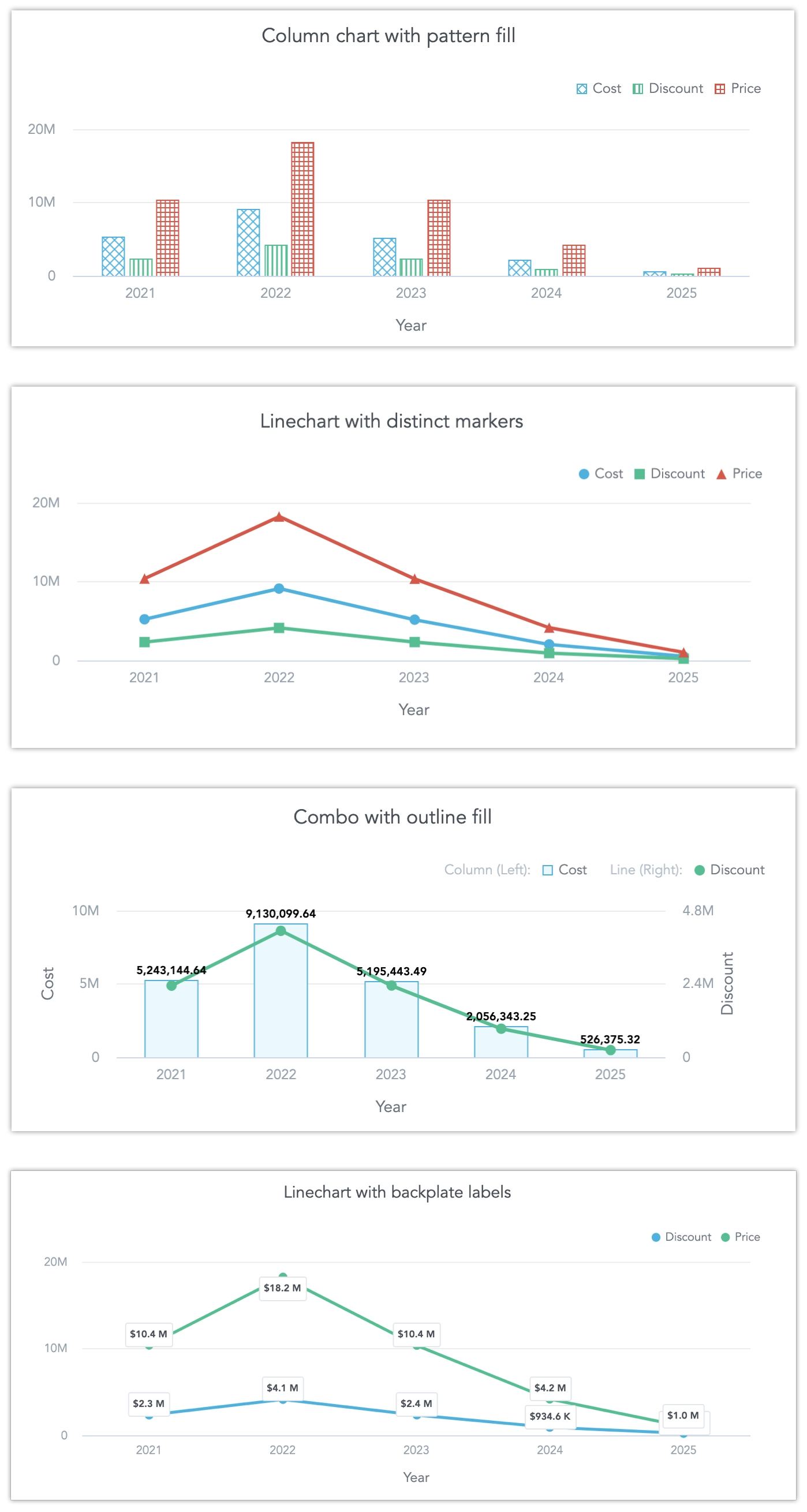
High-Contrast Data Labels: A new Backplate option adds a background behind labels. This increases contrast and makes labels easier to read against different chart backgrounds.
Chart Segment Styles You can now choose how chart segments are displayed:
- Pattern Fill: Replaces solid colors with patterns (such as crosshatching or dots). This makes values easier to tell apart because they differ by both color and texture.
- Outline: Tones down solid fills and uses emphasized outlines. This is useful when layering charts (for example, a line chart on top of a column chart) because it improves contrast and separation.
Distinct Data Point Shapes: Line, combo, and stacked area charts now support multiple point shapes. Instead of a single dot for all data, each series can use a different shape (such as a square, diamond, or triangle).
Theming Changes
We have also restructured the theming setup as part of these improvements.
- Chart axis properties (
axisColor,axisLabelColor,axisValueColor) are now grouped under a singleaxisobject. - The same restructuring applies to tooltip-related properties.
Example:
theme: {
    chart: {
        axis: {
            color?: ThemeColor;
            labelColor?: ThemeColor;
            valueColor?: ThemeColor;
        },
    }
}Sort by Top and Bottom Values in AI Assistant
The AI Assistant can now recognize and apply ranking filters when users ask for top or bottom values in their queries. This means you can request things like “top 5 products by revenue” or “worst regions by churn” and the assistant will return results sorted accordingly. The assistant supports both single and multi-metric scenarios, synonym detection (“highest”, “best” corresponds to top, “lowest”, “worst” corresponds to bottom), and follow-up refinements on existing visualizations. Limitations apply when multiple attributes are used in the same visualization.
For details see Use AI Assistant.
Visualization Accessibility Improvements
As part of our ongoing work to improve accessibility, we have made several updates to the readability of visualizations:
- Data labels: We added a new option to display labels with a backplate. This improves contrast and makes labels easier to read against different chart backgrounds.
- Chart segments: We introduced patterns and thin borders for chart segments, which ensures segments can be distinguished by more than just color.
- Markers: Line, combo, and stacked area charts now support different marker shapes. Instead of only dots, each series can be shown with a unique marker, making it easier to tell them apart.
- Combo charts: We improved the visual contrast between lines and columns, making lines more clearly visible.
Theming changes
We have also restructured the theming setup as part of these improvements.
- Chart axis properties (
axisColor,axisLabelColor,axisValueColor) are now grouped under a singleaxisobject. - The same restructuring applies to tooltip-related properties.
Example:
theme: {
    chart: {
        axis: {
            color?: ThemeColor;
            labelColor?: ThemeColor;
            valueColor?: ThemeColor;
        },
    }
}
New Date Format: English US 24H
This is a customized version of the standard en-US locale with the following differences:
- Uses the US date format, but adds leading zeros for month, day, hour, and minute.
- Uses 24-hour time instead of the AM/PM format.
- Adds a timezone to the hour and minute grain (for example:
08/11/25 13:05 CET). - All other date grains remain the same as in the standard
en-USlocale.
New Default Deployment Mode for Export Builder Service
We have made a small change to how the export-builder service is deployed. The exportBuilder.playwright.browser.type is now set to cdp by default, instead of local, which means that updating to this version will automatically deploy a dedicated Chromium container, allowing independent browser management, better observability, and fine-tuned resource allocation.
If you wish to disable this, override this type back to local in your Helm values file when upgrading.
GoodData.CN 3.44.0
New api-gw Microservice
We are introducing a new microservice called api-gw. This service takes over part of the functionality previously handled by NGINX Ingress, including routing of incoming traffic, telemetry, and logging. It is enabled by default, and your deployment will be automatically updated to use it. No manual action is required.
The service is still under active development, and its role will be expanded in future releases. We do not anticipate any issues from this change, but if you encounter problems, please contact GoodData Support. If necessary, you can temporarily opt out by setting the Helm chart attribute deployGateway=false.
For details, see the api-gw section in the Microservices article.
GoodData.CN 3.43.0
To-Date Filters and Day of Quarter Granularity
You can now use To-Date values (Year-to-Date, Quarter-to-Date, Month-to-Date, and Week-to-Date) in date range filters. These options make it easy to select data up to the current day, helping prevent misleading comparisons with fully completed historical periods.
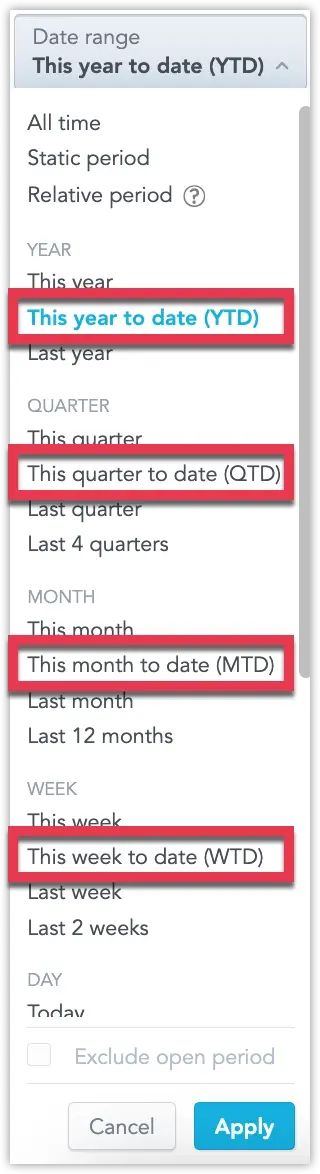
For more information, see the To-Date Filters section.
In addition, we’ve added support for to-date filters in metric date filters, and introduced a brand-new Day of Quarter granularity. This lets you group data by individual days within a quarter—ideal for spotting short-term trends that sit between daily and monthly views.
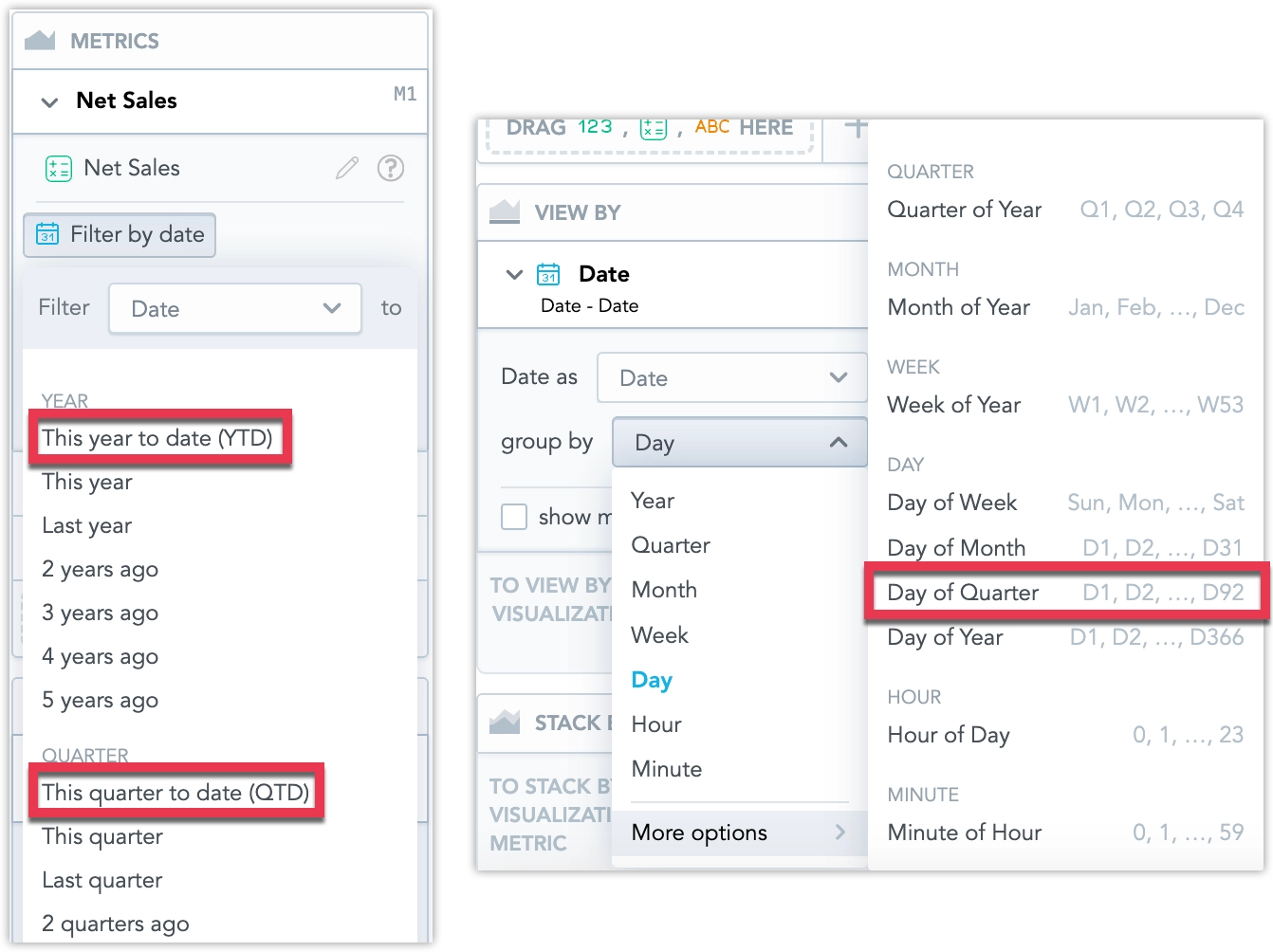
To use the new Day of Quarter granularity, you may need to update your Logical Data Model. See Missing Date Granularity for details.
The legacy telemetry section has been fully removed from the /api/v1/profile endpoint. This field had been marked as deprecated for over a year and is no longer returned in the response.
If your integration relies on the deprecated telemetry section, update to use the telemetryConfig section exposed by this endpoint.
GoodData.CN 3.42.0
We’ve introduced two enhancements to smart search:
Search results now group identical visualizations used across multiple dashboards into a single expandable result. This reduces clutter and makes it easier to review all occurrences of a visualization. Users can expand the group to see each instance and navigate directly to a dashboard or to Analytical Designer.
Smart Search is also integrated with the AI Assistant. When no relevant results are found, users with access can continue the query in the assistant. The assistant opens with the search term pre-filled and immediately returns an answer or an ad-hoc visualization.
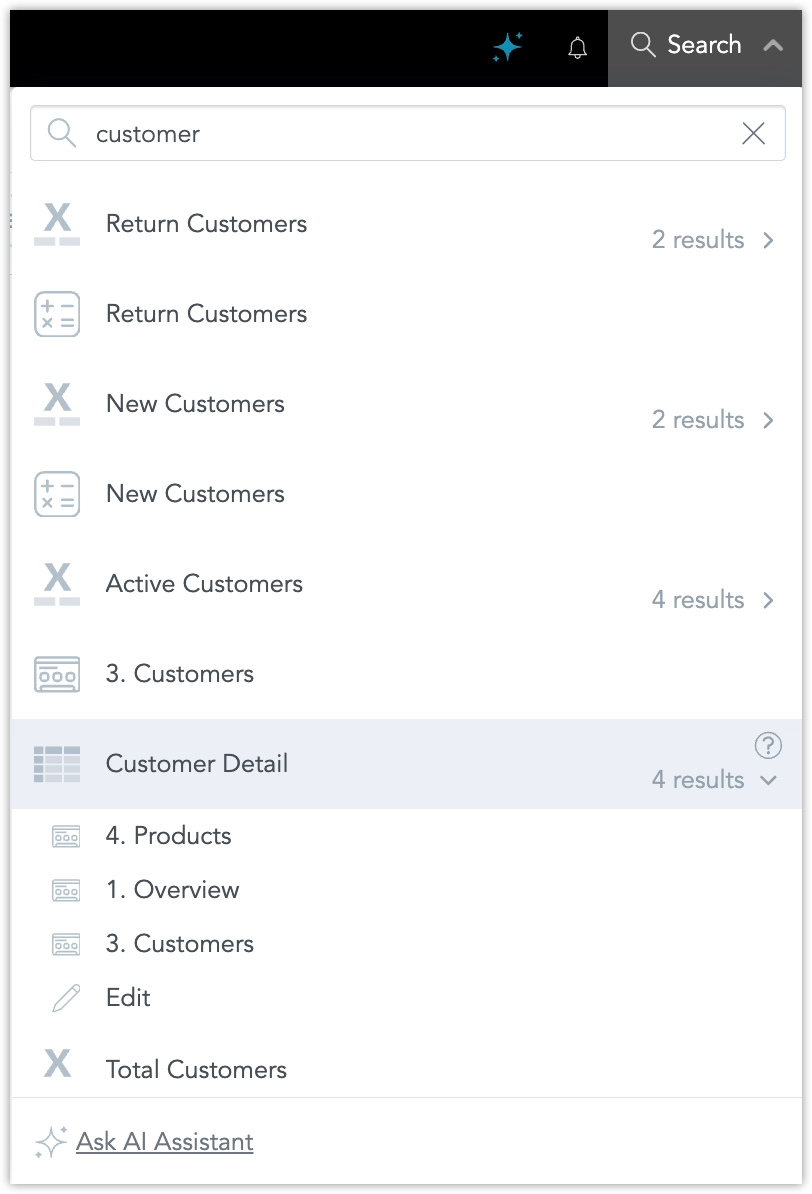
For more information, see Use Smart Search .
GoodData.CN 3.41.0
Important Notice
Please avoid updating to GoodData.CN versions 3.41.0 and 3.41.1 if you are using the built-in PostgreSQL HA. These versions contain a critical issue affecting metadata.
If you have already updated to this version, please contact GoodData Support for guidance on how to proceed with further updates.
To-date Options in Date Filters
We have now fully released the new To-Date values for date range filters. These include Year-to-Date (YTD), Quarter-to-Date (QTD), Month-to-Date (MTD), and Week-to-Date (WTD).
These filter values enable you to easily select data up to the current day, preventing misleading comparisons with completed historical periods.
For more information, see the To-Date Filters section.
Apply All Dashboard Filters at Once
You can now enable a new mode that lets you apply all dashboard filter changes in one step, instead of triggering a reload after each individual change. This is especially helpful for dashboards with many filters and visualizations, reducing the number of queries and improving performance.
For more information, see the Apply All Dashboard Filters at Once section.
GoodData.CN 3.40.0
We have redesigned the process for configuring authentication providers. The current process offers greater flexibility and safety when switching from the default GoodData Authentication Provider to a custom identity provider (IdP).
This allows administrators to configure both GoodData Auth and a custom IdP in parallel, and switch between them using a dedicated API endpoint, enabling safer testing and easier rollback without requiring assistance from GoodData Support.
Breaking Change
The organization entity now uses the identityProvider relationship to define which IdP is active. All configuration details specific to the identity provider must be defined in the identity provider entity and linked via the organization settings.
This replaces the previous method of including OIDC-related parameters directly in the organization attributes. The following fields are deprecated and will be removed in a future release:
"oauthClientId": "string",
"oauthClientSecret": "string",
"oauthCustomAuthAttributes": {
  "property1": "string",
  "property2": "string"
},
"oauthCustomScopes": [
  "string"
],
"oauthIssuerId": "myOidcProvider",
"oauthIssuerLocation": "string",
"oauthSubjectIdClaim": "oid"
To configure authentication, define these settings within the identity provider object and link it to the organization using the identityProvider relationship.
For full implementation details, see the Set Up Authentication documentation.
If you experience any issues with authentication after installing this version, you can quickly return to the previous setup by toggling the enableSeamlessIdpSwitch feature flag and setting it to false.
Please also report the issue to us so we can investigate and resolve it.
We’re planning to release SDK 11 at the end of September, and want to give you advance notice of some important changes.
❗ React 19 Support and Deprecations
Based on popular demand, SDK 11 will support React 19, which introduces some breaking changes:
- Support for React 16 and 17 will be removed.
- React 18 will remain supported.
If your data product is built on React 16 or 17, we recommend starting your upgrade now. Reach out to your customer support representative to discuss the next steps.
SDK Lifecycle
SDK 11 will follow the standard SDK lifecycle process:
- SDK 10 will enter End of Development (EoD) on the release day of SDK 11.
- All new features will only be available in SDK 11 moving forward.
We encourage you to upgrade as soon as possible. We’ll share detailed guidance on the upgrade path in the coming weeks.
It’s now easier to share a dashboard in the exact state you see it, including all active filters. A new option in the Share dashboard dialog (opened by clicking Share on a dashboard) lets you copy a URL that preserves the current filter settings, so others see the same filtered view.
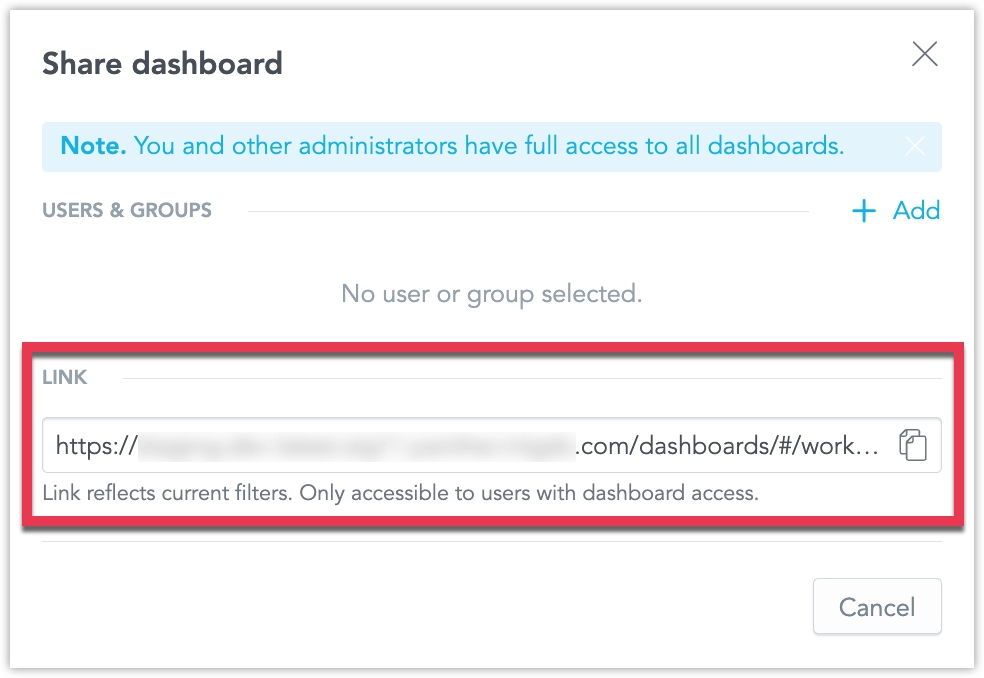
We are in the process of introducing new To-Date values for date range filters, including Year-to-Date (YTD), Quarter-to-Date (QTD), Month-to-Date (MTD), and Week-to-Date (WTD). These filter values enable you to easily select data up to the current day, preventing misleading comparisons with completed historical periods.
For example, MTD includes data from the first day of the current month up to today. On July 21, 2025, MTD covers the period from July 1, 2025, through July 21, 2025.
When you enable the enableToDateFilters feature flag, these new date-filtering options become available in Analytical Designer, Dashboards, and SDKs, providing consistent filtering logic across manual and automated workflows.
GoodData.CN 3.39.0
The Column container is now available in production, giving you more flexibility and control when building dashboards. It lets you group multiple widgets in a single vertical stack, improving layout, alignment, and responsiveness.
What’s new in the full release:
- You can now use Column containers in the Plugin SDK.
- If you use Analytics as Code, you can add or update Column containers and define their content directly in VS Code.
- In Dashboards, when you add a Column container to the canvas, it behaves like a vertical stack by default. However, you can easily change the layout direction if needed.
- Content inside the container automatically resizes to match the container’s width.
- You can nest one Column container inside another.
- We have improved drop zone indicators to make adding and arranging widgets more intuitive.
Benefits:
- Better control over layout and widget sizing
- Cleaner, more organized dashboards using stacked visualizations
- Improved responsiveness and usability
- Easier migration from legacy dashboards to GoodData Cloud
For more information, see the Column Container section.
We have fixed a bug that could cause workspace data filters (WDFs) to stop working correctly after updating the logical data model (LDM) in a parent workspace.
What was the issue:
- When the parent workspace LDM was updated, child workspaces could lose their WDFs.
- Reapplying the same LDM didn’t fix it because the backend thought nothing had changed.
- This happened when parent datasets had no WDFs, but child workspaces added WDFs to those datasets.
- Changes to the LDM using those datasets in the parent prevented WDFs from being properly applied in the child.
Also fixed:
- In some cases, large
PUTrequests with manydatasetExtensionscaused 500 errors due to database load.
These issues are now resolved and no action is needed on your side. However, if your WDFs were affected before this fix, follow these steps:
- Send a
PUTrequest with a small change to the LDM in the child workspace. - Then send the full, correct LDM.
GoodData.CN 3.38.0
We are introducing AI assistant, a conversational interface that lets you explore data in plain language inside GoodData Cloud. Ask questions in natural language, no SQL or MAQL required. Every query passes through your existing semantic model, so results always respect business terminology, metrics, and security filters. Only metadata is sent to the language model; raw data never leaves GoodData.
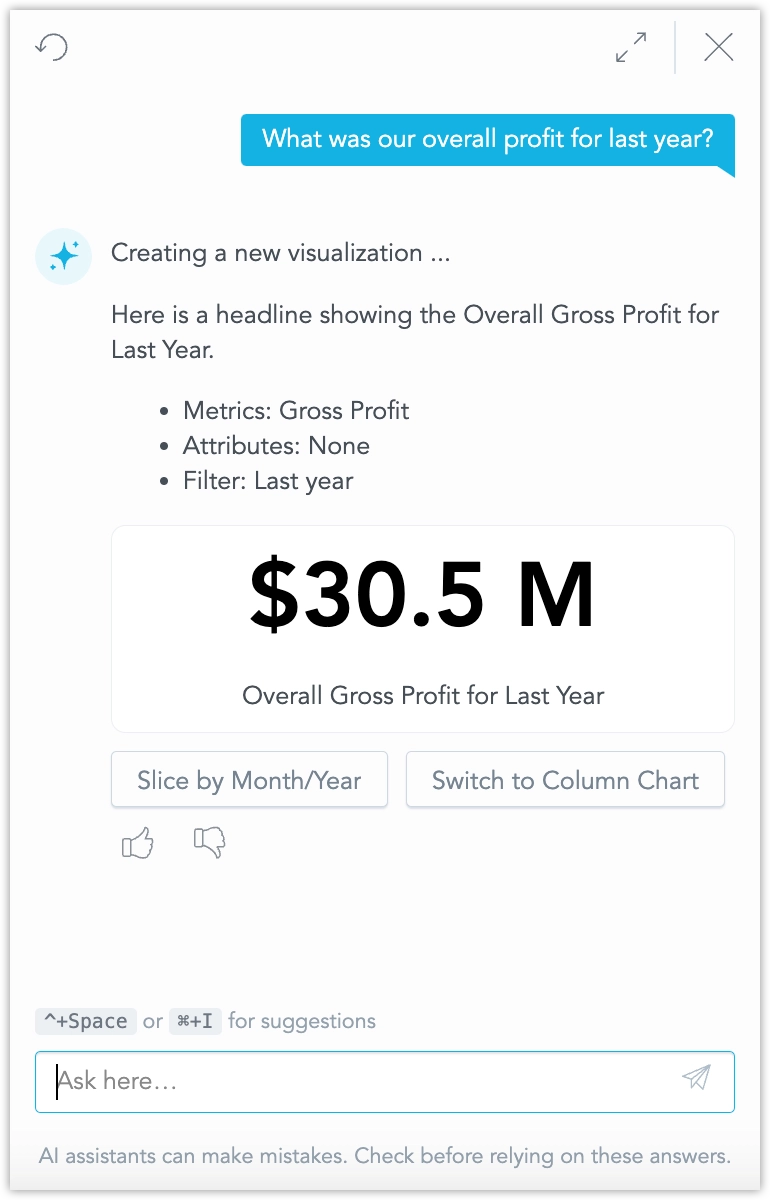
The assistant is designed for everyday tasks:
- Ask general business questions for quick insights into your data.
- Generate new visualizations on the fly and iterate on them.
- Save generated visualization and use them in your dashboards right away, or work on them further in Analytical Designer.
- Search for specific dashboards, visualizations, metrics, facts, and attributes without leaving the chat pane.
- Continue a conversation in context; the assistant remembers prior questions inside each workspace.
See Use AI Assistant for details and instructions on how to set it up.
This initial feature release is hidden under the enableGenAIChat feature flag. Enabling the feature flag requires additional steps, see Upgrade GoodData.CN - Version 3.38.0. Unlike most feature flagged features that become generally available within two GoodData.CN releases (1 month), we plan for the AI Assistant to remain an opt-in feature until September.
Workspace search is a new functionality that lets you search your workspaces for dashboards, visualizations, and metrics using natural language. The search understands synonyms, tolerates typos, and supports several non-English languages, making it easier to find what you need, even if you’re not sure what it’s called.
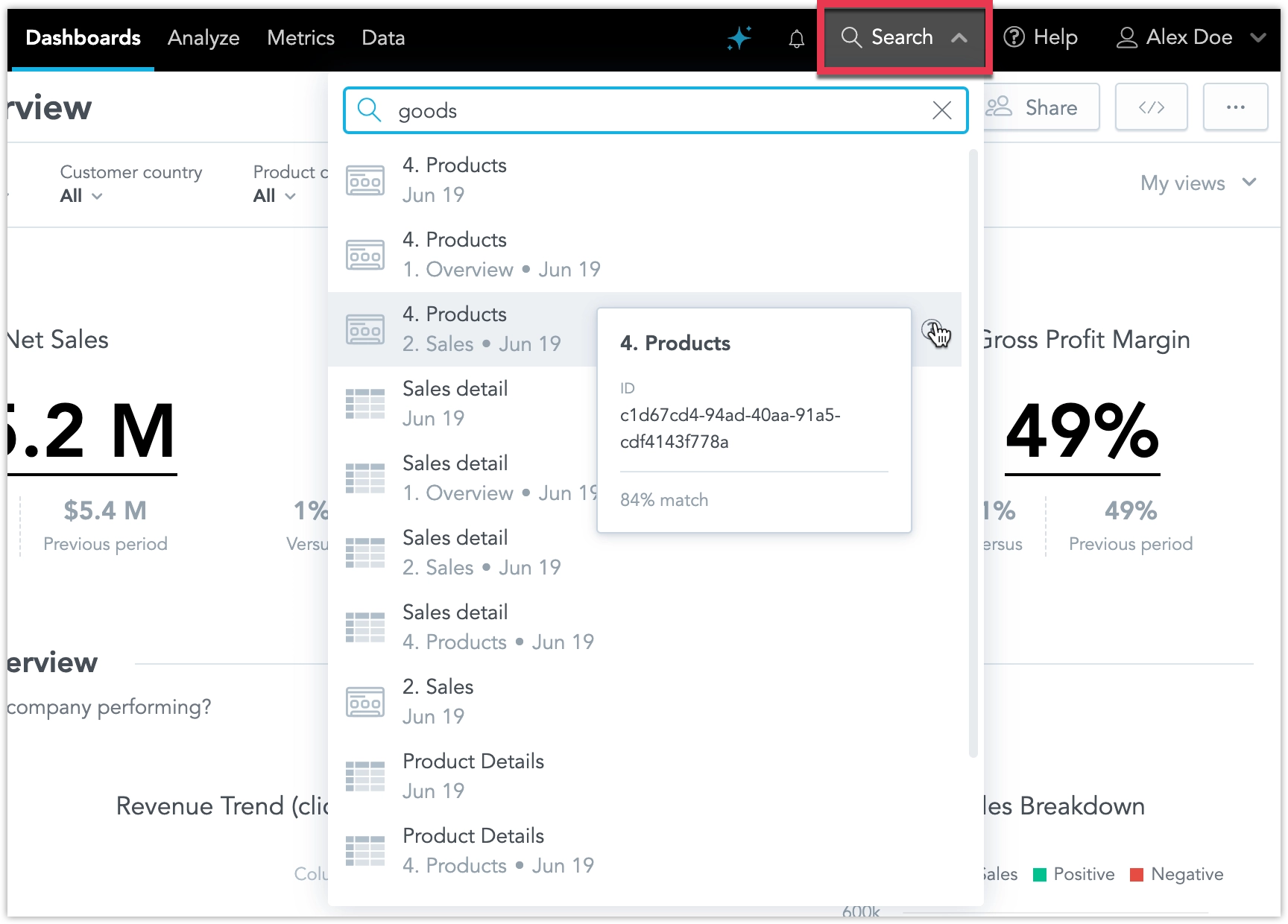
See Search Workspace for details.
This initial feature release is hidden under the enableSemanticSearch feature flag and enabling the feature flag requires additional steps, see Upgrade GoodData.CN - Version 3.38.0
You can now export snapshots of dashboard widgets as PNG images, see Export Widget for details.
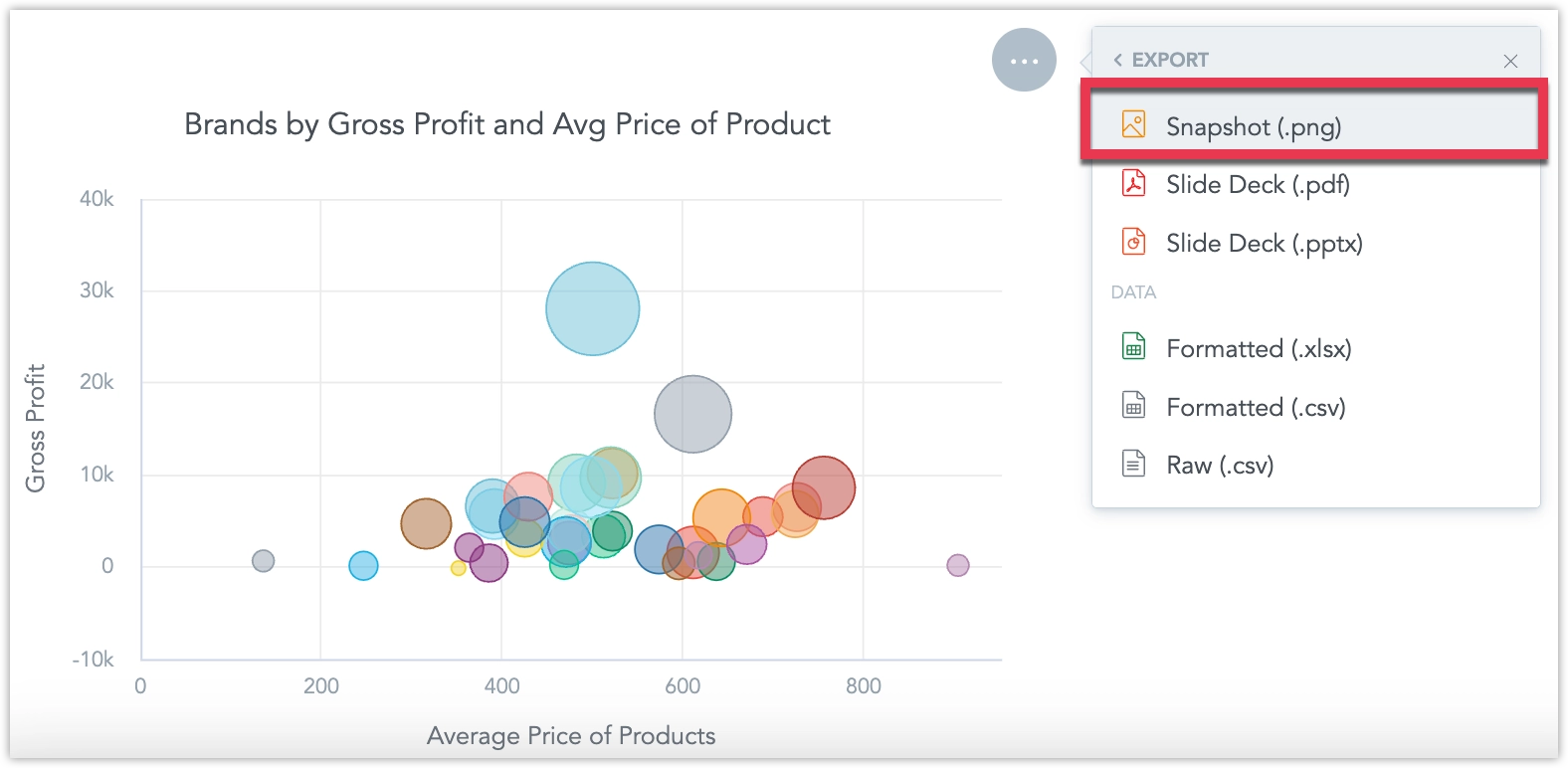
We’ve fixed a bug that caused legends in dashboard visualizations to appear in incorrect positions. Previously, legends did not consistently reflect the position settings configured in the Analytical Designer.
With this fix, legends will now reliably follow the position specified, unless the legend position is set to auto, in which case the system will determine the optimal layout.
To ensure your dashboards continue to display as expected, we recommend reviewing them and checking the placement of chart legends. If any adjustments are needed, you can update the legend positions directly in the Analytical Designer.
New Language Support
We have expanded the language options for our user interface to include Korean, Polish, and Turkish. These languages are now fully supported in the Analytics Designer, Dashboards, and Metric Editor.
See the Change Display Language section for details.
We have introduced an important improvement to how executions are handled to optimize database load and reduce response times.
Now, when you interact with dashboards or build visualizations, such as changing filter values or swapping metrics and attributes in Analytical Designer, any unfinished queries from previous actions are automatically stopped. This ensures that only the query corresponding to the most recent action is executed, avoiding unnecessary use of backend resources.
Previously, every action triggered its own separate execution. Once started, these executions couldn’t be canceled, even if you changed your selection right away. This often led to queries continuing to run in the background even though the UI no longer needed their results, putting unnecessary strain on data sources.
With this update, the system focuses on delivering results for your latest action, which is what you typically want to see. The backend is now smarter about managing resources, especially when accessing raw data sources, which have limited capacity for simultaneous connections and queries.
This enhancement helps ensure faster results, more efficient resource use, and a better overall experience as you explore and analyze your data.
GoodData.CN 3.37.0
You can now export any dashboard directly to an Excel (.xlsx) file. Each visualization is placed on its own worksheet, making it easier to share data, run ad-hoc analysis, and integrate results with other reporting tools.
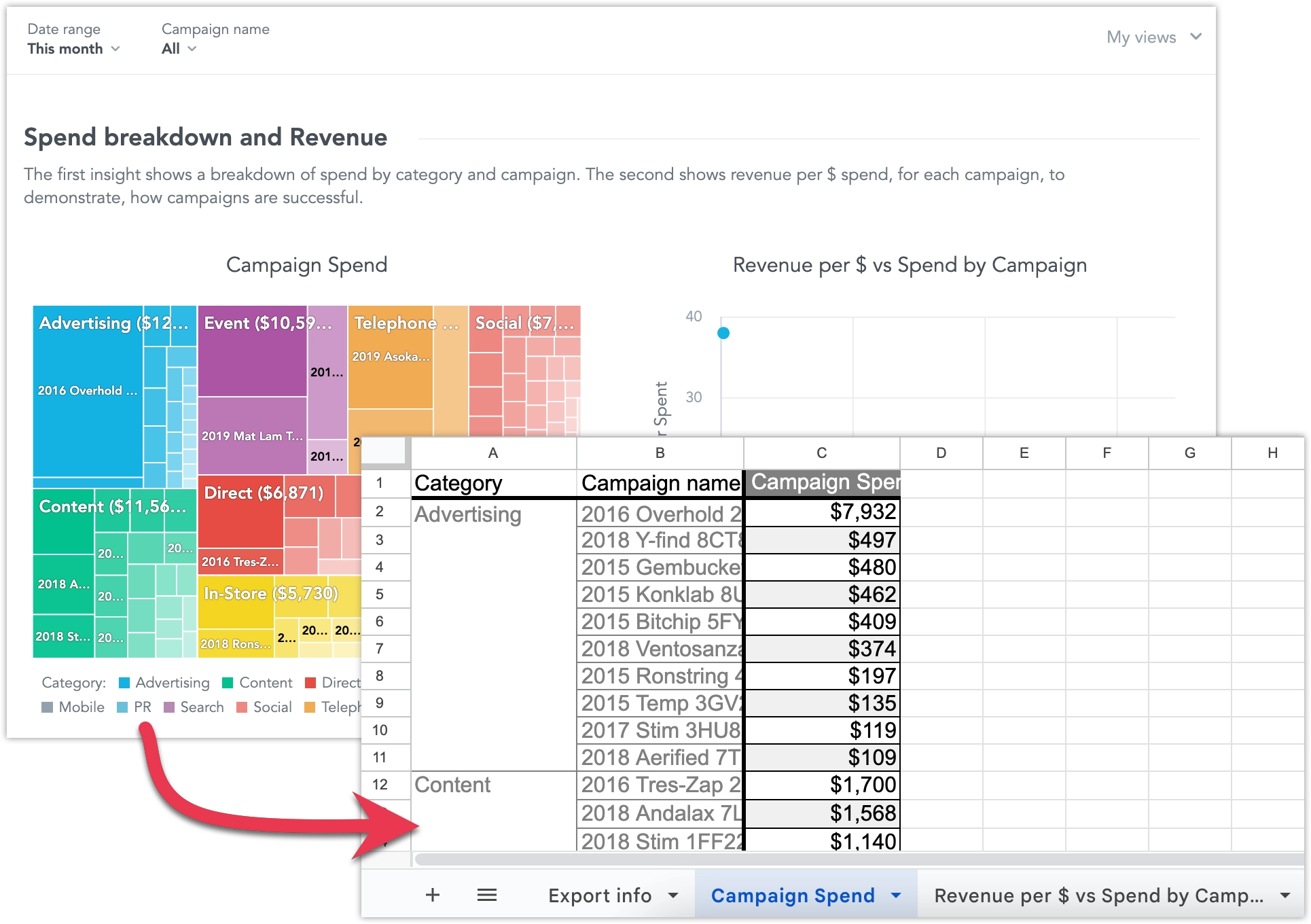
See Export Dashboards for more details.
You can now display charts on your dashboards as tables using the new Show as table button. This lets dashboard users view the widget’s data in a more universally accessible format. The table retains the chart’s drill-down functionality: users can click values to drill into the data, and any drilled-down visualizations automatically open in table view.
This feature isn’t available for Pivot Table, Repeater, or Headline widgets.
You can now visually distinguish between complete and incomplete data in line charts by applying dashed and solid line styles. The line style is driven by a control metric that is not displayed in the visualization.
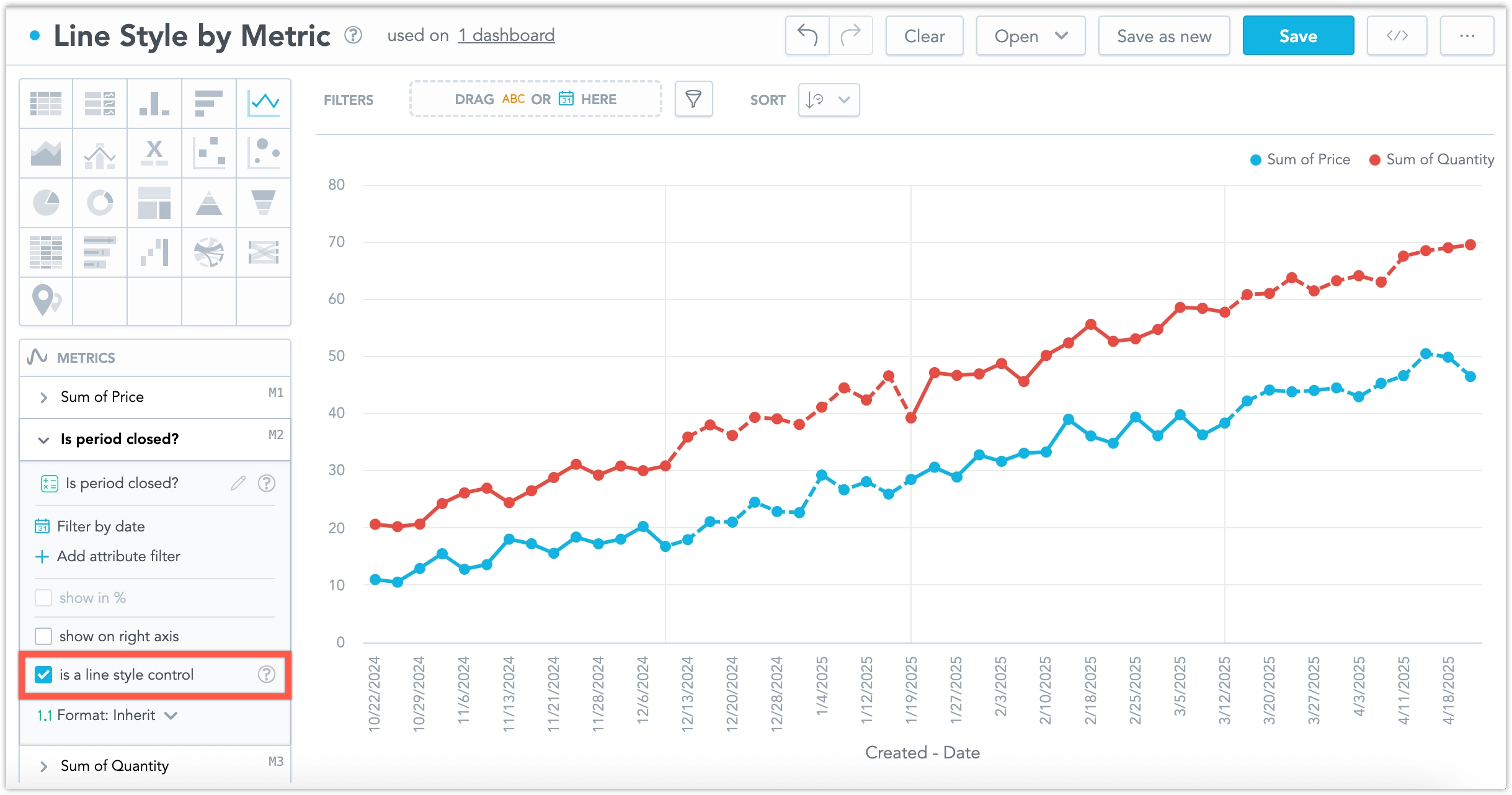
This is especially useful when recent data may still be changing. For example, if the last three months of data are considered incomplete, you can use this feature to show those months with a dashed line, while earlier (completed) months appear as a solid line.
For more details, see the Line Style by Metric section.
The bitnami/etcd subchart has been upgraded to version 11.3.6. This release improves etcd cluster stability when pods are restarted. If you disabled this subchart installation by setting useInternalQuiverEtcd: false, you are not affected.
Upgrading the etcd subchart is seamless and does not require any additional action.
GoodData.CN 3.36.0
In the Embed dashboard → Iframe dialog, we have added a new option Dashboard filters. Toggling this on adds the active dashboard filters as query parameters in the URL itself, letting you embed or share the dashboard with a specific configuration for cases where using postMessages or saved views might be inconvenient.
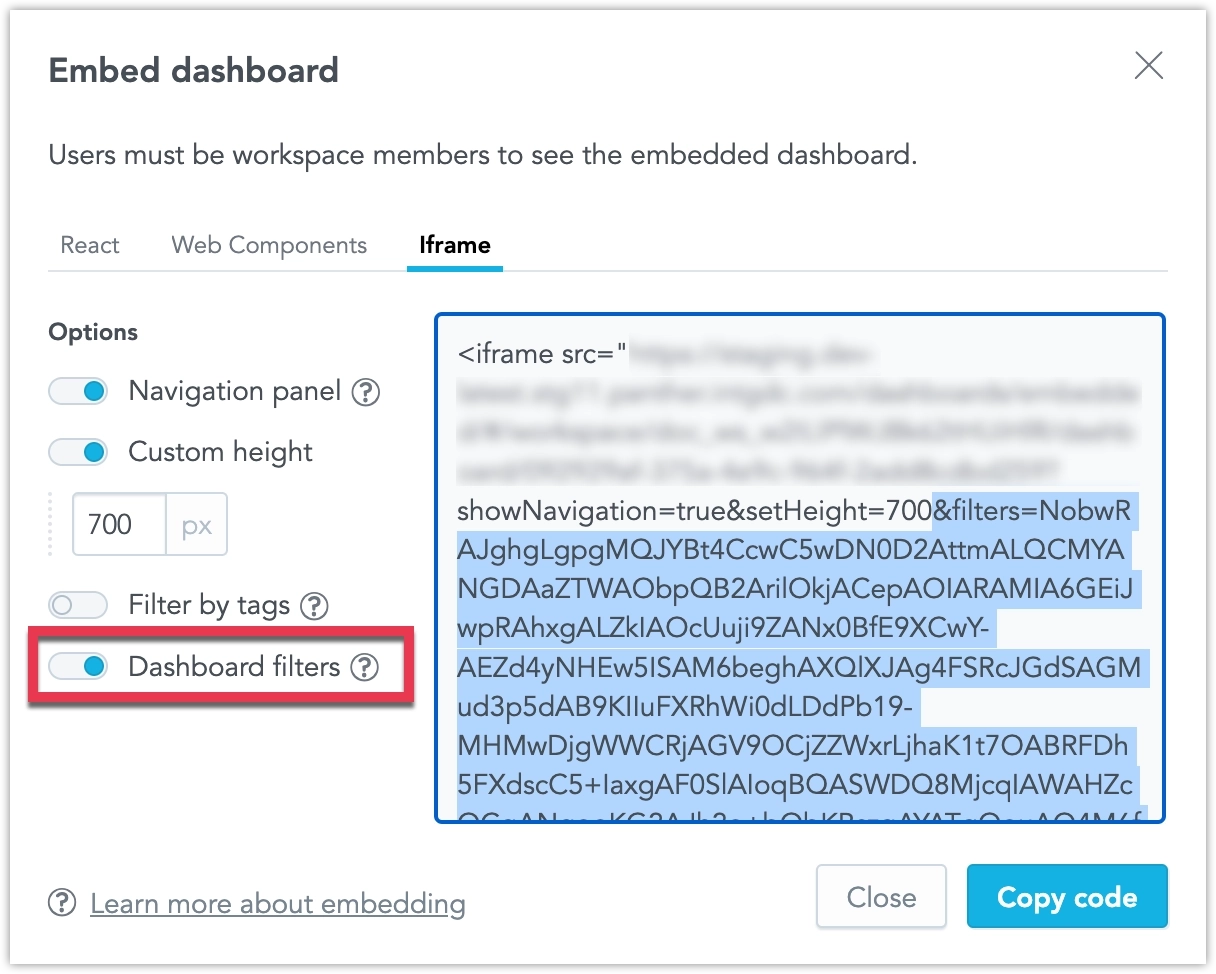
This feature is now out of early access and ready for use in production environments.
We have completed a comprehensive overhaul of how dashboard date and attribute filters are applied in your alerts and scheduled exports (automations). When you create or edit an automation, a new filters section now lists every filter in use together with its current value, and you can add, modify, or remove them directly in the dialog.
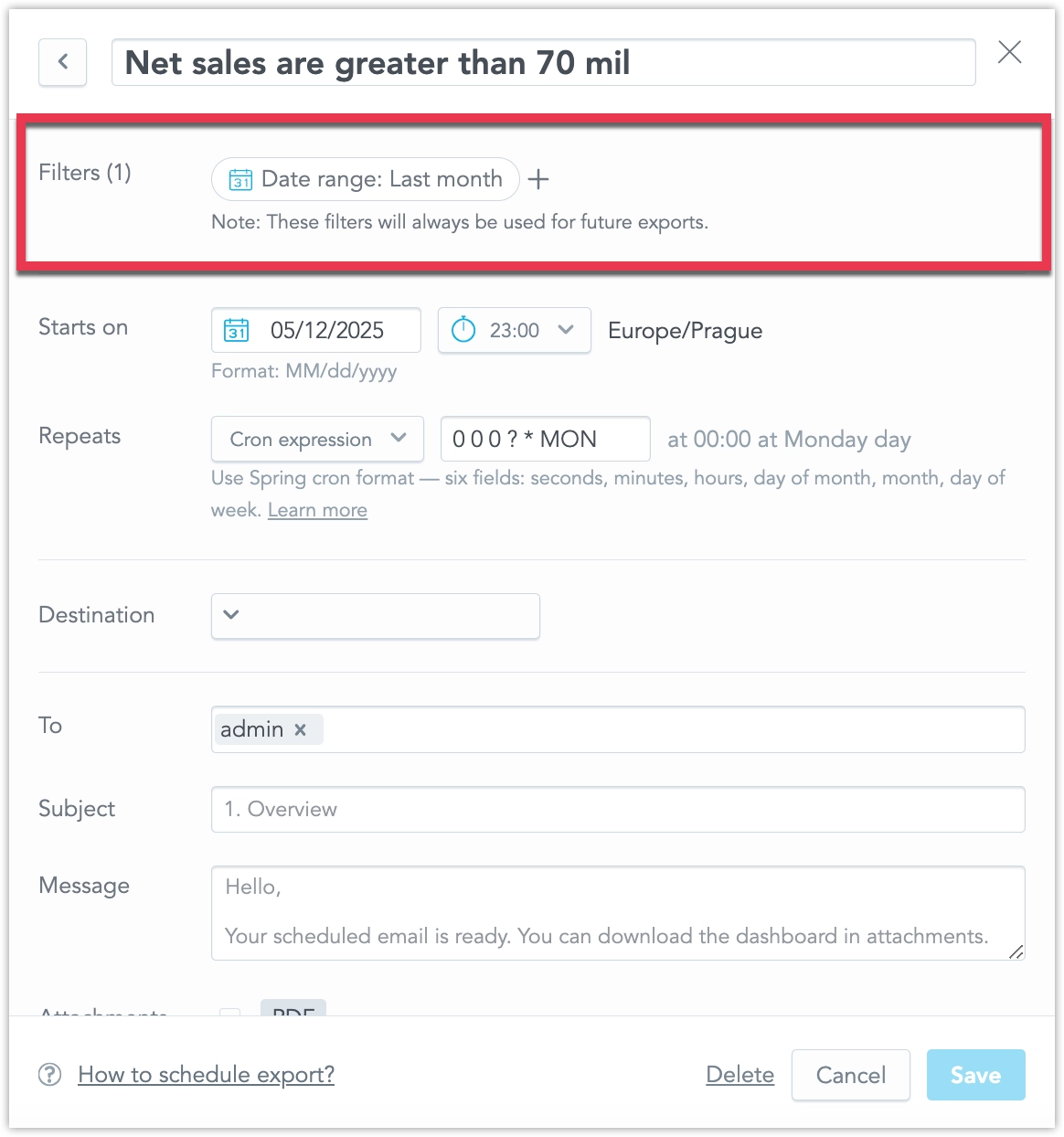
The same filter context now appears in two more places for complete transparency: it is included in the notification e-mail sent with each alert or export, and it can be reviewed via a new filters pop-up available from every item in the in-app notification panel.
This set of features is the reason why we’ve added the localIdentifier property to dateFilter objects a couple of weeks ago. If you are using GoodData declarative API in any of your custom applications or workflows, please review Date Filters Now Require ID Property.
This initial feature release is hidden under the enableAutomationFilterContext feature flag, see Feature Flags to learn how to opt-into this feature.
We are making the error responses for object creation and update operations more specific:
- 409 Conflict is now returned when trying to create an object that already exists (previously 400).
- 400 Bad Request remains for other invalid edits.
This initial feature release is hidden under the enableImprovedHttpStatuses feature flag, see Feature Flags to learn how to opt-into this feature.
GoodData.CN 3.35.0
You can now access a self-service audit log to store and analyze audit events from your GoodData workspace. This new feature empowers your SecOps team to easily investigate who made changes, when, how, and what was changed in your solution, which is especially valuable in case of an incident.
The audit log can support you in several critical areas:
- Security & Fraud Prevention – Monitor unauthorized or suspicious activity.
- Compliance & Legal Requirements – Meet GDPR, HIPAA, or SOC2 standards.
- Troubleshooting & Support – Quickly trace issues and understand changes that impact your setup.
The self-service audit log gives you greater transparency, control, and security when managing your data and analytics environment.
See the Audit Log section for more details.
The dashboard slide deck exports are now a fully integrated feature and on by default.
GoodData.CN 3.34.0
We’ve upgraded the chatbot’s metric-detection logic for visualization requests. Previously, it sometimes chose facts or attributes instead of your saved MAQL metrics; now it consistently picks the right metrics, so the visualizations you receive align far better with your question.
Note that AI Assistant is an early access feature that is not available to all customers by default.
GoodData.CN 3.33.0
We giving users more control over how frequently their alerts are evaluated. Until now, all alerts have been evaluated according to the evaluation frequency setting shared by your entire organization.
Now, dashboard creators can edit the evaluation frequency in the dashboard’s settings. They can customize the evaluation frequency for all alerts created in that particular dashboard, which overrides the default setting from the organizational settings. This setting applies only to alerts created after the dashboard setting has been changed; it is not applied retroactively to existing alerts.
Note that the old cogwheel icon which opened a dropdown with toggleable dashboard configuration has now been replaced by a dedicated Settings button:

When clicked, this button opens a pop-up dialog that now also includes the new evaluation frequnecy setting:
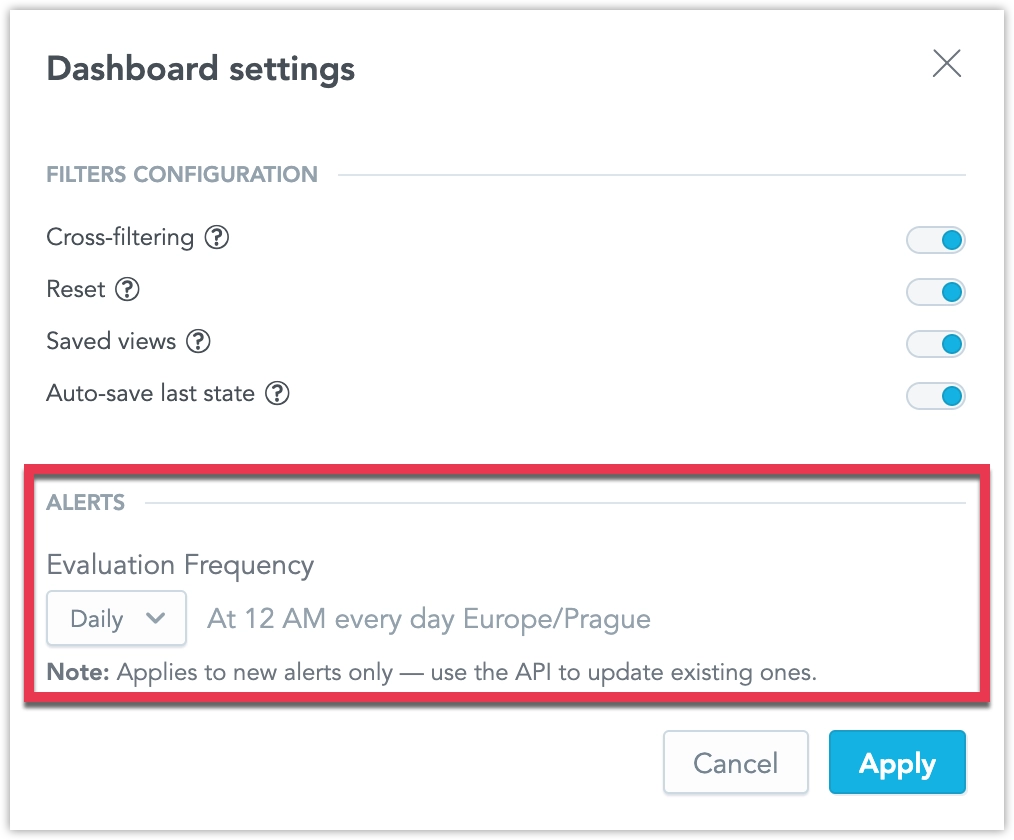
Furthermore, users can now edit the evaluation frequency for each individual alert separately using the API. See Create Alerts in Dashboards for details.
We have added a new raw data export option, allowing you to download the data used to compute a report.
If your report is based on large raw data that exceeds GoodData limits, the report may not be computed. With this feature, you can still access the underlying data, even if it cannot be visualized. Even when limits are not exceeded, raw data exports can be useful for further processing in external systems.
- Data is exported in CSV format (raw).
- The exported file is not cross-tabulated, ordered, or formatted.
- Metrics are not formatted in the output.
This feature provides flexibility for handling large datasets and integrating with other data processing tools. See the CSV with Raw Data section for more details.
GoodData.CN 3.32.0
Rich text now supports referencing attributes and metrics within your rich text widgets, dashboard section descriptions, widget tooltips, and metric or attribute descriptions. This lets you embed live data, filtered according to any applied dashboard filters, directly into your text.
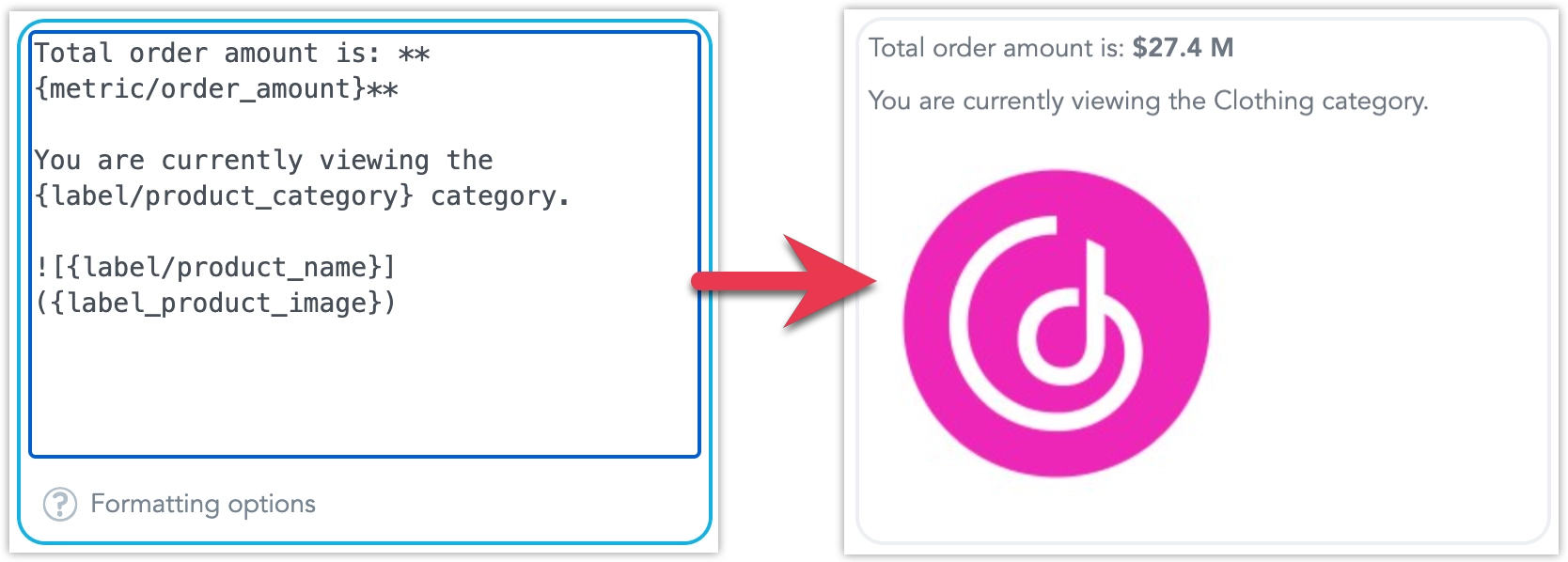
See Add Rich Text to Dashboards for more details.
We have introduced a new way to export entire dashboards or individual widgets as slide decks. You can generate your presentation in either PDF or PPTX format, making it easier to share insights in meetings or keep stakeholders updated. API users can also apply custom templates to control the look and content of individual slides.
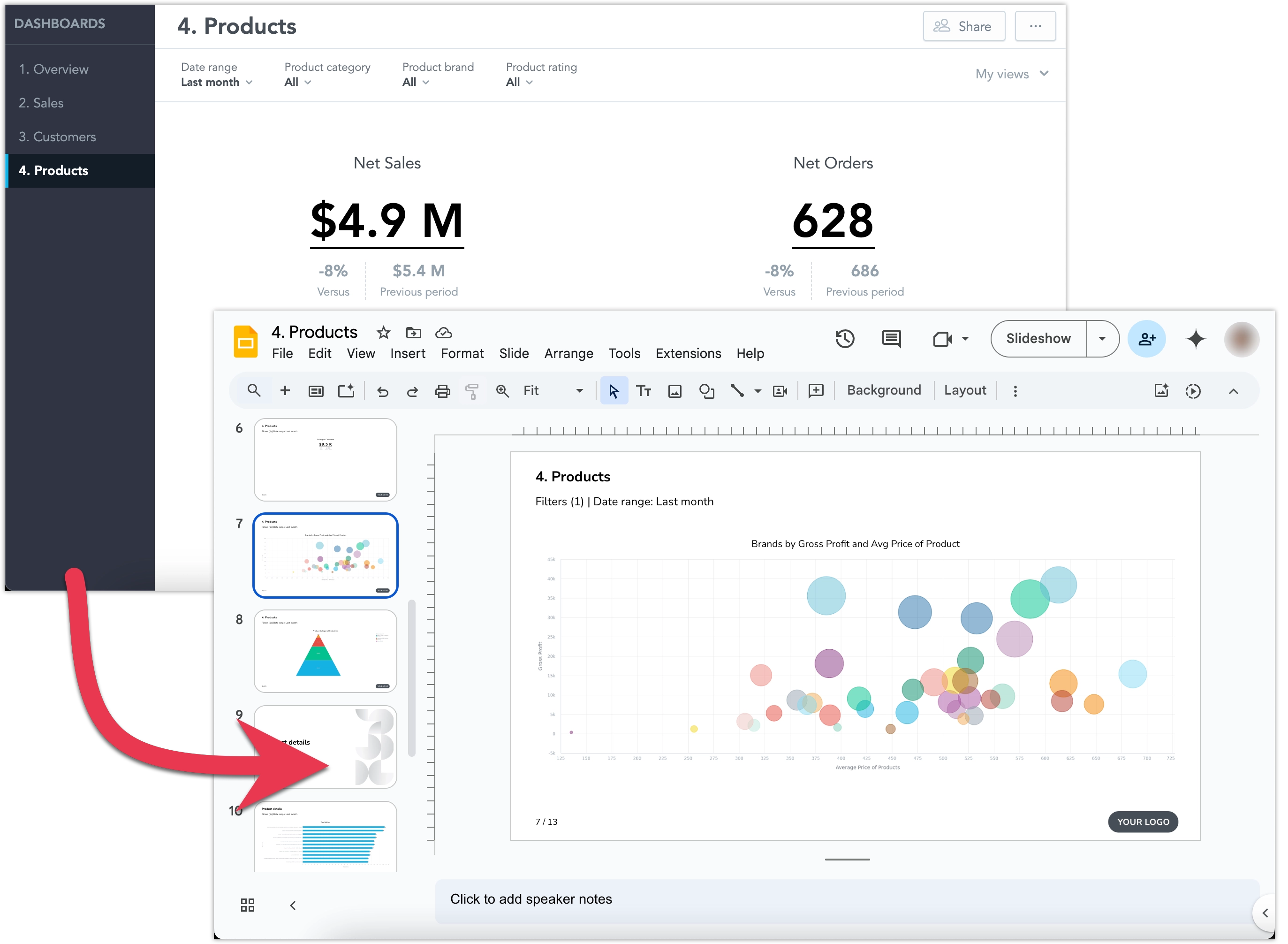
See Export Dashboards for more details about the feature.
This initial feature release is hidden under a feature flag and enabling it may also increase the demands on your Kubernetes resources, see Upgrade GoodData.CN - Version 3.32.0 guide for details.
GoodData.CN 3.31.0
In April, Snowflake will begin transitioning to an M2M (machine-to-machine) authentication policy. You can read more about it in this article on Snowflake’s website.
As a result, basic username/password authentication will no longer be supported for Snowflake data sources. To continue using your Snowflake data, you must update your data source settings to use Key-pair authentication.
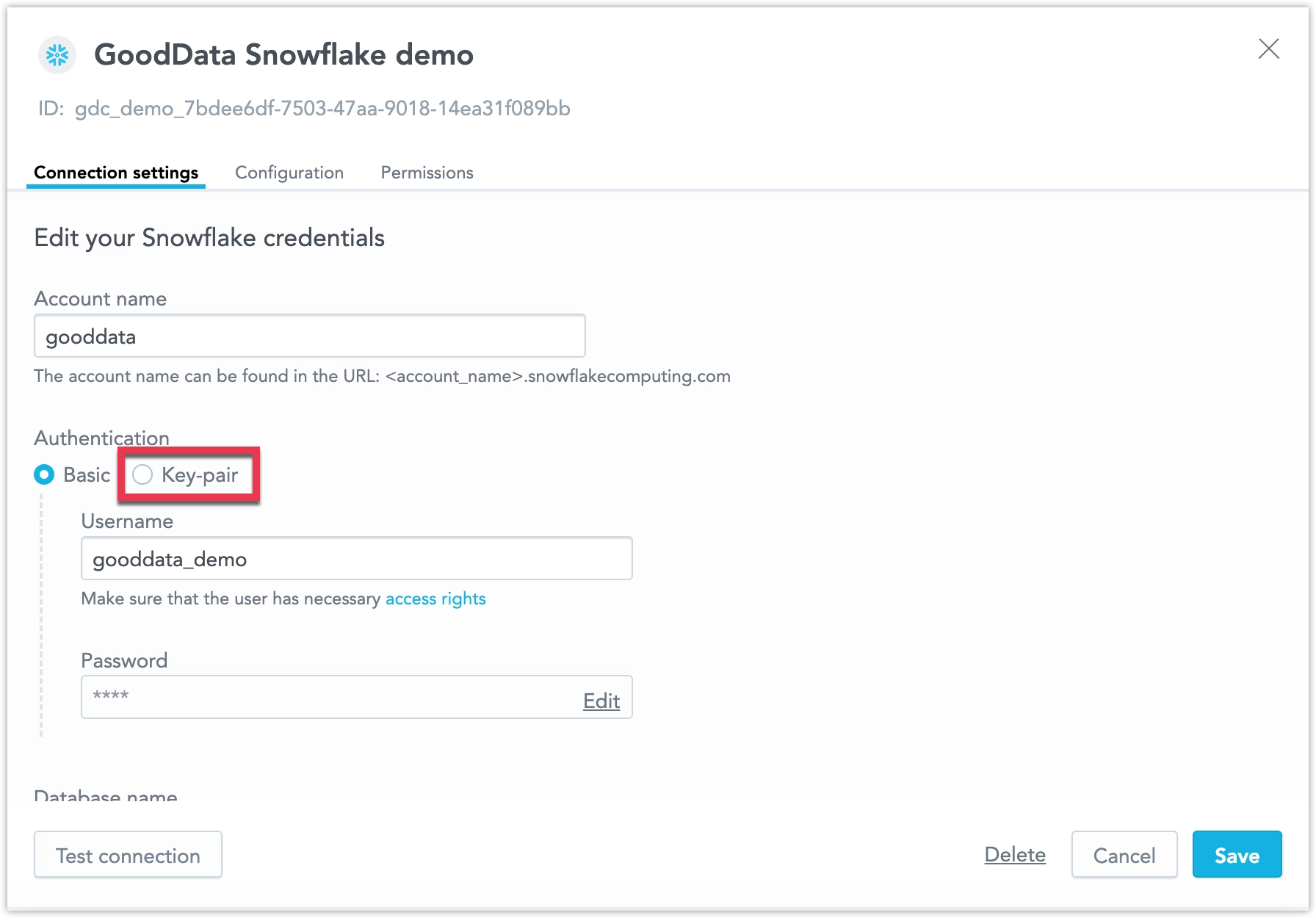
Please make this change by the end of March to avoid losing connectivity. While it’s possible to temporarily work around this by switching your Snowflake user type to LEGACY_SERVICE (as described in the Snowflake article), this workaround will stop working in November. After that point, only key-pair authentication will be supported.
We are improving the accessibility of our Dashboards, making it easier for users with disabilities to navigate and interact with dashboard content. This bring us closer to full compliance with accessibility standards and make dashboards more usable for everyone. More improvements will be introduced in future updates.
GoodData.CN 3.30.0
We are updating the engine behind our visualizations to improve performance and accessibility. This update fixes several long-standing bugs and lays the foundation for faster, more accessible visualizations.
As part of this update, you may notice some small but important changes to the appearance of your existing visualizations:
- More space is allocated for each label, which may reduce the total number of labels displayed on axes with high label density. Some labels may be hidden if there isn’t enough space.
- Labels are now less likely to rotate when space is limited.
- Minimum and maximum values for chart axes now round up or down to the nearest whole number, which may slightly adjust the axis range.
- A more advanced approach to zero alignment on dual axes may change how these charts are displayed.
If you have finely tuned visualizations that depend on pixel precision, we recommend reviewing them. If you use automated screenshot tests, you may need to update those tests as well.
ClickHouse is now fully supported and out of beta! This data source is enabled by default for all users. See the ClickHouse section for more details.
Some identity providers do not support custom scopes or have limits on characters and length. To solve this, we introduced Customizable JIT Provisioning. This feature currently works alongside the original JIT, so you can continue using the previous version if needed.
Customizable JIT Provisioning is managed in the organization settings, giving you more control over its setup. Both custom scopes and user groups are optional. However, at this time, it only supports organizations with a single identity provider.
Improved Data Blending
We have made it easier to analyze and combine data from different sources. Now, you can create metrics that calculate summary values at the source level and use FlexQuery to perform final calculations like sum or difference, without loading data into a central data warehouse. This reduces the amount of data transferred, keeping it within platform limits. It’s especially useful for merging data from multiple regional data sources into one workspace.
The feature improvements include the following:
- Ranking Filters and Metric Value Filters now work with visualizations that use metrics from multiple sources.
- Show Missing Values is now supported.
- In the Analytics Designer metrics bucket, you can create cross-source metrics using
Sum,Difference,Product,Ratio, andChange. - In the current version, Show in % works only when breaking down by a single common (non-date) attribute across all federated metric sources.
Performance Improvements
We have improved the data blending feature to make it faster and more reliable. These improvements include a new check for mismatched data types, which helps prevent errors during runtime.
If you experience problems:
- Check your database tables to ensure data types are correct.
- Find and fix mismatched data types in dataset references or attribute/label definitions.
Columns referencing primary keys should share the same data type to ensure smooth and effective joins between datasets. For example, you should avoid mixing a numeric type column with a string column. This is essential for successful equi-joins and helps avoid potential failures or performance issues.
See the Blending Data section for more details.
GoodData.CN 3.29.0
You can now assign custom names to alerts when creating or editing them, making it easier to recognize which of your alerts has been triggered, when reviewing alerts at a glance. See Create Alerts for details.
We plan to continue enhancing alert automations, including improvements to how filters are handled, in the coming weeks.
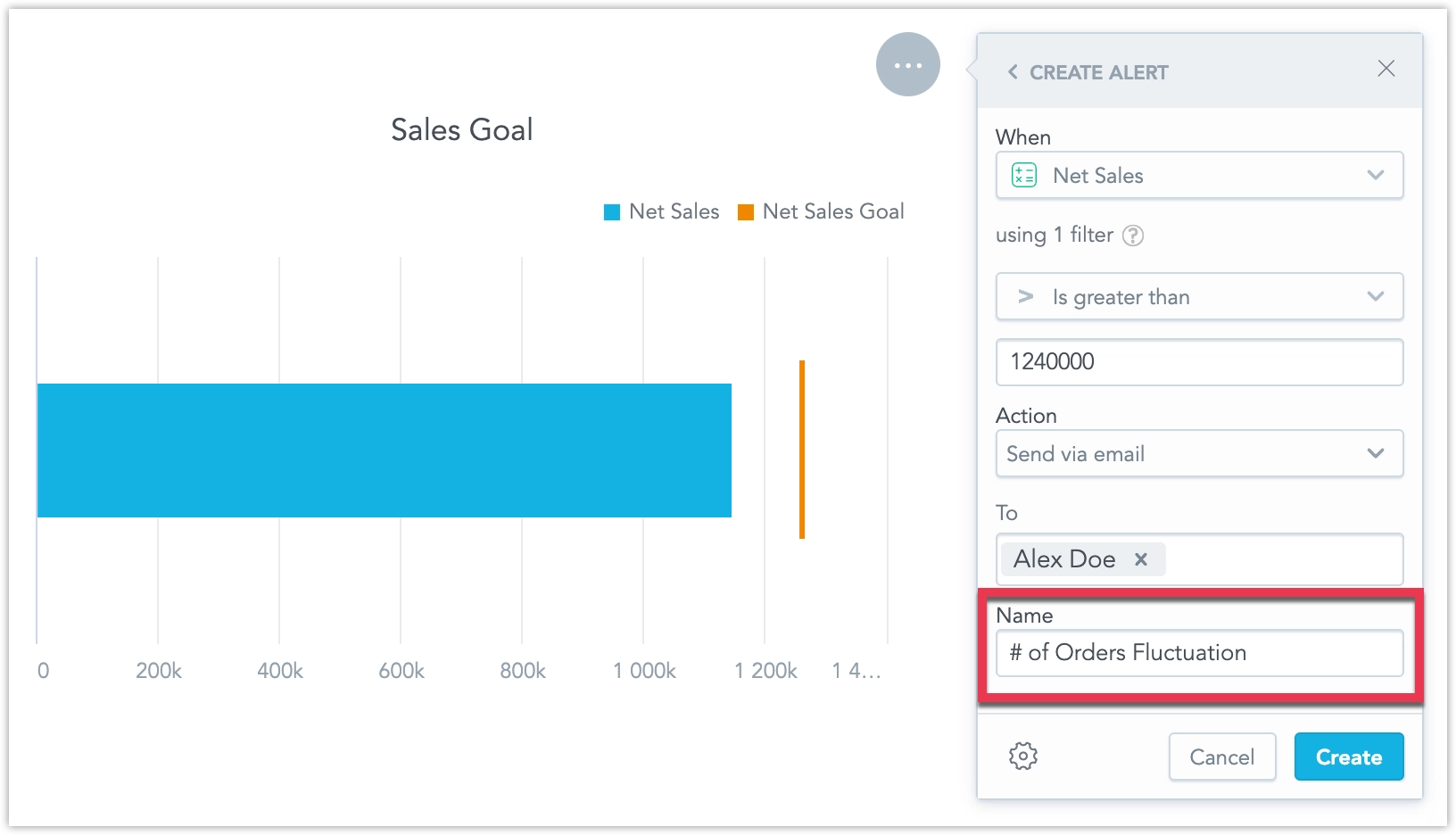
On the dashboard, when drilling down from one visualization into another, users can now view the description of the target visualization by clicking a new tooltip icon.
This feature was previously in beta and first became available in early access on January 8, 2025. It is now enabled by default for all users.
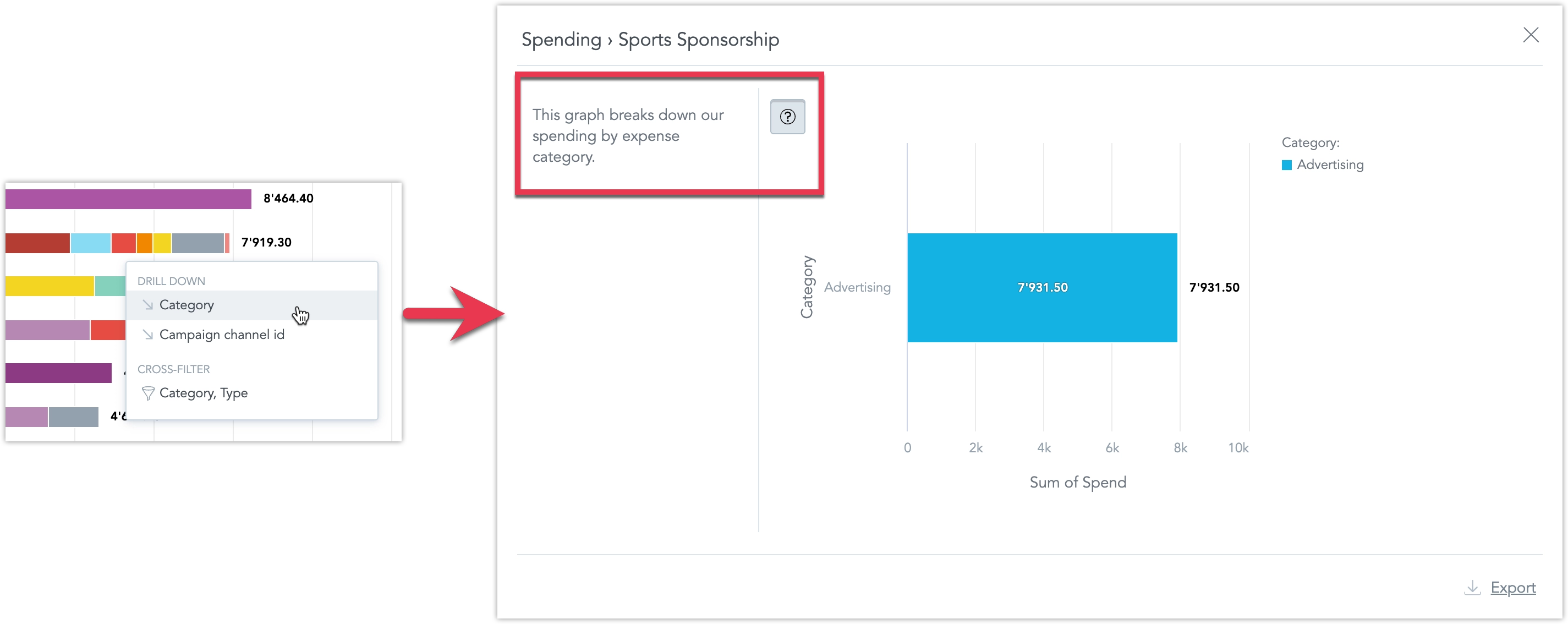
We have made it easier to analyze and combine data from different sources. Now, you can create metrics that calculate summary values at the source level and use FlexQuery to perform final calculations like sum or difference, without loading data into a central data warehouse. This reduces the amount of data transferred, keeping it within platform limits. It’s especially useful for merging data from multiple regional data sources into one workspace.
The feature improvements include the following:
- Ranking Filters and Metric Value Filters now work with visualizations that use metrics from multiple sources.
- Show Missing Values is now supported.
- In the Analytics Designer metrics bucket, you can create cross-source metrics using
Sum,Difference,Product,Ratio, andChange. - In the current version, Show in % works only when breaking down by a single common (non-date) attribute across all federated metric sources.
See the Blending Data section for more details.
You can now manage data separation directly in the GUI. This feature visually represents the functionality of Workspace Data Filters (WDF), which are useful for creating workspace hierarchies and multitenant environments.

WDFs allow you to restrict data available in child workspaces. For example:
- A parent workspace may display data from all company departments.
- A child workspace, with a WDF applied, will only see data for the Sales department in the same visualization.
You can now manage workspace settings directly in the GUI. This update allows you to:
- Create workspace data filters
- Change the workspace’s color theme and palette
- Adjust localization settings
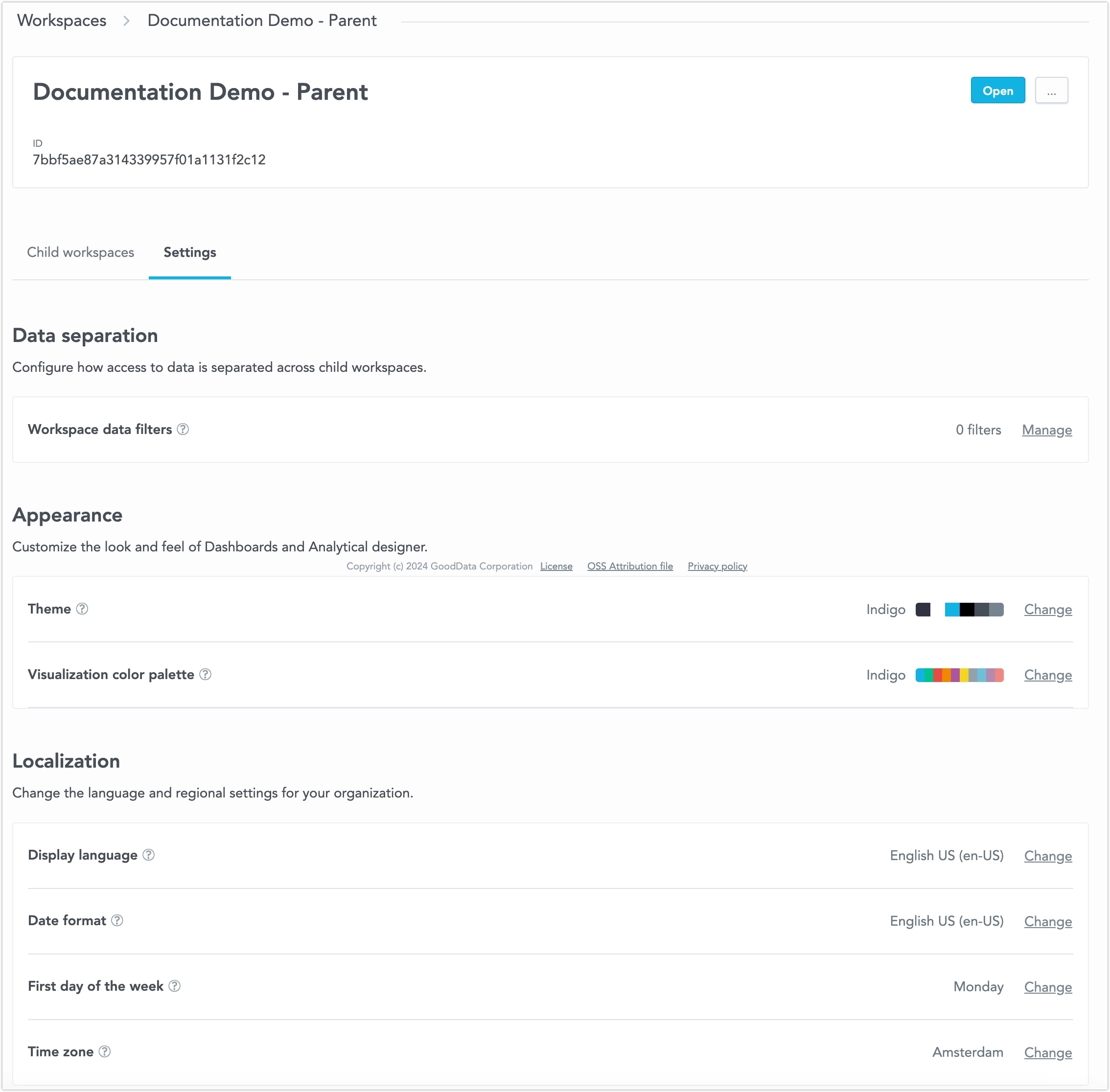
All these changes can now be made without using the API. For further information, see the Workspace Settings section.
GoodData.CN 3.28.0
PostgreSQL Data Source SSL Validation
When setting up a PostgreSQL data source, the API/backend now requires at least one of the ssl or sslmode parameters.
Changes to Existing Data Sources
If your data source does not include ssl or sslmode in the JDBC URL, we will automatically add sslmode=prefer to keep things working as they are now. This ensures no breaking changes, as it was the previous default for the PostgreSQL driver.
However, we recommend switching to sslmode=verify-full for better security and to ensure encryption in transit protection.
Changes for New Data Sources
When creating a new data source via API, you must now include either ssl or sslmode in your request.
If you’re using a template to create data sources automatically, you need to update the template to include one of these parameters.
If not, the new data source creation will fail, which is different from how it worked before.
GoodData.CN 3.27.0
Administrators can now configure destinations that allow users to send alerts and scheduled exports to any email address, including those outside of your organization. For added control, you can disable the inclusion of dashboard links when sending to external recipients. See Create Destinations for details.
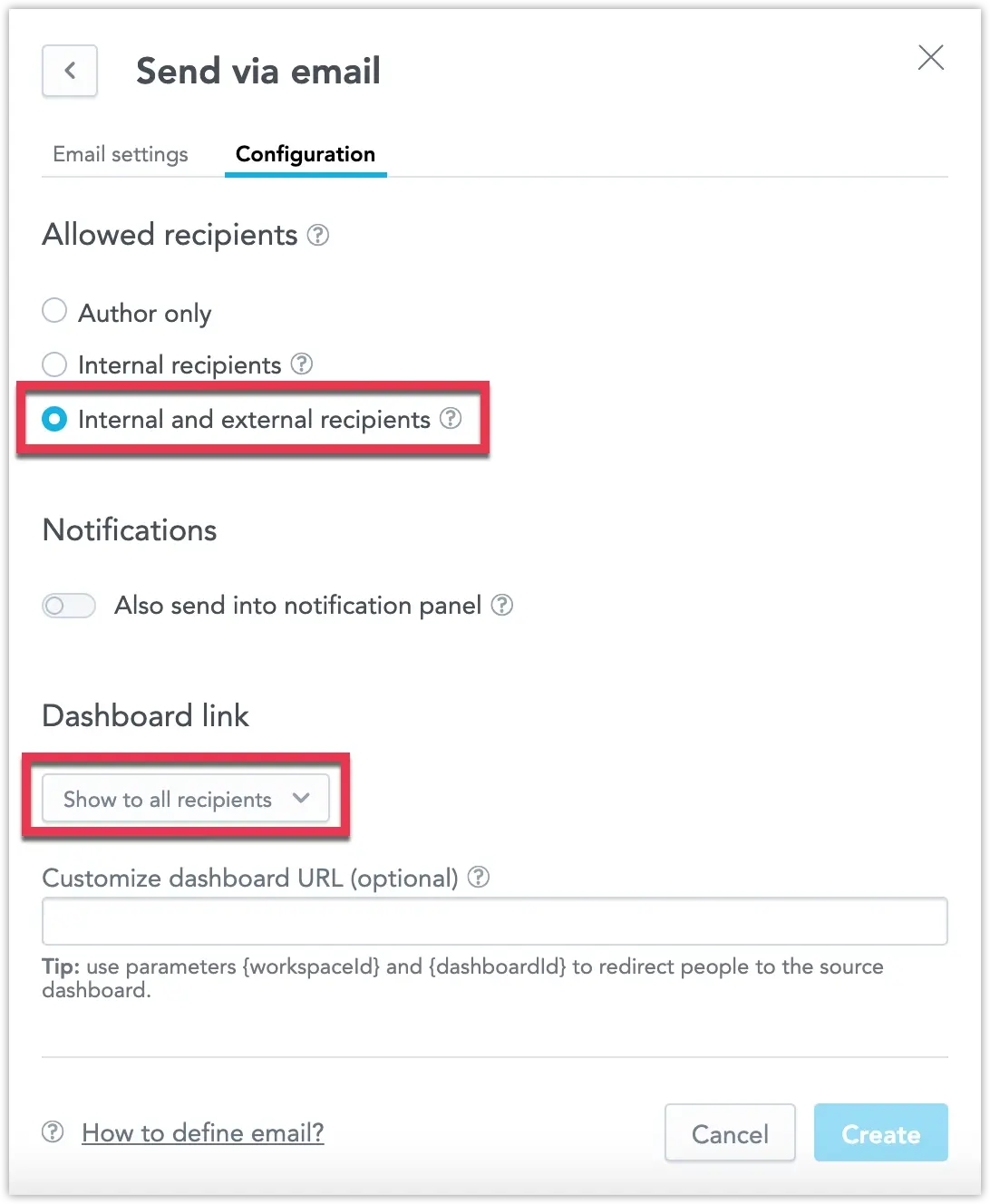
In addition to receiving automatically triggered alerts via email and webhook channels, you can now also send alerts to a new notification panel. Located at the top of the web application, the notification panel is accessible from anywhere within the workspace. By clicking a notification, you can navigate directly to the widget that triggered the alert.
Notifications can be sent independently or alongside email and webhook alerts. See Create Destinations for details.
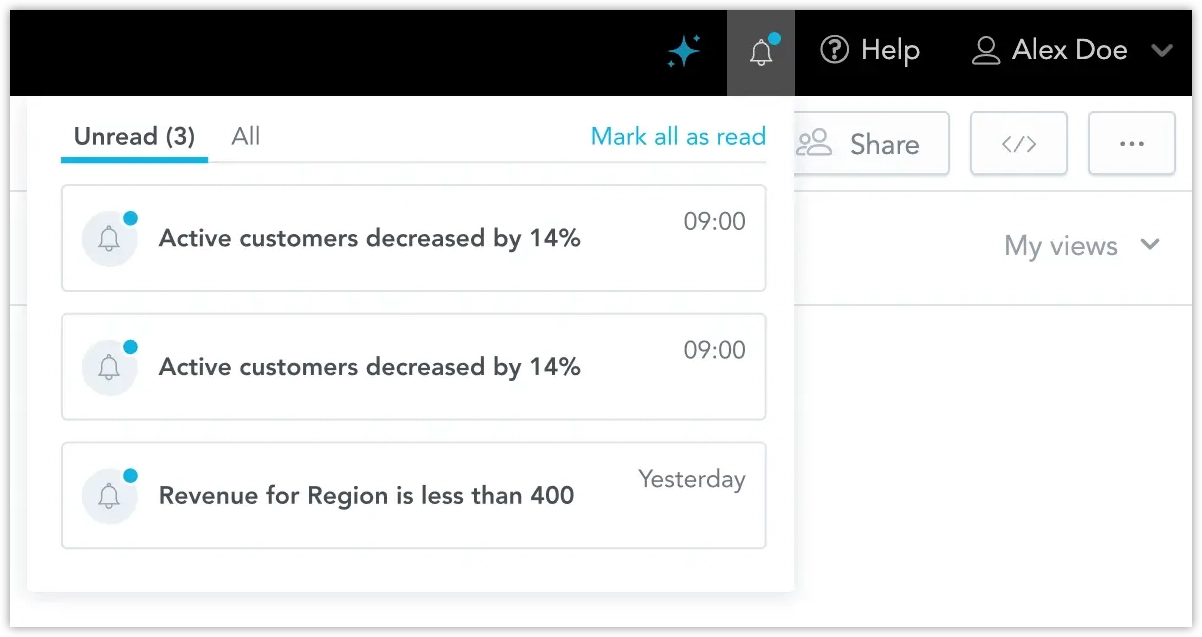
PostgreSQL Data Source SSL Validation
When setting up a PostgreSQL data source, the API/backend now requires at least one of the ssl or sslmode parameters.
Changes to Existing Data Sources
If your data source does not include ssl or sslmode in the JDBC URL, we will automatically add sslmode=prefer to keep things working as they are now. This ensures no breaking changes, as it was the previous default for the PostgreSQL driver.
However, we recommend switching to sslmode=verify-full for better security and to ensure encryption in transit protection.
Changes for New Data Sources
When creating a new data source via API, you must now include either ssl or sslmode in your request.
If you’re using a template to create data sources automatically, you need to update the template to include one of these parameters.
If not, the new data source creation will fail, which is different from how it worked before.
You can now customize the date filters in your dashboard to show specific time granularities, such as only days, months, or years. This is done using the dateFilterConfig metadata object in the GoodData UI. This feature allows you to optimize your dashboards by displaying only the date increments that are most relevant to your use case.
For more details, see the Date Filter Documentation.
GoodData.CN 3.26.0
Administrators can now edit a destination and test the connection to their webhook or SMTP server using the new Send test message button. This protocol is also initiated whenever you create and attempt to save a new destination, ensuring that all new destinations are automatically validated before they can be used.
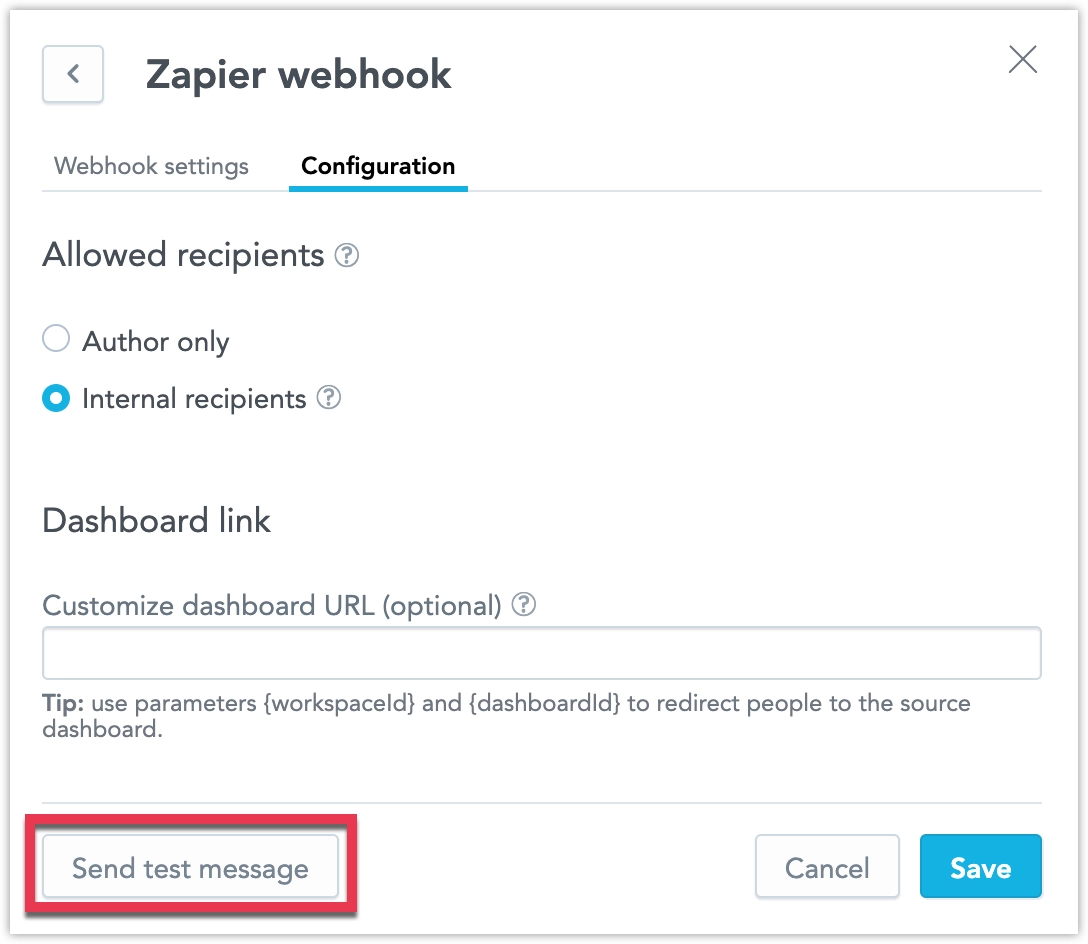
On the dashboard, when drilling down from one visualization into another, users can now view the description of the target visualization by clicking a new tooltip icon.
In response to frequent feedback, we have removed users with organization.MANAGE permissions from the list of recipients in the automation dialog. If your solution requires sharing automations with these users, please ensure they are assigned explicit workspace permissions. This allows you to control which workspaces include admins as recipients and which do not.
GoodData.CN 3.25.0
We are excited to announce the release of the Blending Data feature. This capability lets you create visualizations using metrics computed from multiple data sources. By blending data into a single result set using common conformed dimension attributes, you can now perform more flexible and powerful cross-source analysis. See the Blending Data section for more information.
GoodData.CN 3.24.1
We are introducing M2M as a new authentication method to connect Databricks as a data source. We will also remove the option to use basic authentication with this data source by the end of January 2025, as it is no longer supported by Databricks.
See the Databricks section for more information.
We resolved an issue where certain API usage scenarios could unexpectedly disable some workspace data filters. This hotfix mitigates the risk of unintended disablement and ensures the expected behavior of workspace data filters moving forward.
GoodData.CN 3.24
You can now make visualizations smaller, giving you more freedom to design dashboards your way. The minimum width for visualizations is now 2, except for geocharts, which still have a minimum width of 6 due to technical reasons.
Companies often have data spread across many sources, and with so many types of data storage, it’s hard to support all combinations with regular data connectors. FlexConnect helps solve this by letting you connect to almost any data source. This includes streaming data, structured and unstructured data, databases, third-party platforms, and machine learning models.
Previously, we used the names “FlexFunctions” and “Flight RPC” during the beta phase. The new name, “FlexConnect,” makes everything consistent in the user interface, repository, and API (which still used “FLIGHTRPC” before).
See the FlexConnect page for more information.
GoodData.CN 3.23
You can now create alerts that track metric changes compared to previous periods, helping you identify trends over time. With the new period comparison options, you can set alerts for relative (percentage) or absolute changes, or compare the current period to the same period last year for seasonal insights. See Create Alerts for details.
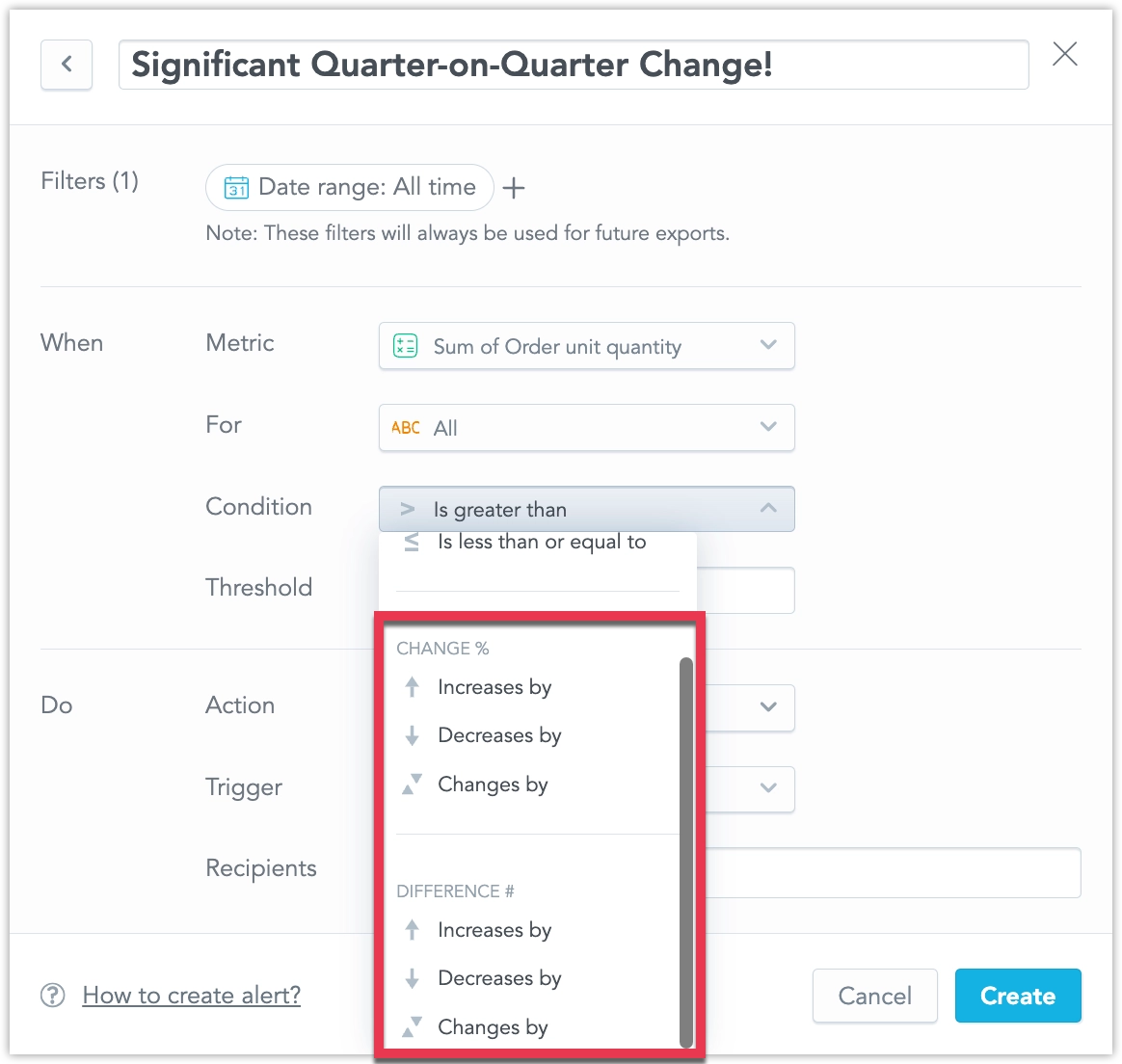
You can now create alerts for individual attributes, enabling you to set up multiple alerts for a single metric based on different values of an attribute. For example, you can break down an alert for a budget metric into multiple alerts, one for each category of spending. See Create Alerts for details.
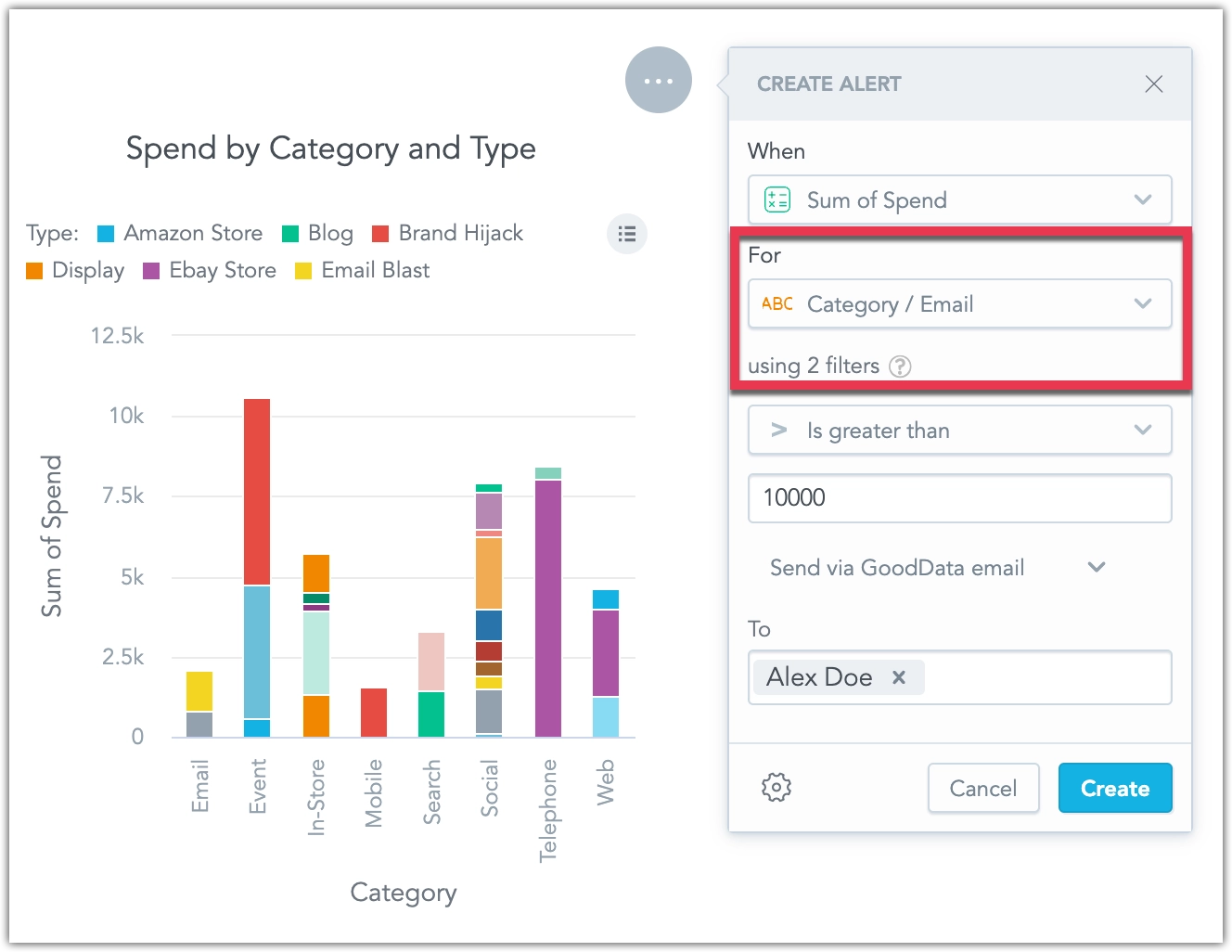
GoodData.CN 3.29.0
Customizable Alert Names
You can now assign custom names to alerts when creating or editing them, making it easier to recognize which of your alerts has been triggered, when reviewing alerts at a glance. See Create Alerts for details.
We plan to continue enhancing alert automations, including improvements to how filters are handled, in the coming weeks.
New Visualization Tooltip when Drilling
On the dashboard, when drilling down from one visualization into another, users can now view the description of the target visualization by clicking a new tooltip icon.
This feature was previously in beta and first became available in early access on January 8, 2025. It is now enabled by default for all users.
Improved Data Blending
We have made it easier to analyze and combine data from different sources. Now, you can create metrics that calculate summary values at the source level and use FlexQuery to perform final calculations like sum or difference, without loading data into a central data warehouse. This reduces the amount of data transferred, keeping it within platform limits. It’s especially useful for merging data from multiple regional data sources into one workspace.
The feature improvements include the following:
- Ranking Filters and Metric Value Filters now work with visualizations that use metrics from multiple sources.
- Show Missing Values is now supported.
- In the Analytics Designer metrics bucket, you can create cross-source metrics using
Sum,Difference,Product,Ratio, andChange. - In the current version, Show in % works only when breaking down by a single common (non-date) attribute across all federated metric sources.
See the Blending Data section for more details.
Data Separation in the GUI
You can now manage data separation directly in the GUI. This feature visually represents the functionality of Workspace Data Filters (WDF), which are useful for creating workspace hierarchies and multitenant environments.
WDFs allow you to restrict data available in child workspaces. For example:
- A parent workspace may display data from all company departments.
- A child workspace, with a WDF applied, will only see data for the Sales department in the same visualization.
Workspace Settings in the GUI
You can now manage workspace settings directly in the GUI. This update allows you to:
- Create workspace data filters
- Change the workspace’s color theme and palette
- Adjust localization settings
All these changes can now be made without using the API. For further information, see the Workspace Settings section.
GoodData.CN 3.28.0
PostgreSQL Data Source SSL Validation
When setting up a PostgreSQL data source, the API/backend now requires at least one of the ssl or sslmode parameters.
Changes to Existing Data Sources
If your data source does not include ssl or sslmode in the JDBC URL, we will automatically add sslmode=prefer to keep things working as they are now. This ensures no breaking changes, as it was the previous default for the PostgreSQL driver.
However, we recommend switching to sslmode=verify-full for better security and to ensure encryption in transit protection.
Changes for New Data Sources
When creating a new data source via API, you must now include either ssl or sslmode in your request.
If you’re using a template to create data sources automatically, you need to update the template to include one of these parameters.
If not, the new data source creation will fail, which is different from how it worked before.
GoodData.CN 3.27.0
Support for External Email Recipients
Administrators can now configure destinations that allow users to send alerts and scheduled exports to any email address, including those outside of your organization. For added control, you can disable the inclusion of dashboard links when sending to external recipients. See Create Destinations for details.
New Notification Panel for Alerts
In addition to receiving automatically triggered alerts via email and webhook channels, you can now also send alerts to a new notification panel. Located at the top of the web application, the notification panel is accessible from anywhere within the workspace. By clicking a notification, you can navigate directly to the widget that triggered the alert.
Notifications can be sent independently or alongside email and webhook alerts. See Create Destinations for details.
PostgreSQL Data Source SSL Validation
When setting up a PostgreSQL data source, the API/backend now requires at least one of the ssl or sslmode parameters.
Changes to Existing Data Sources
If your data source does not include ssl or sslmode in the JDBC URL, we will automatically add sslmode=prefer to keep things working as they are now. This ensures no breaking changes, as it was the previous default for the PostgreSQL driver.
However, we recommend switching to sslmode=verify-full for better security and to ensure encryption in transit protection.
Changes for New Data Sources
When creating a new data source via API, you must now include either ssl or sslmode in your request.
If you’re using a template to create data sources automatically, you need to update the template to include one of these parameters.
If not, the new data source creation will fail, which is different from how it worked before.
Customizable Time Granularity in Dashboard Date Filters
You can now customize the date filters in your dashboard to show specific time granularities, such as only days, months, or years. This is done using the dateFilterConfig metadata object in the GoodData UI. This feature allows you to optimize your dashboards by displaying only the date increments that are most relevant to your use case.
For more details, see the Date Filter Documentation.
GoodData.CN 3.26.0
Testing Connection to Destinations
Administrators can now edit a destination and test the connection to their webhook or SMTP server using the new Send test message button. This protocol is also initiated whenever you create and attempt to save a new destination, ensuring that all new destinations are automatically validated before they can be used.
New Visualization Tooltip when Drilling
On the dashboard, when drilling down from one visualization into another, users can now view the description of the target visualization by clicking a new tooltip icon.
Organization Admins Excluded from Recipients
In response to frequent feedback, we have removed users with organization.MANAGE permissions from the list of recipients in the automation dialog. If your solution requires sharing automations with these users, please ensure they are assigned explicit workspace permissions. This allows you to control which workspaces include admins as recipients and which do not.
GoodData.CN 3.25.0
Data Blending - Visualization Using Data from Multiple Sources
We are excited to announce the release of the Blending Data feature. This capability lets you create visualizations using metrics computed from multiple data sources. By blending data into a single result set using common conformed dimension attributes, you can now perform more flexible and powerful cross-source analysis. See the Blending Data section for more information.
GoodData.CN 3.24.1
M2M Authentication for Databricks
We are introducing M2M as a new authentication method to connect Databricks as a data source. We will also remove the option to use basic authentication with this data source by the end of January 2025, as it is no longer supported by Databricks.
See the Databricks section for more information.
Fix for Workspace Data Filter API
We resolved an issue where certain API usage scenarios could unexpectedly disable some workspace data filters. This hotfix mitigates the risk of unintended disablement and ensures the expected behavior of workspace data filters moving forward.
GoodData.CN 3.24
More Flexible Visualization Settings
You can now make visualizations smaller, giving you more freedom to design dashboards your way. The minimum width for visualizations is now 2, except for geocharts, which still have a minimum width of 6 due to technical reasons.
FlexConnect Data Source Support
Companies often have data spread across many sources, and with so many types of data storage, it’s hard to support all combinations with regular data connectors. FlexConnect helps solve this by letting you connect to almost any data source. This includes streaming data, structured and unstructured data, databases, third-party platforms, and machine learning models.
Previously, we used the names “FlexFunctions” and “Flight RPC” during the beta phase. The new name, “FlexConnect,” makes everything consistent in the user interface, repository, and API (which still used “FLIGHTRPC” before).
See the FlexConnect page for more information.
GoodData.CN 3.23
Monitor Metric Changes with Period Comparison Alerts
You can now create alerts that track metric changes compared to previous periods, helping you identify trends over time. With the new period comparison options, you can set alerts for relative (percentage) or absolute changes, or compare the current period to the same period last year for seasonal insights. See Create Alerts for details.
Set Up Alerts for Individual Attribute Values
You can now create alerts for individual attributes, enabling you to set up multiple alerts for a single metric based on different values of an attribute. For example, you can break down an alert for a budget metric into multiple alerts, one for each category of spending. See Create Alerts for details.
GoodData.CN 3.21
We have expanded the Users & groups web interface to support full workspace permission management, including permissions previously available only through the API. Now, you can manage all user and user group permissions directly from the web interface, streamlining access control for your workspace.
For more information on workspace permissions, see Manage Workspace Permissions.
We have added a Number separators option under Settings > Localization to support various numeric formats across languages. This feature allows you to apply region-specific number formats, such as European standards.
Attribute filters now utilize the primary unique label in the backend while displaying objects using their secondary label in the interface. This update allows for more precise filtering, showing separate entries for objects with identical secondary labels (e.g., two users named “John Doe”). See the Object Labels and Filters section for more details.
We are delivering a bug fix that changes how column names behave in repeater visualizations. Previously, column names were incorrectly based on attribute label names instead of those defined in the Analytical Designer. With this update, column names in repeater visualizations will now reflect the names set in the Analytical Designer.
We recommend reviewing your existing repeater visualizations to ensure displayed column names appear as expected.
GoodData.CN 3.20
You can now automate key actions in dashboards, helping you stay on top of your data without manual effort:
- Alerts: Set up alerts on dashboard widgets to monitor metrics and get notified when specific conditions are met.
- Scheduled Exports: Schedule regular exports of dashboards and dashboard widgets to receive them as PDF, CSV, or XLSX files.
Both features offer flexible delivery options, including integration with external systems via email or webhooks. Webhook payloads can be customized to support advanced workflows and automation. Initial setup by your organization’s admin is required to start using these features. See Automation in Dashboards for more details.
Specific Installation Configuration Required
Please note that the scheduled export functionality requires your GoodData.CN installation to be configured to use an external storage bucket. If this configuration is not in place, we recommend disabling the functionality by setting enableScheduling: false in your customized Helm chart values during the upgrade process.
We have enhanced the layout options in our dashboards by introducing the ability to combine multiple visualizations into a single widget, allowing users to switch between them seamlessly. This feature helps improve dashboard readability, optimizes space, and enhances interactivity and usability for end users.
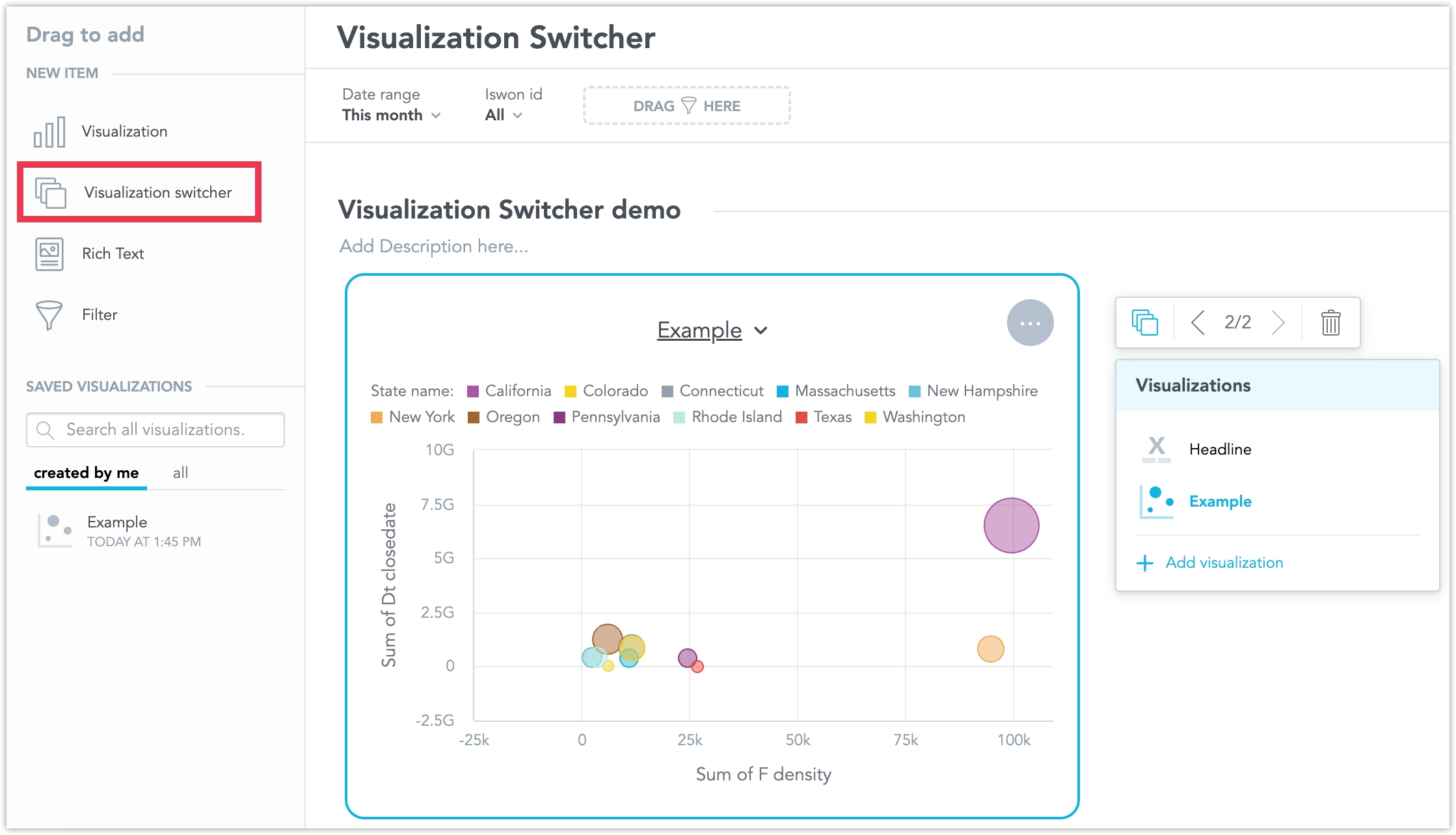
See the Visualization Switcher section for more details.
We would like to inform you about a bug fix coming on November 4, 2024, regarding column renaming in repeater visualizations. Previously, column names were incorrectly based on label names instead of the names set in the Analytical Designer. Starting on this date, all columns in Repeaters will reflect the names defined in the Analytical Designer.
To ensure a seamless transition, we recommend you review and update your column names in the Analytical Designer as needed before November 4, 2024.
GoodData.CN 3.19
We have added a new feature that lets you easily load filters you often use on a dashboard. Now, you can save these filter combinations and quickly switch between them with just one click.
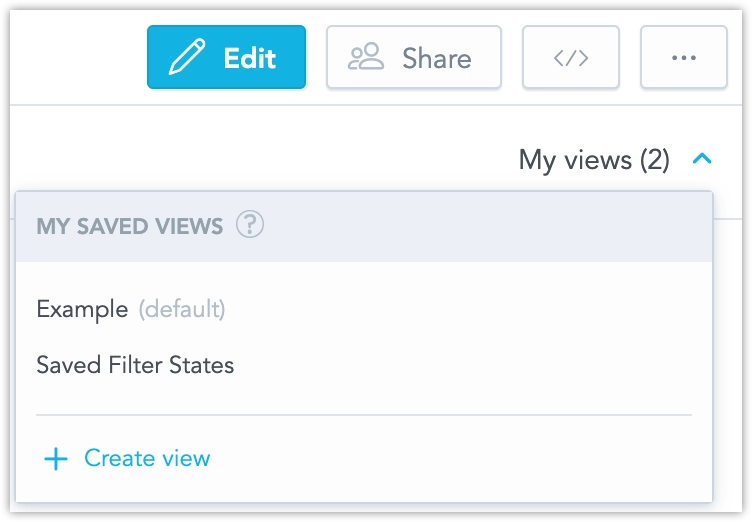
Additionally, we have added a new workspace permission that extends the VIEW permission, allowing users to save filters. This permission, called CREATE_FILTER_VIEW (or SAVE VIEWS in the GUI), must be applied alongside the VIEW permission. Users with ANALYZE or MANAGE permissions can save filters without needing any additional permissions.
You can now disable cross-filtering for individual widgets on a dashboard. This allows for more tailored control over the behavior of specific widgets when crossfiltering is applied across a dashboard. See Cross-filtering for details.
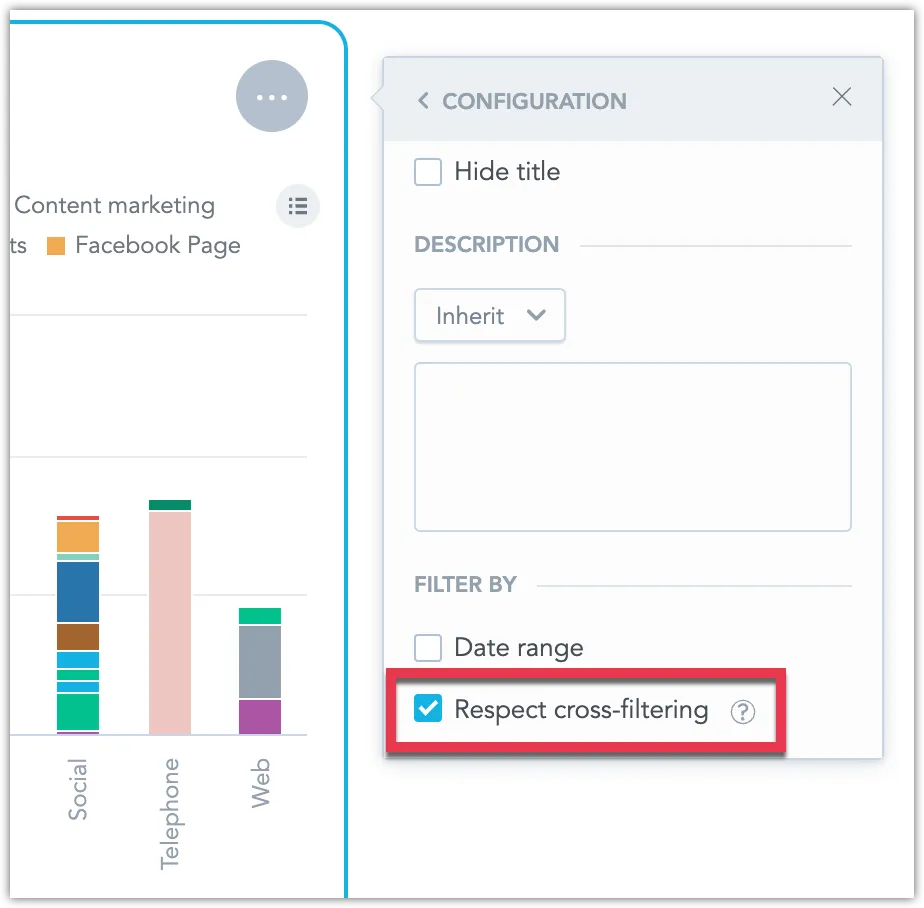
GoodData.CN 3.17
New Language Support
We have expanded the language options for our user interface to include Australian English, Cantonese and Traditional Chinese, and Finnish. These languages are now fully supported in the Analytics Designer, Dashboards, and Metric Editor.
The newest version of GoodData.UI contains the following change:
You can now exclude specific attributes from the drill-down intersection. To configure this, use the addDrillDownForInsightWidget and modifyDrillDownForInsightWidget commands. Be aware that this may introduce breaking changes.
GoodData.CN 3.16
We are introducing a new type of total that aligns with the metric it aggregates. For example, if the metric is SUM, the rollup will also use SUM, and so on.
Rollup totals are “smart” aggregations. They are particularly useful for tables displaying metrics that represent average values, helping to avoid aggregations like averages of averages.
Example:
Won Metric: The rollup represents the sum of all regions’ won amounts, making the
SumandRollup (Total)equal.Avg. Won Metric: Instead of averaging the row’s values (which are already averages), the rollup averages the original underlying data before it was aggregated by the Won metric and divided into regions like East Coast and West Coast. Consequently, the value of
Avg(an average of averages) differs from theRollup (Total)average (an average based on the original data).
See Rollup Totals for details.
You can now choose to exclude certain dates or attributes from being applied as filters when drilling into visualizations, dashboards, or drill-downs. This allows for more flexible data exploration by controlling which filters are passed during drills. See Disable Passing Filters in Drill-Throughs for more details.
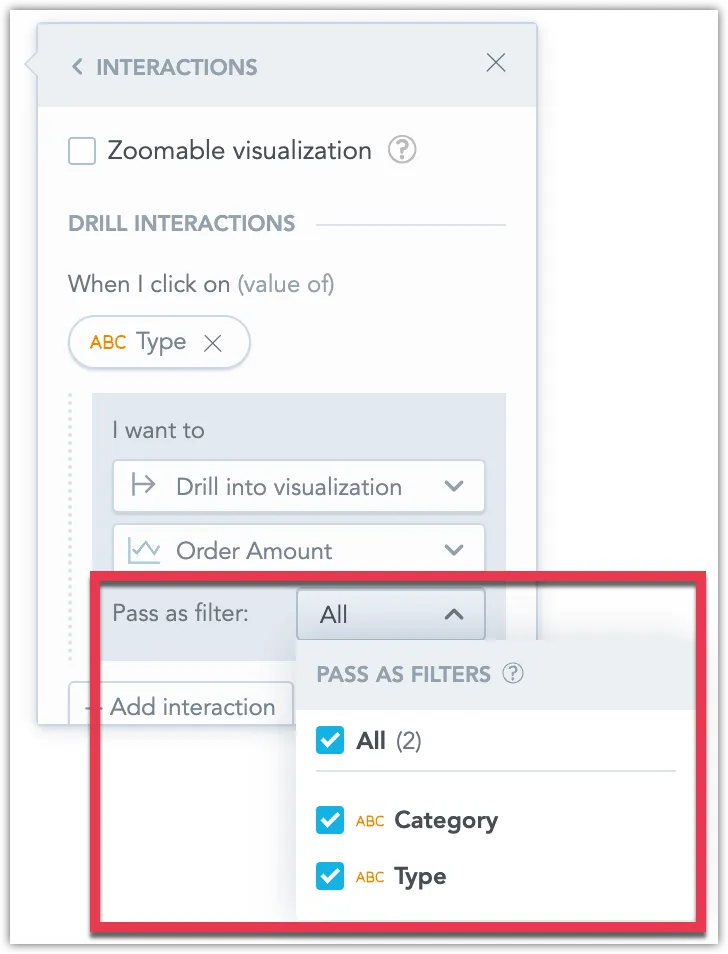
New version of the Python SDK is available today. Please note that in this version we have dropped support for Python version 3.8, please ensure your Python version is up to date if you update to this version of GoodData Python SDK. For details see the changelog.
We are going to update how attribute filters handle values with non-unique secondary labels, such as users sharing the same User Name.
Current Behavior:
When an attribute (e.g., User) has a unique primary label (e.g., User ID: 1234) and a more readable secondary label (e.g., User Name: John Doe), filtering by the User Name (if multiple users are named John Doe) results in all John Does being combined into a single filter value.
New Behavior:
The improved filter will display each attribute value even if the secondary label is not unique. This means you will see all instances of John Doe separately, with a tooltip showing the primary label (e.g., User ID) to help differentiate them. The filter’s behavior will be consistent across dashboards, visualizations, and drilling or exploring further interactions, regardless of which label is displayed.
This change is straightforward for end users. However, the metadata will have a new ‘Display as label’ parameter to indicate which label should represent the attribute in the GUI. This parameter must be considered when using filters in dashboards, visualizations, drilling, POST messages and events, SDK filter definitions, and cross-filtering. From now on, the filter will always be defined by the attribute’s primary label and values, which you should reflect when defining external filters (e.g., in POST messages).
We do not expect any changes to existing dashboards will be needed. The selection of text from the secondary label will be automatically transformed into a selection of individual attribute values with the value of the secondary label.
More details will be provided in upcoming release notes.
GoodData.CN 3.14
We are introducing the ability to use datasets from different data sources in an LDM and connect them using common date dimension datasets. This allows you to apply a common date filter across datasets from different data sources. See Using Multiple Data Sources in an LDM.
Please note that this is a beta feature currently in early development, so its functionality is limited at this stage.
We are going to update how attribute filters handle values with non-unique secondary labels, such as users sharing the same User Name.
Current Behaviour:
When an attribute (e.g., User) has a unique primary label (e.g., User ID: 1234) and a more readable secondary label (e.g., User Name: John Doe), filtering by the User Name (if multiple users are named John Doe) results in all John Does being combined into a single filter value.
New Behavior:
The improved filter will display each attribute value even if the secondary label is not unique. This means you will see all instances of John Doe separately, with a tooltip showing the primary label (e.g., User ID) to help differentiate them. The filter’s behavior will be consistent across dashboards, visualizations, and drilling or exploring further interactions, regardless of which label is displayed.
This change is straightforward for end users. However, there will be a new ‘Display as’ parameter in the metadata to indicate which label should represent the attribute in the GUI. This parameter must be considered when using filters in dashboards, visualizations, drilling, POST messages and events, SDK filter definitions, and cross-filtering. More details will be provided in upcoming release notes.
GoodData.CN 3.13
We’ve added new options to give you more control over dashboard filters. You can now disable the “Reset All Filters” button to ensure users follow a guided data experience. Additionally, you can prevent filter changes from being saved in the user’s browser, so each visit shows the default filter settings. See Disable Resetting Filters.
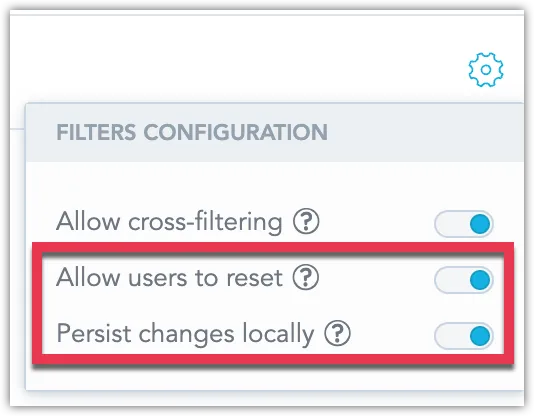
You can now connect directly to a MotherDuck database and create a MotherDuck data source within GoodData. This new feature expands your data connectivity options, allowing you to integrate MotherDuck seamlessly into your workflows. See MotherDuck Data Source.
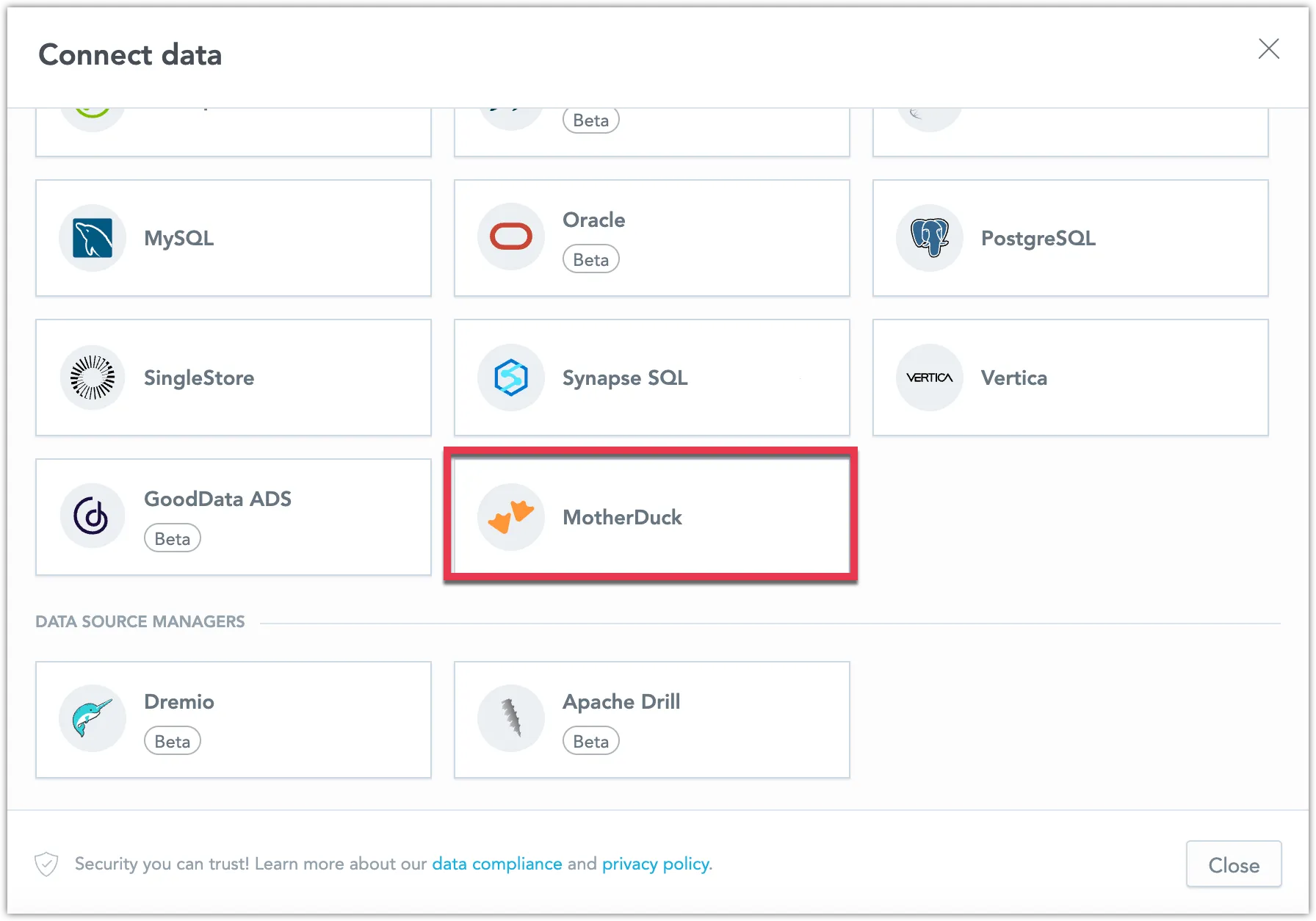
We now support key-pair authentication for Snowflake data sources. This secure method allows you to connect using private and public key pairs, enhancing your data protection. See Create a Snowflake Data Source.
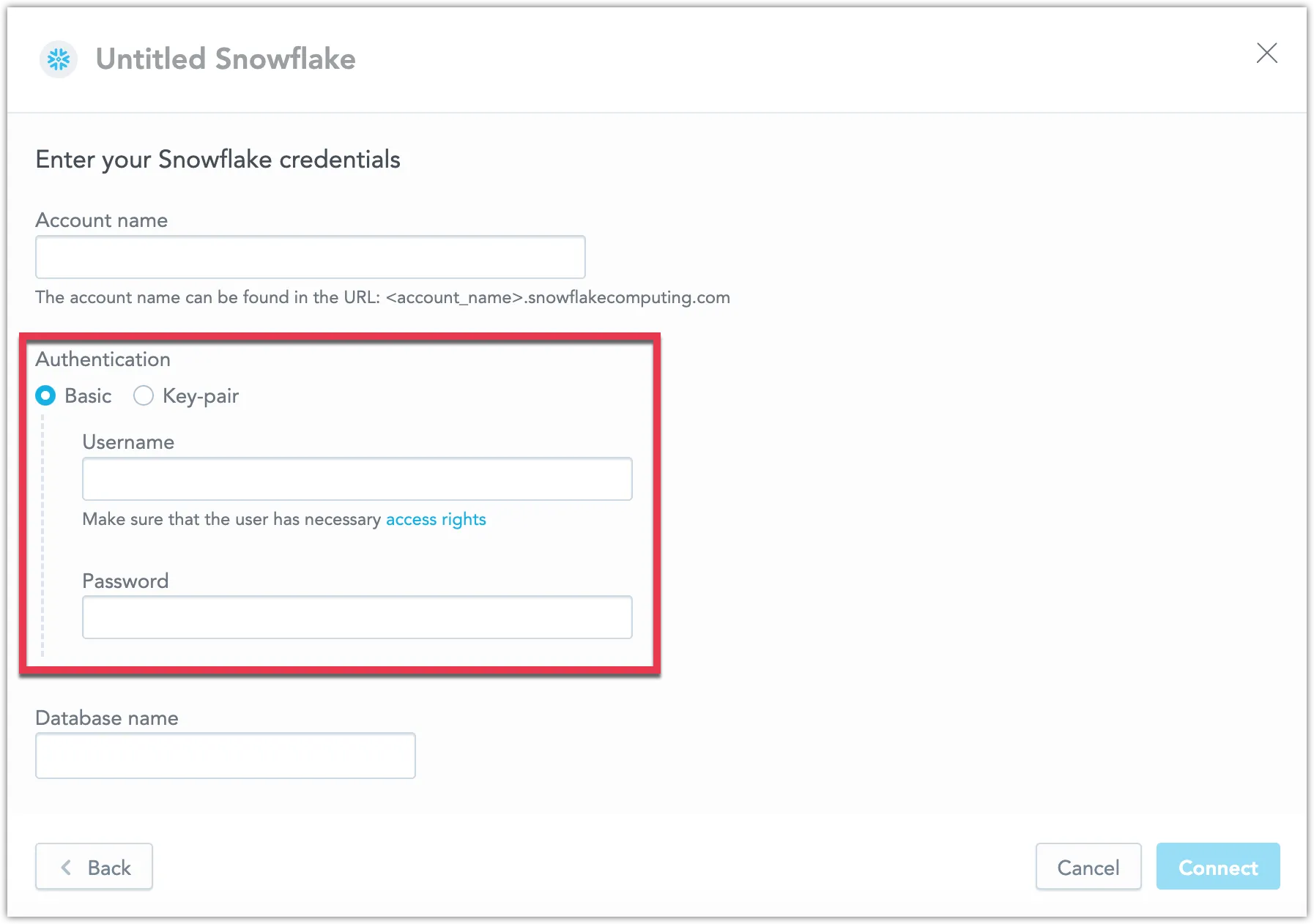
We are excited to announce that uploading CSV files as a data source is now fully supported and out of beta! You can now assemble a data source using an unlimited number of CSV files, with each file up to 200MB and a combined limit of 1GB. You can also disable this feature using the API. See Upload CSV Files.
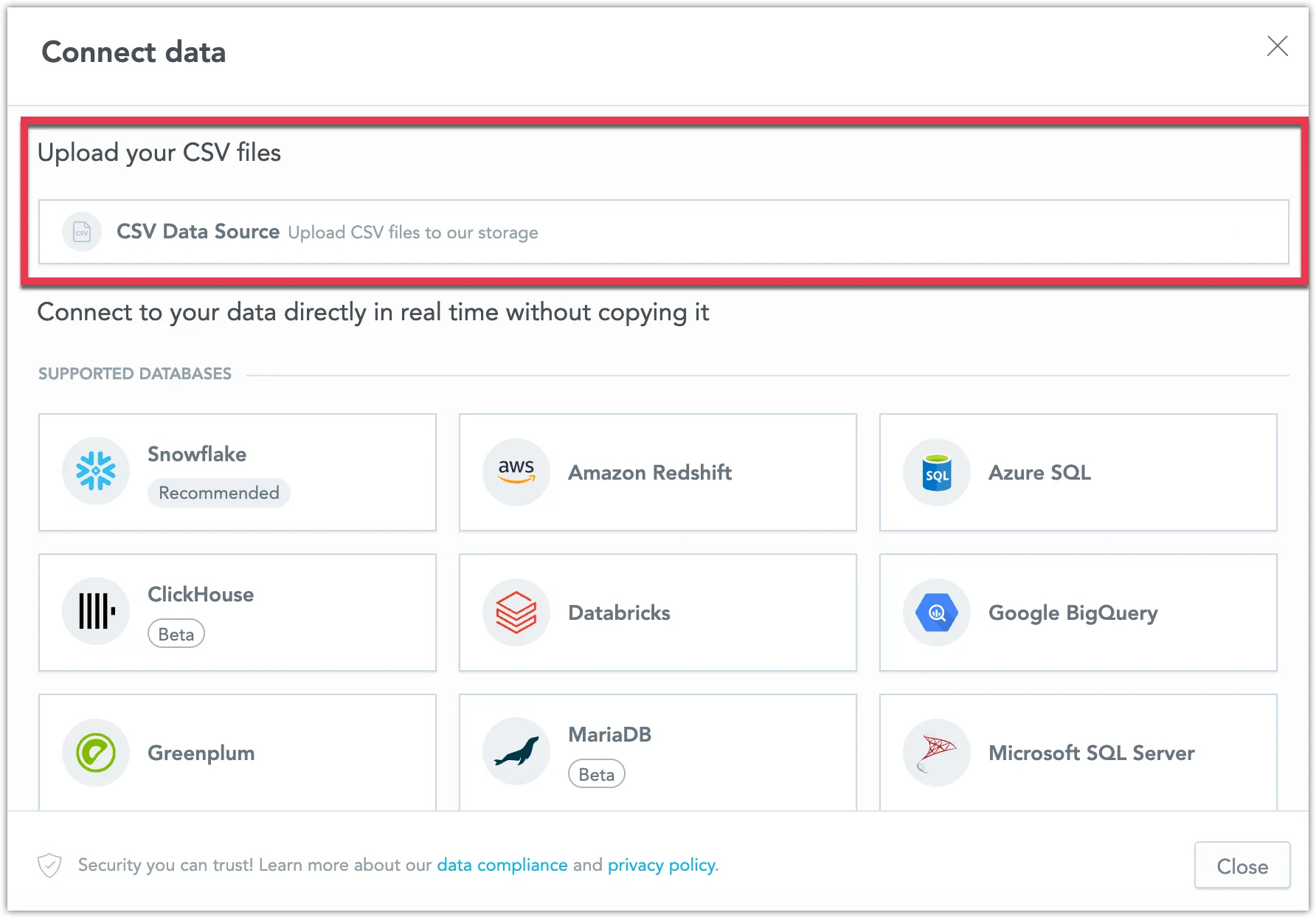
Today we have released new version of GoodData.UI with the following notable changes:
- You can now specify the
returnToparameter with the backenddeauthenticatefunction for a more seamless user experience. - The export function now supports PDF options, offering greater flexibility in how you share your data.
- The
visualizationObjectwill now be used instead ofexecutionResultfor export operations whenever possible, improving the efficiency of your exports.
We are also releasing a new version of the Python SDK today. This update includes only minor changes, such as version bumps, for details see the changelog.